
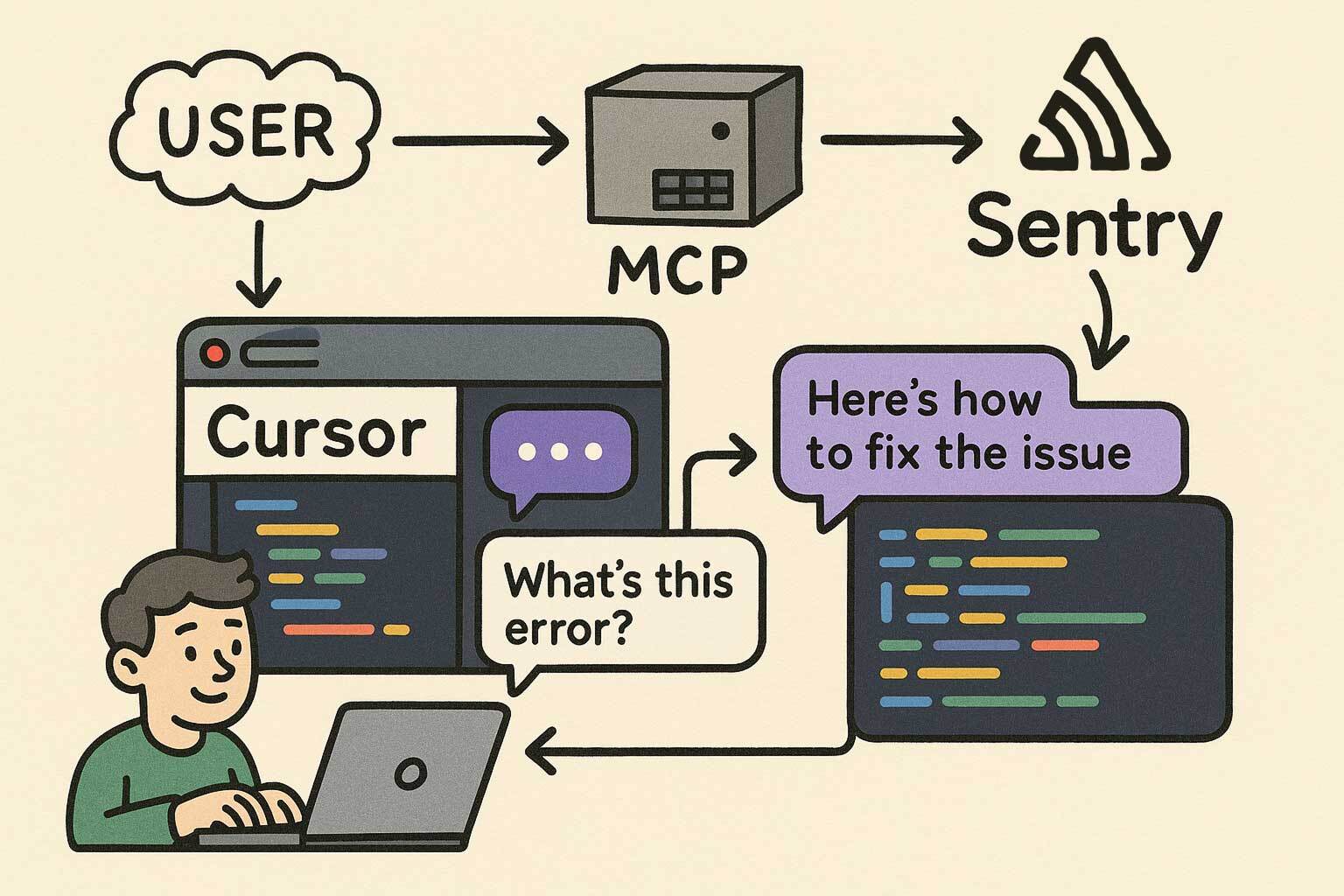
Error search
Connect an AI assistant to Sentry so users can search for errors through the MCP workflow.

Sentry MCP Server connects MCP-compatible AI assistants to Sentry for searching errors, analyzing performance, triaging issues, reading documentation, and managing projects. It uses OAuth and HTTP endpoints that can be scoped to an organization or project.
Sentry MCP Server is a Model Context Protocol (MCP) implementation that connects AI assistants to Sentry. It supports natural-language workflows for searching errors, analyzing performance, triaging issues, reading Sentry documentation, and managing projects.
The service uses OAuth for account connection. Its HTTP MCP endpoint can be used as a general server address or scoped to an organization or project. Project scoping is recommended in the documentation because it sets the default context for tools and hides unnecessary discovery tools.
Connect an AI assistant to Sentry so users can search for errors through the MCP workflow.
Use an MCP-compatible assistant to investigate performance information in Sentry.
Support issue-triage workflows from an AI client connected to Sentry.
Read Sentry documentation through the connected assistant.
Interact with Sentry project-management workflows through the MCP connection.
Connect through a base endpoint or scope the server to an organization or project; scoped connections constrain the default context and hide unnecessary discovery tools.
Connect an AI assistant to Sentry and search reported errors while investigating an issue.
Use the assistant as an interface for analyzing performance information available in Sentry.
Use a project-scoped endpoint to keep issue-triage interactions focused on one Sentry project.
Read Sentry documentation from within an MCP-compatible assistant instead of switching to a separate documentation workflow.
Use the connected client for supported project-management interactions exposed by the Sentry MCP Server.
All connections use OAuth. The first connection starts an authentication flow to connect the MCP client to a Sentry account.
The base HTTP endpoint is `https://mcp.sentry.dev/mcp`. It can optionally be extended with an organization slug or both an organization and project slug.
Yes. Use `https://mcp.sentry.dev/mcp/{organizationSlug}/{projectSlug}` to scope the connection to a project. The documentation recommends project scoping when possible; tools then default to that context and unnecessary discovery tools are hidden.
Documented setup instructions are provided for Claude Code, Cursor, and VS Code. Other MCP-compatible clients can connect over HTTP using the endpoint URL.
No pricing or plan information is available in the supplied product sources. The provided pricing URL returns a 404.