
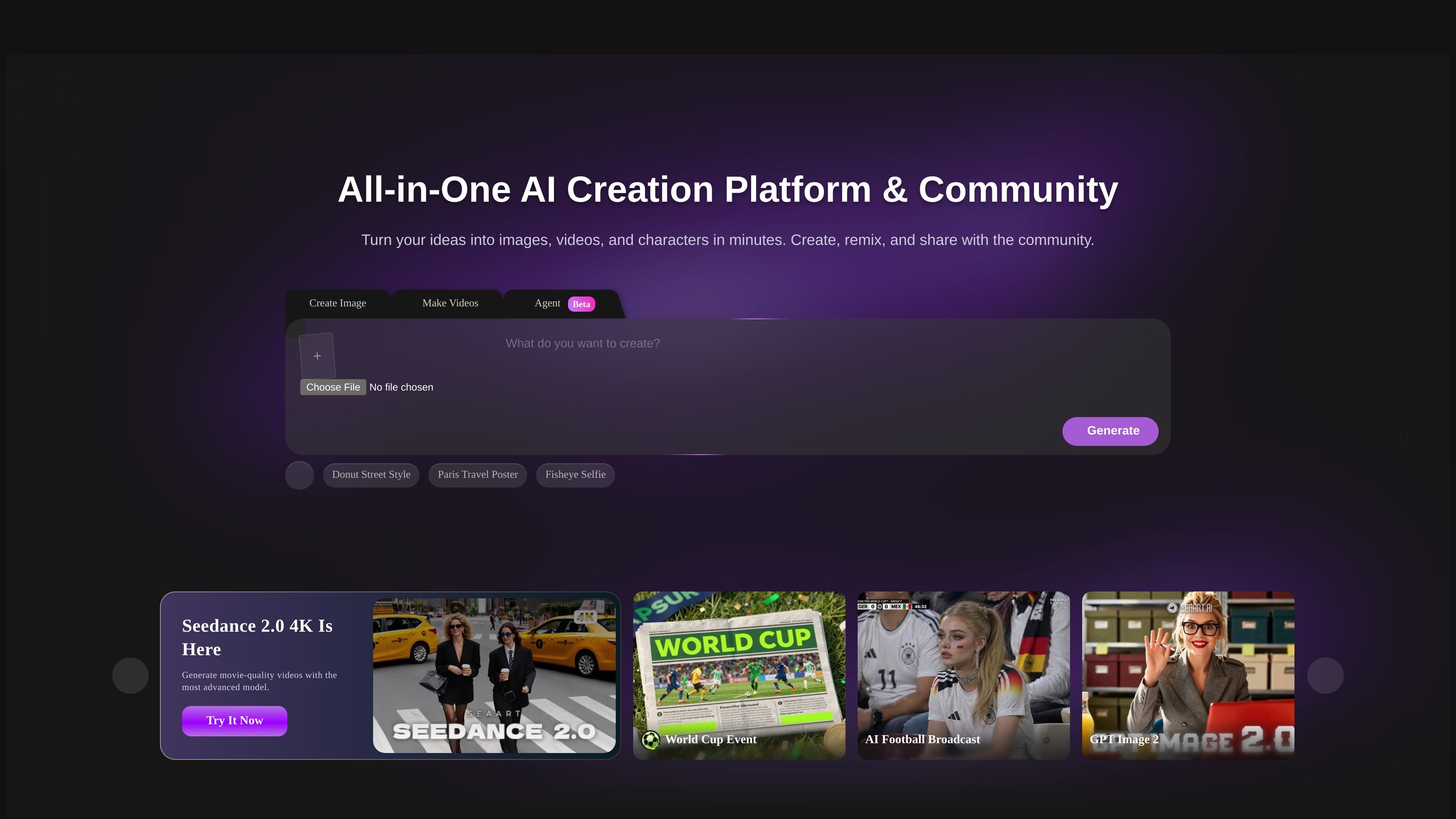
Image creation and editing
Generate images and refine them with tools such as an image upscaler, AI eraser, background remover, filters, and image editor.

Create and edit images or videos with AI models, templates and effects, then remix work from SeaArt’s creator community.
SeaArt AI is an online AI creation platform and community for producing images and videos. Start with its creation tools or ready-made templates and effects, choose among the models shown on the platform, and refine images with editing tools. Creators can browse community work, remix examples and share their own creations.
Image tools include background removal, erasing, filters and upscaling. Video tools include generation, camera-movement effects, lip sync and reference-to-video. Review generated details before publication, and check that you have permission to reuse source images and community material.
Generate images and refine them with tools such as an image upscaler, AI eraser, background remover, filters, and image editor.
Create videos using a video generator and guided effects, including camera movement, bullet-time effects, and face-dance effects.
Explore ready-made templates and one-click effects for image and video projects, including styles such as Polaroid photo effects and film-set effects.
Switch between models shown on the platform to explore different visual styles and output quality. Available choices depend on the creation workflow.
Browse creations from other users and remix community works, with featured examples spanning image and video projects.
Start with a video tool or template to make a clip using an effect or camera movement, such as a bullet-time sequence or multi-angle movement.
Generate or edit product imagery, then use available image tools such as background removal or upscaling to refine the result.
Browse community creations and remix an example to develop a new image or video concept from an existing work.
Apply image filters and effects, such as a Polaroid photo effect, to produce a particular look without beginning with a fully manual edit.
SeaArt supports image and video creation, image editing, templates and effects. Its creator community offers examples that can be browsed and remixed.
Yes. SeaArt lists image editing tools including an AI eraser, background remover, upscaler, and filters.
Yes. The site supports browsing community creations and remixing works.
Yes. Its video section includes a video generator and tools or effects such as lip sync, reference-to-video, and camera movement.
Os dados de tráfego são apenas para referência.

imagine.art
Create and edit images, video, and audio with AI models, shared canvases, and repeatable workflows.

nimvideo.com
Generate images and create, edit, or extend videos in a multi-model AI studio.

pictory.ai
Turn scripts, articles, presentations, images, and recordings into editable videos with AI.

pixverse.ai
Generate videos from prompts and images, with multi-shot direction, native audio, and production tools.

vidu.com
Vidu generates videos from prompts, images and visual references. Guide motion with keyframes and reuse characters, props or scenes across creative projects.

adoriai.com
Turn blog posts, text, PDFs or audio into narrated videos with AdoriAI, then review scenes, voiceovers and captions in a browser editor.