
Task or day-long recording
Press ⌘⇧R to start capturing a single task or a longer work session while you continue working normally.

ScreenCap é um aplicativo de gravação de tela para macOS com foco no armazenamento local, que ajuda equipes a documentar fluxos de trabalho e compartilhá-los, com controles de privacidade integrados à captura. As gravações ficam no Mac por padrão e podem ser pesquisadas e etiquetadas para reutilização posterior.
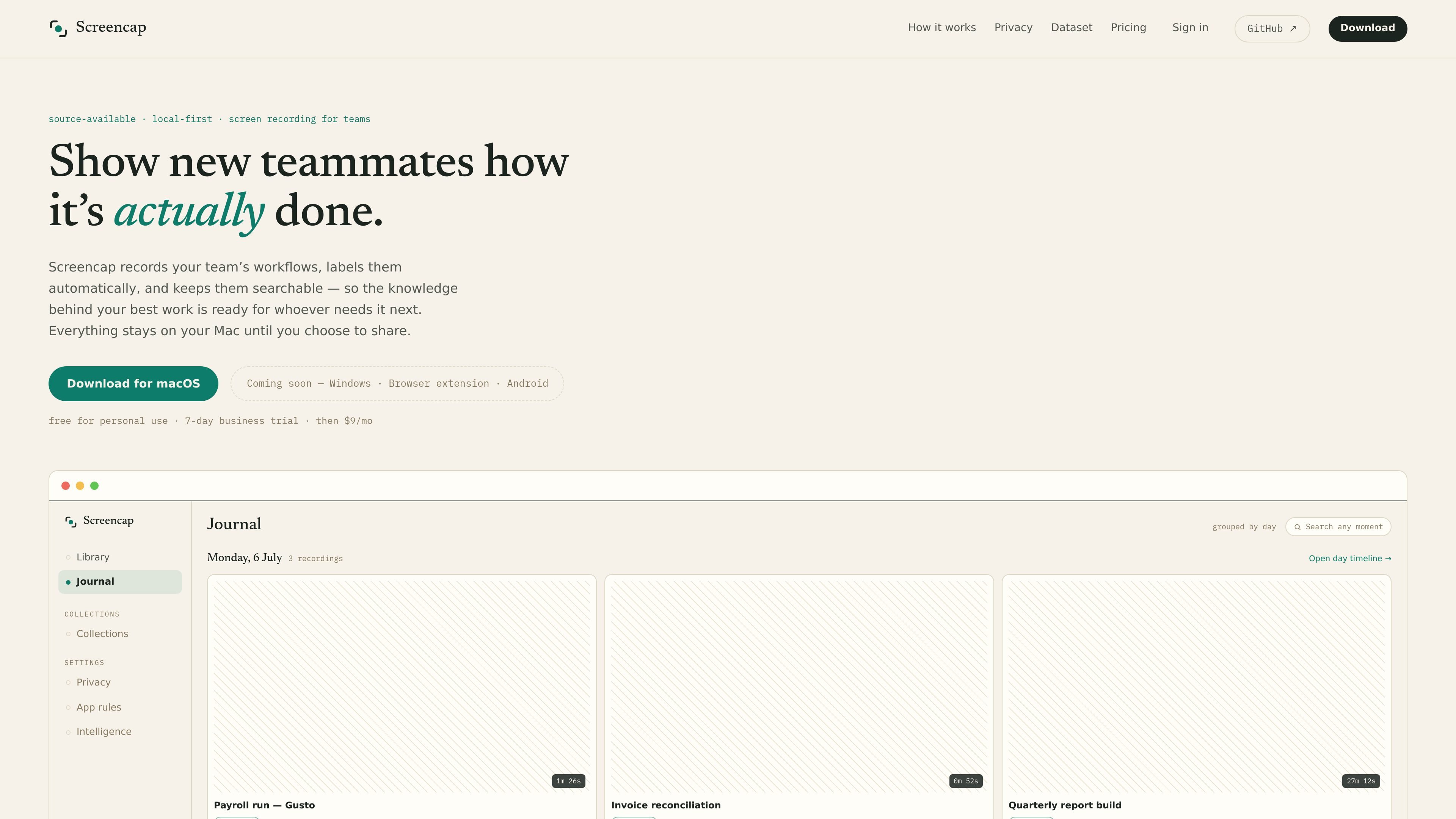
ScreenCap is a local-first screen recording app for macOS focused on preserving team knowledge while enforcing privacy at capture time. It records workflows on your Mac, automatically labels them, and keeps them searchable so teammates can find how a process was done later.
The product is built around the idea that sensitive content should be blocked or masked before it is ever written to disk. Recordings stay on the local Mac unless you choose to share them, back them up in a cloud plan, or export an encrypted file.
Press ⌘⇧R to start capturing a single task or a longer work session while you continue working normally.
Password managers and banking are cut before a frame is written, and email and chat are masked as they record.
An on-device model splits footage into labeled tasks and indexes spoken words and on-screen moments so recordings stay searchable.
You can share a single task or assemble multiple recordings into an onboarding collection, with each exported copy scrubbed of names, secrets, and PII.
While recording, ScreenCap can query connected MCP servers and store that context with the recording on your machine.
The app, capture engine, encryption, agent, and anonymizer are described as public on GitHub, and releases are notarized and reproducible.
Record a payroll run, expense approval flow, or other repeatable internal process, then share the labeled recording with a teammate who needs the exact steps.
Create ordered onboarding collections from multiple recordings so new teammates can learn processes from real examples instead of separate explanations.
Keep sensitive work on your Mac while recording, using app blocking and masking to avoid capturing passwords, banking screens, email, or chat content.
Search back through recorded moments months later to find a specific task, spoken instruction, or on-screen event without rewatching everything.
Record with connected MCP servers so the capture preserves contextual references to the app or record on screen for later viewing.
It is a local-first screen recording app for macOS. It records workflows on your Mac, labels them automatically, and keeps recordings searchable for later reuse or sharing.
Recordings are stored locally in ~/.screencap on the Mac where they were created. The site states that nothing leaves your Mac unless you choose a cloud plan or share selected recordings.
ScreenCap blocks password managers and banking apps before a frame is written, and masks email and chat as they record. Shared copies are scrubbed of names, secrets, and PII before they leave your Mac.
The site says ScreenCap can query connected MCP servers while you record, so the captured recording includes context about what was on screen at that moment.
The app is available for macOS, with Windows, a browser extension, and Android listed as coming soon. The page also notes macOS 14+ and Apple silicon.
Os dados de tráfego são apenas para referência.
| mai. | 0 |
|---|---|
| jun. | 0 |
| jul. | 1359 |
As análises de tráfego ainda não estão disponíveis.

apowersoft.com
Software multimédia e utilitários para gravação, edição, PDFs e gestão de dispositivos

hellothematic.com
Thematic é uma plataforma de música sem direitos autorais para criadores que buscam faixas licenciadas para vídeos, podcasts e conteúdo social. Ela combina busca com assistência de IA e playlists selecionadas com uma comunidade que ajuda artistas a promover sua música.

trycase.dev
TryCase é uma ferramenta de testes end-to-end com assistência de IA para pull requests do GitHub. Ela executa as jornadas de usuário afetadas em ambientes Linux descartáveis e publica na pull request resultados, vídeos, capturas de tela e detalhes das falhas.

dramafork.com
DramaFork ajuda criadores de histórias e equipes a produzir vídeos interativos editáveis, reproduzíveis e testáveis.