
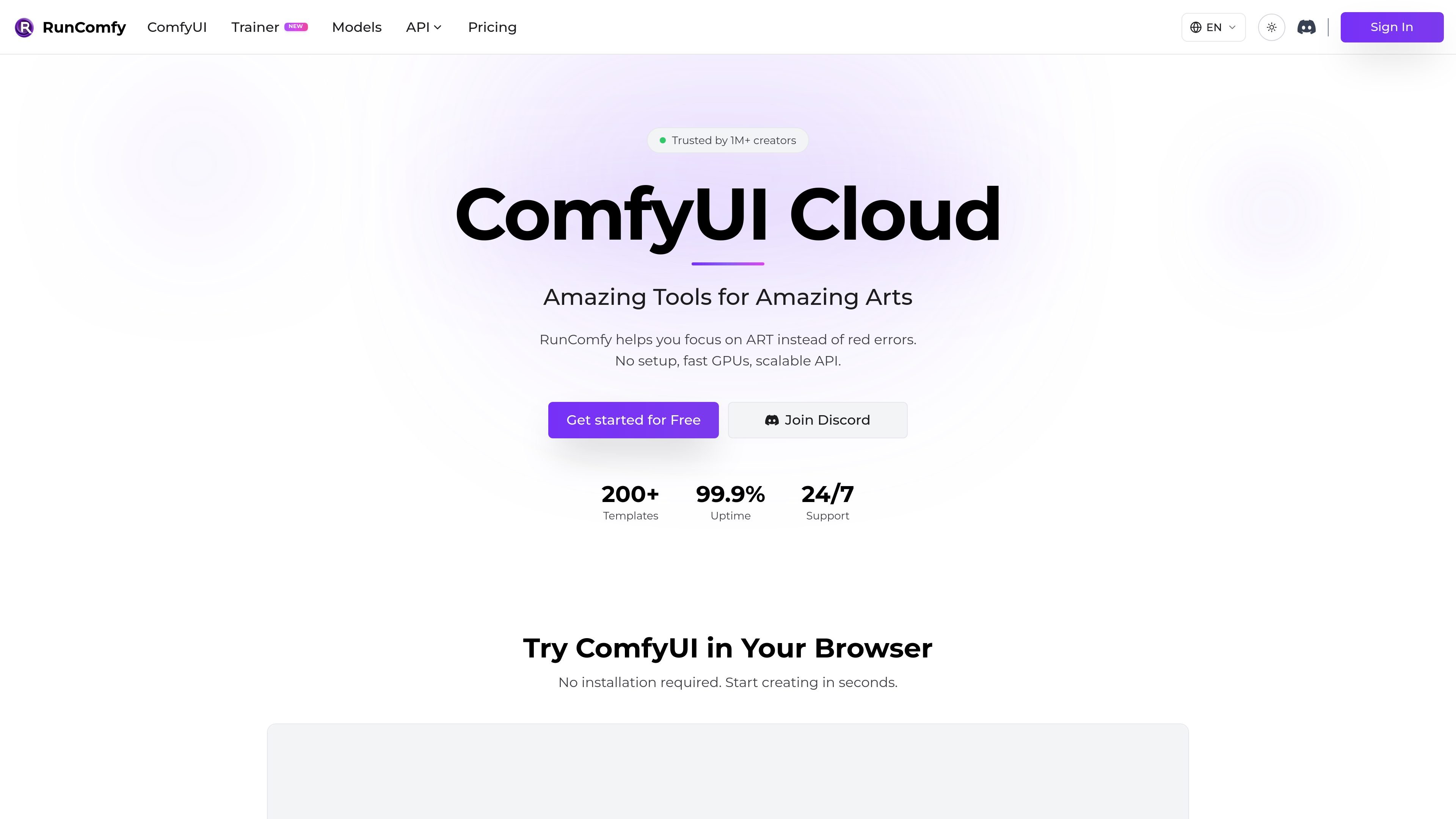
Browser-based ComfyUI
RunComfy provides a native ComfyUI cloud environment so users can work in the browser without local installation or manual setup.

RunComfy é uma plataforma ComfyUI na nuvem para executar workflows no navegador sem configuração local.
RunComfy is a cloud ComfyUI platform for running stable-diffusion-style workflows without local installation. It focuses on giving creators and developers a ready-to-use browser environment, plus a consistent way to save, share, and deploy workflows.
The site emphasizes native ComfyUI, automatic setup for missing models and custom nodes, and reusable workflow environments. It also offers pay-as-you-go GPU usage, optional Pro pricing with discounted rates, and serverless API deployment for saved workflows.
RunComfy provides a native ComfyUI cloud environment so users can work in the browser without local installation or manual setup.
Uploading a workflow JSON can trigger automatic installation of missing models and custom nodes, reducing the red-node and import-failed errors common with downloaded workflows.
Users can browse 200+ ready-to-run ComfyUI templates, including image, video, voice, 3D, and multimodal workflows.
RunComfy supports downloadable models from sources such as Civitai, Hugging Face, and Google Drive, and it keeps models persisted across sessions.
Any saved workflow can be turned into a serverless API endpoint, making the same ComfyUI setup usable from apps and scripts.
The platform offers multiple GPU machine sizes, with VRAM options from 16 GB up to 141 GB, plus separate training-oriented GPU pricing for longer jobs.
Open a workflow JSON from another source and let RunComfy install missing models and custom nodes so it can run in a clean cloud session.
Start from one of the platform’s ready-to-run templates when you want to generate images, video, voice, 3D, or multimodal outputs without building a graph from scratch.
Save a working ComfyUI setup and reopen it later with the same workflow graph, models, custom nodes, and environment preserved.
Turn a saved workflow into a serverless endpoint when you want to call ComfyUI from another app or script.
Choose larger GPU instances for heavier workflows or long-running training jobs that need more VRAM and dedicated compute.
RunComfy provides a cloud ComfyUI environment, so you can start a workflow in the browser without installing ComfyUI locally. The site also says it can auto-install missing models and custom nodes from a workflow JSON.
Yes. The pricing page states that any ComfyUI workflow can be deployed as a serverless API endpoint, and the home page describes one-click deployment from a saved workflow.
The pricing page says RunComfy uses a shared balance across Models, ComfyUI, and Trainer. ComfyUI itself is pay-as-you-go, while Pro is optional and adds discounted GPU rates plus extra perks.
The home page says saved workflows can be shared with a simple link so another person opens the same environment, including workflow, models, custom nodes, and ComfyUI setup.
The site supports the ComfyUI graph and notes workflows can include custom nodes, models, and dependencies. It also describes ready-to-run templates and cloud-saved reproducible environments.
Os dados de tráfego são apenas para referência.

happycapy.ai
Plataforma de agentes no navegador para executar Claude Code, gerenciar habilidades e delegar tarefas com segurança.

openfang.sh
OpenFang é um sistema operacional de agentes de código aberto, desenvolvido em Rust, para executar, configurar e supervisionar agentes autônomos. Oferece implantação local ou autogerenciada, modelos integrados, manifestos personalizados, canais de mensagens e controle por navegador ou API.

dev-swat.com
DevSwat é uma plataforma de infraestrutura de IA agêntica para criar, executar e agendar agentes de IA autônomos. Ela reúne IDE no navegador, chat, automação de fluxos de trabalho, análise de código e controles de governança em um único ambiente web.

opencodesuper.app
OpenCode Superapp é um espaço de trabalho nativo para Mac que permite usar modelos de IA locais, auto-hospedados ou na nuvem junto com programação, automação do navegador, voz, extensões, widgets e acesso remoto seguro. É voltado a quem busca um ambiente OpenCode local-first sem precisar de uma conta.

replit.com
Plataforma no navegador para criar e implantar software com IA

tensorflow.org
Plataforma de machine learning de código aberto para criar, treinar e implantar modelos em desktop, dispositivos móveis, web, nuvem e edge.