
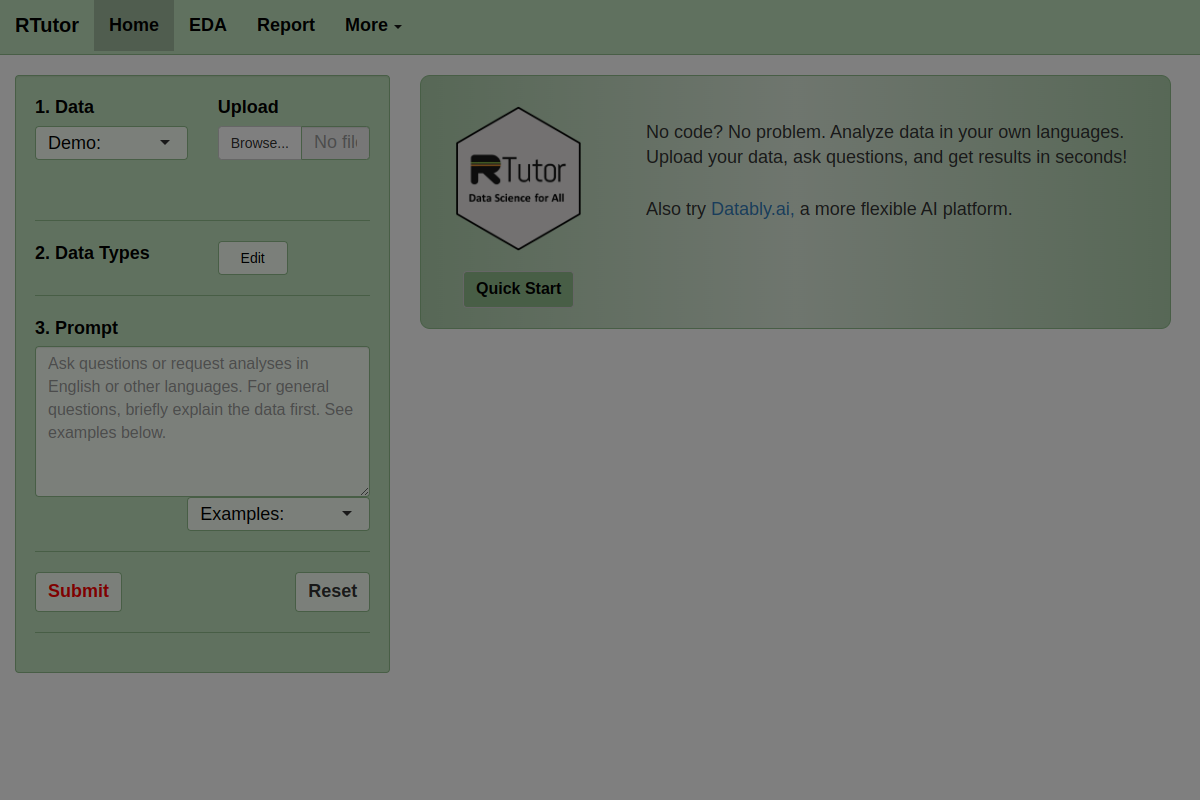
Natural-language code generation
Turn natural-language prompts into R or Python code for data analysis, with the default model set to GPT-4o on the site.

RTutor 2.00 transforma perguntas em linguagem natural em código R ou Python para analisar conjuntos de dados de forma interativa.
RTutor 2.00 is a web-based data analysis tool that translates plain-English requests into R or Python code. It is designed for users who want to upload a dataset, ask questions, and receive plots, summaries, code, or downloadable reports without writing the analysis from scratch.
The product is aimed at traditional statistics data where rows are observations and columns are variables. The site emphasizes checking column types, starting with exploratory analysis, and using the generated code as a draft that should still be reviewed for correctness.
Turn natural-language prompts into R or Python code for data analysis, with the default model set to GPT-4o on the site.
Upload CSV, TSV/tab-delimited text files, or Excel files and analyze them as a data frame named `df` without manually loading data.
Work with a second file as `df2` when you want to compare or combine two uploaded datasets in one session.
Check data types, basic plots, distributions, correlations, tables, and summary reports through dedicated analysis tabs and generated outputs.
Use a Q&A box to ask about the code, result, or error messages, and refine earlier requests within the same session context.
Download results as an HTML report and use generated code chunks as a starting point for further review and validation.
Upload a spreadsheet or text dataset and ask for basic summaries, distributions, or plots to get a first pass at the data without writing code manually.
Review column types, clean the data, and correct categorical fields before running analysis so the generated code matches the structure of the dataset.
Ask follow-up questions in the same session to refine a chart, adjust a plot setting, or move from a simple question to a more specific analysis.
Use the generated code and HTML report as a starting point for validation, documentation, or further work in R or Python.
Analyze a second file alongside the first one by uploading it as `df2` and referencing it in the prompt when comparison or joint analysis is needed.
RTutor lets you upload a data file and ask questions in plain English. It then translates those requests into R or Python code and returns the result, often as charts, tables, or downloadable reports.
The site says RTutor works with CSV, TSV/tab-delimited text files, and Excel files. It can also analyze a second uploaded file as `df2` when you refer to it in your prompts.
RTutor is aimed at traditional statistics data where rows are observations and columns are variables. The site advises users to prepare and clean data in Excel first and to verify column data types before analyzing.
RTutor includes a Q&A box for questions about code, results, or error messages, and the session keeps previous questions and code chunks as context for later requests.
The site states that RTutor is free for non-profit organizations only and that commercial use requires licensing. It also notes that businesses can discuss custom, locally installed deployments.
Os dados de tráfego são apenas para referência.

getdot.ai
Analista de dados com IA para perguntas em linguagem natural, análises e relatórios automáticos

energent.ai
Ferramenta de análise de dados com IA e sem código que transforma ficheiros, documentos e links em análises, dados extraídos e relatórios exportáveis para negócios, finanças e documentos.

rows.com
Rows é um analista de dados com IA baseado em planilhas para importar, analisar e compartilhar dados sem código, SQL ou fórmulas.

askyourdatabase.com
AskYourDatabase é um analista de dados e chatbot SQL com IA para consultar bancos de dados em linguagem natural, criar painéis e controlar acessos.

hex.tech
Plataforma de análise com IA, perguntas e respostas conversacionais, notebooks SQL e Python e apps de dados publicáveis

getbruin.com
Plataforma de dados com IA para responder perguntas, criar dashboards e automatizar ações em dados conectados, com implantação na nuvem ou autogerenciada.