
Full-text article extraction
Pulls the full article from supported RSS sources instead of using the truncated excerpt commonly published in a feed.

RSS to Kindle turns blogs, RSS feeds, and Substack newsletters into full-text ebooks delivered to a Kindle. Readers can send individual articles or combine new posts into automatic daily digests.
RSS to Kindle is a reading and content-delivery service for people who want to read web publications on a Kindle. Users can add RSS feeds, blogs, and Substack newsletters, and the service extracts full articles and formats them as a clean ebook rather than sending feed excerpts.
Articles from several sources can be combined into one issue, with individual articles organized as chapters. Readers can send an article on demand or enable an automatic digest for new posts. The service also offers a separate tool for emailing EPUB files to a Kindle.
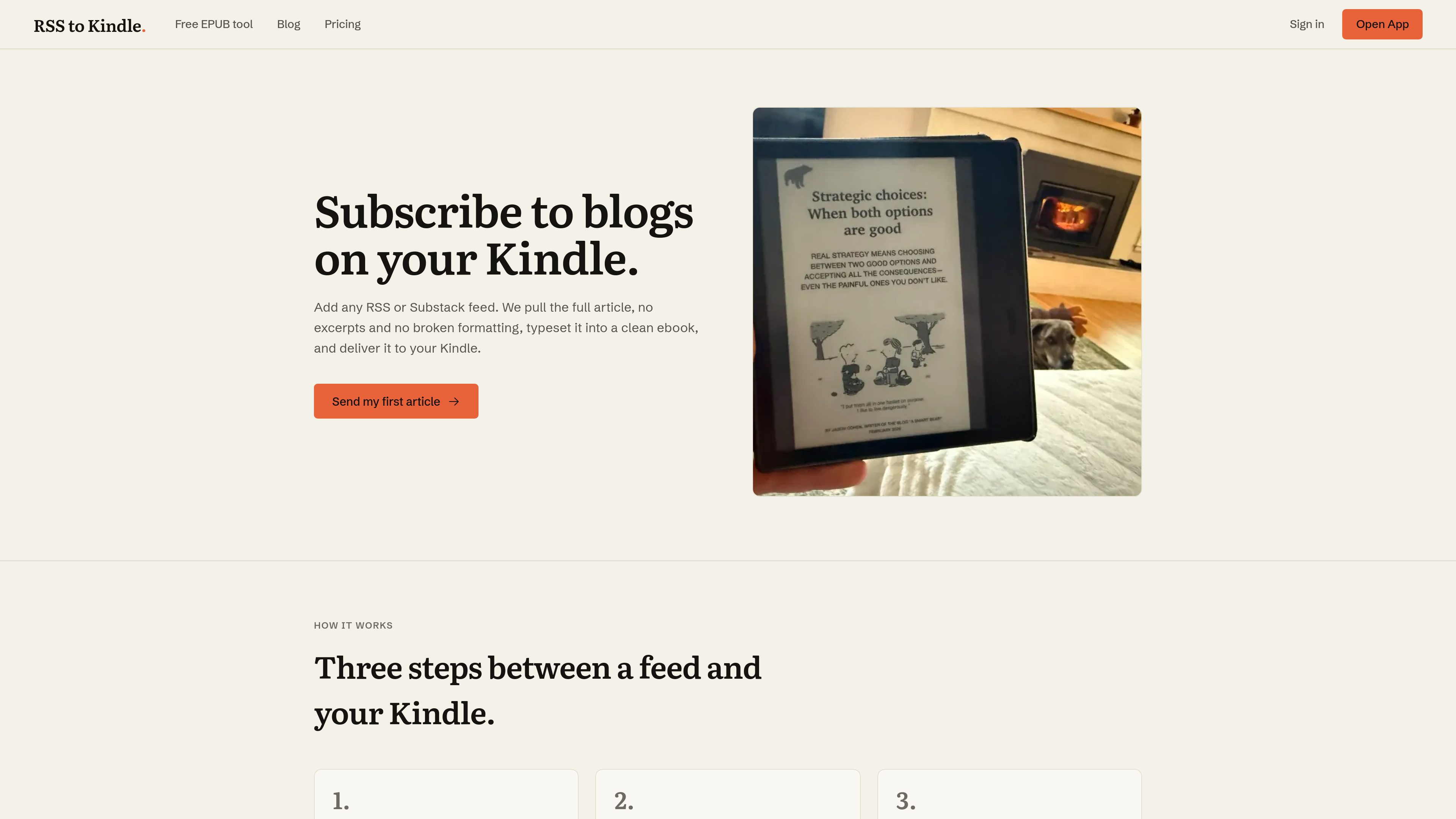
Pulls the full article from supported RSS sources instead of using the truncated excerpt commonly published in a feed.
Packages articles into one ebook with chapter organization and headings formatted for Kindle reading.
Accepts RSS or Substack URLs, can find a feed from a site URL, and also provides a catalog of blogs and newsletters.
Lets readers send an individual article immediately or enable a digest that sends new articles from subscribed feeds automatically.
The separate free tool emails an EPUB file of up to 25 MB to a user's Kindle address and deletes the file after it is sent.
The free plan supports up to five articles per day as one text-only issue; the $60-per-year plan adds unlimited article sends and images, charts, and diagrams.
Subscribe to blogs with RSS feeds and collect their full articles into a Kindle-readable issue for focused reading without returning to each website.
Add Substack newsletters and other feeds so new issues can be read together as one daily collection instead of opening multiple email messages.
Follow news publications such as The New Yorker, The Atlantic, BBC News, The Verge, or The Guardian and have new articles assembled for a regular Kindle reading routine.
Use on-demand delivery when a specific older or newly published article is worth reading immediately, rather than waiting for the next digest.
Upload an EPUB to the separate sending tool when the goal is to move an existing ebook file to a Kindle rather than subscribe to a feed.
It can send full-text articles from sources with RSS feeds, including blogs, Substack newsletters, news sites, and podcast show notes. It also has a separate tool for sending EPUB files.
You add your Kindle's Send-to-Kindle email address to your account and approve newpost@rsstokindle.com in Amazon's approved personal document sender list. RSS to Kindle then emails the article issue or EPUB to that address.
Yes. You can enable a digest so new articles from subscribed feeds are sent automatically. Individual older articles can also be sent on demand.
The free plan sends up to five articles per day as one text-only issue. The paid yearly plan costs $60 per year and adds unlimited article sends and images, charts, and diagrams.
The tool accepts EPUB files up to 25 MB. A free account is created when you send, and the uploaded file is deleted as soon as the email is sent. Amazon converts the EPUB on arrival; the file should not be converted to MOBI first.
Os dados de tráfego são apenas para referência.