
Automated security scanning
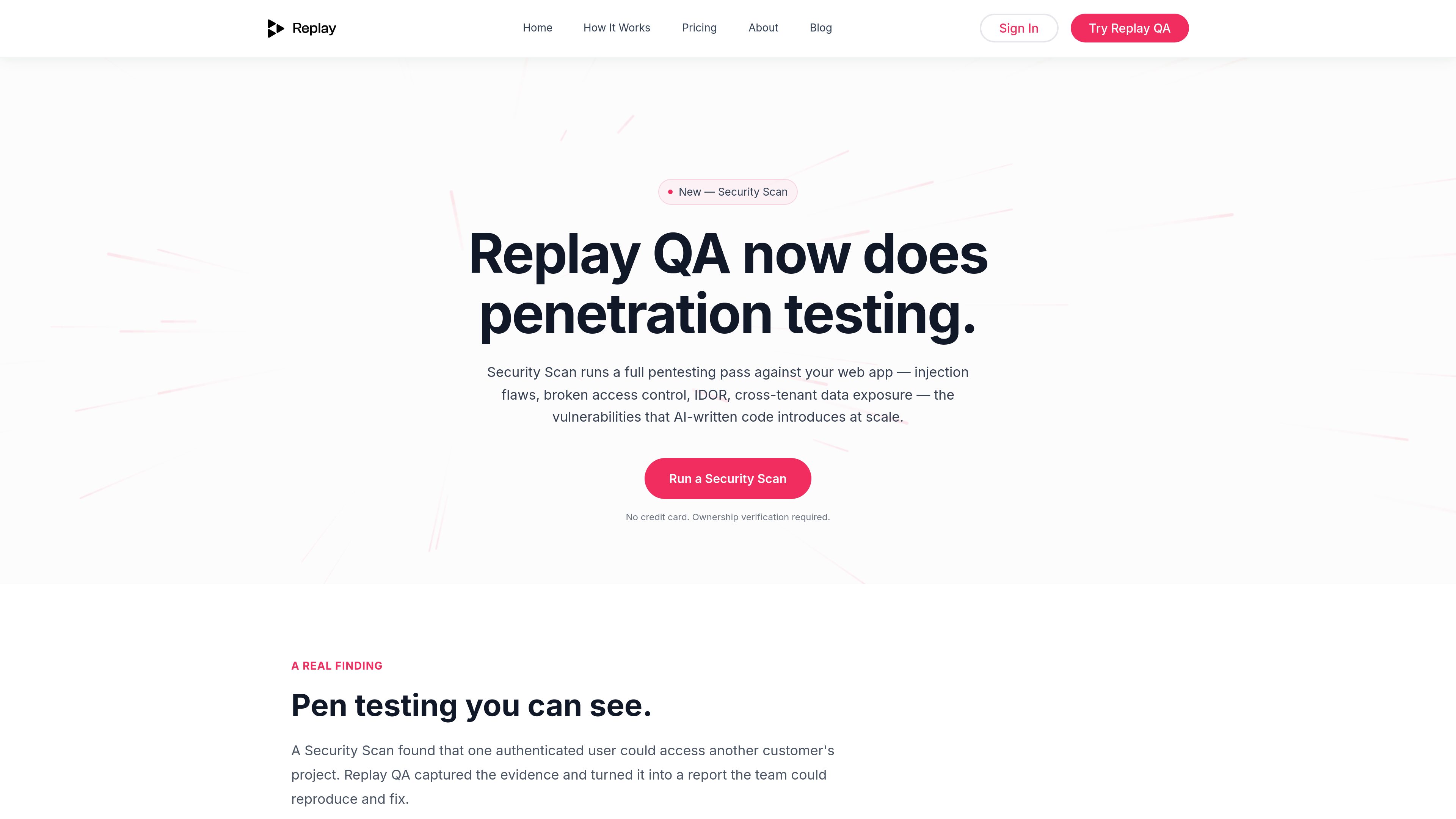
Runs penetration-style checks against a live web application for injection flaws, broken access control, IDOR, cross-tenant data exposure, weak authentication, and related business-logic gaps.

Replay QA is an agentic web application testing platform with an automated Security Scan for penetration testing. It explores live apps, tests authenticated journeys, captures runtime evidence, and produces reports that teams can use to remediate security and other software defects.
Replay QA is an agentic testing platform for live web applications. Its Security Scan performs an automated penetration-testing pass focused on vulnerabilities that can arise in rapidly built applications, including injection flaws, broken access control, IDOR, cross-tenant data exposure, and weak authentication.
The service explores an application, identifies user journeys, and runs tests in a Chromium browser. For security testing, ownership verification is required. Runtime recordings preserve the session evidence needed to investigate a finding, while the resulting reports describe the behavior, impact, reproduction evidence, root cause, and suggested fix.
Replay QA can be started from a URL or connected to a GitHub repository. In addition to security issues, the broader testing workflow can identify runtime, UI, accessibility, and performance problems and route results into pull requests or issue trackers.
Runs penetration-style checks against a live web application for injection flaws, broken access control, IDOR, cross-tenant data exposure, weak authentication, and related business-logic gaps.
Tests behavior in a running authenticated application, with ownership verification required before a Security Scan can run.
Captures DOM mutations, network calls, JavaScript frames, and session behavior in the browser so agents can investigate failures from the runtime evidence rather than from source-code assumptions alone.
Reports explain the vulnerability, discovery path, potential attacker impact, evidence from the tested behavior, severity, root cause, and a suggested remediation.
Accepts a direct URL or GitHub repository and supports testing against development, staging, production, or localhost environments.
Can comment on pull requests and file findings to GitHub Issues, Linear, Jira, or another endpoint that accepts a webhook.
Run a security pass against an application built or changed quickly with AI coding agents, looking for access-control, injection, and data-isolation failures that functional testing may miss.
Connect a GitHub repository so a run tests the preview deployment and posts the root cause and suggested fix as a pull-request comment next to the relevant change.
Use authenticated testing to check whether one user can access another customer's project or other tenant-scoped data, with evidence preserved in the resulting finding.
Configure runs on pushes, pull requests, or a daily or weekly schedule so teams can receive fresh findings as the application changes.
Start with a URL rather than a prewritten test suite; Replay QA explores the application, discovers journeys, and generates tests for those flows.
No. The documented workflow starts with a URL or connected repository. Replay QA explores the application, discovers user journeys, and generates tests for those journeys.
A security finding explains what the vulnerability is, how it was discovered, what an attacker could do with it, and what to fix. The broader reports can also include a recording, annotated screenshots, root-cause analysis, severity, and a suggested fix.
Security Scan tests behavior in a live authenticated application and preserves evidence from the session. Replay QA says its reports are based on observed behavior, including examples such as one authenticated user accessing another customer's project.
Projects can point to development, staging, production, or localhost. Environments can be switched in settings or managed through the REST API.
A GitHub connection can trigger runs on pushes to main, pull requests, or a daily or weekly schedule. Results can be posted as pull-request comments or filed through GitHub Issues, Linear, Jira, or a webhook-compatible endpoint.
Os dados de tráfego são apenas para referência.

www.giskard.ai
Giskard is an AI security and evaluation platform for testing conversational LLM agents before and after deployment. It combines automated red teaming, quality evaluation, runtime guardrails, and remediation workflows for teams responsible for reliable AI systems.

escape.tech
AI-powered discovery, application testing, and pentesting for security teams

testim.io
Record application flows, add checks and run end-to-end tests. Testim combines AI-assisted element locators with visual test editing and team workflows for web, mobile and Salesforce testing.

ethiack.com
Continuous AI-assisted penetration testing and exposure validation for security teams.

mindgard.ai
AI security and automated red teaming for enterprise models, agents, and applications.
www.mcpjam.com
MCPJam is a testing and evaluation platform for MCP servers. It helps developers inspect servers locally, run user and model-based tests, and add behavior checks to CI/CD workflows.