
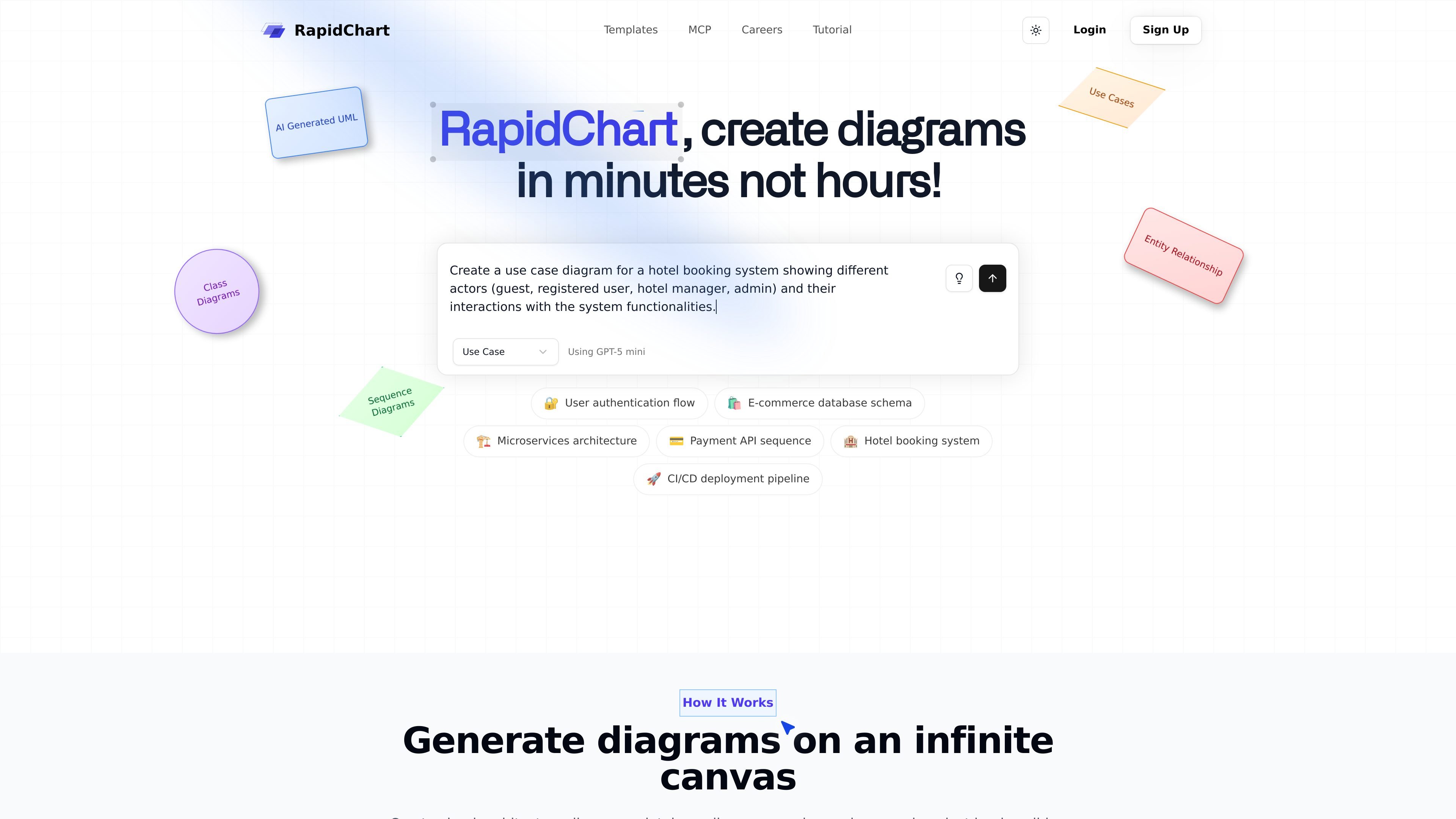
AI-powered diagram generation
Describe a diagram in plain language or paste code, and RapidChart generates technical diagrams on an infinite canvas.

RapidChart é um editor de diagramas UML e técnicos com IA para gerar e editar diagramas a partir de prompts ou código, com suporte a fluxos UML, ER, C4, arquitetura em nuvem e Cursor.
RapidChart is an AI-powered UML and technical diagram editor that turns prompts or pasted code into structured diagrams on an infinite canvas. The home page positions it as a way to create diagrams in minutes instead of hours, with support for class diagrams, sequence diagrams, use case diagrams, ER diagrams, C4 diagrams, and cloud architecture diagrams.
The product combines AI generation with manual editing tools, community templates, import and export features, and a Cursor MCP integration for generating diagrams directly from code. The tutorial also notes optional API keys for unlimited AI generation requests and access to premium models, while the site’s pricing page was unavailable in the collected evidence.
Describe a diagram in plain language or paste code, and RapidChart generates technical diagrams on an infinite canvas.
Work with flowcharts, sequence diagrams, class diagrams, use case diagrams, C4 diagrams, ER diagrams, and cloud architecture diagrams in one editor.
Adjust nodes and edges directly on the canvas, including text editing, styling, deletion, drag-and-drop placement, and arrow settings.
Create diagrams from code in Cursor using the MCP workflow, including support for diagram generation, updates, workspace browsing, and model checks.
Import PNG, JPG, JPEG, GIF, WebP, and SVG files into the canvas, including multiple files at once.
Export and share diagrams through PNG output, public links, website or document embeds, and team sharing with permissions.
Describe a system, workflow, or codebase in plain language and generate a starting diagram on the canvas, then refine the result with direct editing.
Map database structures with tables, relationships, and constraints using the ER diagram tools for schema planning or documentation.
Visualize service boundaries, components, and interactions with C4 diagrams, sequence diagrams, or architecture-oriented templates.
Use the Cursor MCP workflow to generate or update diagrams from source code without leaving the IDE.
Import reference images or logos and combine them with generated content when you need a diagram to reflect existing visual assets.
RapidChart generates UML and other technical diagrams from text prompts, and the tutorial also describes support for updating existing diagrams and creating diagrams from code in Cursor through the MCP workflow.
The site highlights flowcharts, sequence diagrams, class diagrams, use case diagrams, C4 architecture diagrams, ER diagrams, and cloud architecture diagrams for AWS, Azure, and Google Cloud.
Yes. The MCP page describes a Cursor integration that lets you generate diagrams directly from code after installing the package, creating an API token, and configuring Cursor.
The tutorial says diagrams are automatically saved locally, with manual save available via Cmd/Ctrl + S, and it also mentions public links, embeds, team sharing, and permissions for sharing diagrams.
The pricing page returned a 404 error in the collected evidence, so the site copy here does not confirm current plan details, pricing, or trial terms.
Os dados de tráfego são apenas para referência.

alloy.app
Alloy é uma ferramenta de prototipagem com IA para equipes criarem demos interativas a partir de produtos existentes, com captura do navegador, conexão ao codebase, compartilhamento na nuvem e entrega a fluxos do GitHub, MCP ou Figma.

wonder.design
Wonder é uma ferramenta de design nativa de IA para criar, editar e sincronizar designs com código.

promptessor.com
PrompTessor é um espaço de trabalho web com IA para gerar, analisar, otimizar, aperfeiçoar, fazer engenharia reversa, salvar e reutilizar prompts no ChatGPT, Claude, Gemini e modelos semelhantes.

paraflow.com
Paraflow é um agente de design de produto baseado em canvas que transforma ideias em PRDs, fluxos de usuário, UI, protótipos e código frontend, com exportação para Figma, GitHub, HTML e ZIP.

jasper.ai
Plataforma de marketing com IA para fluxos de conteúdo de marca em vários canais

template.net
Editor com IA para criar e exportar documentos, apresentações, designs, gráficos, quadros brancos e recursos web editáveis