
Generate multiple question formats
Create single-answer or multiple-answer multiple-choice questions, true/false items, fill-in-the-blanks, short answers, FAQs, higher-order questions, and matching questions from source content.

AI quiz authoring for educators, students, and teams from text and documents.
Questgen is an AI-assisted quiz and assessment authoring tool. It turns source material—including text, webpages, PDFs, Word documents, images, and audio or video files—into question sets for teaching, practice, and workplace assessment. Users can choose a question format, review and edit the generated questions, then export a worksheet or share an interactive quiz. Its core purpose is to reduce the manual work involved in building assessments from existing learning or policy materials.
Create single-answer or multiple-answer multiple-choice questions, true/false items, fill-in-the-blanks, short answers, FAQs, higher-order questions, and matching questions from source content.
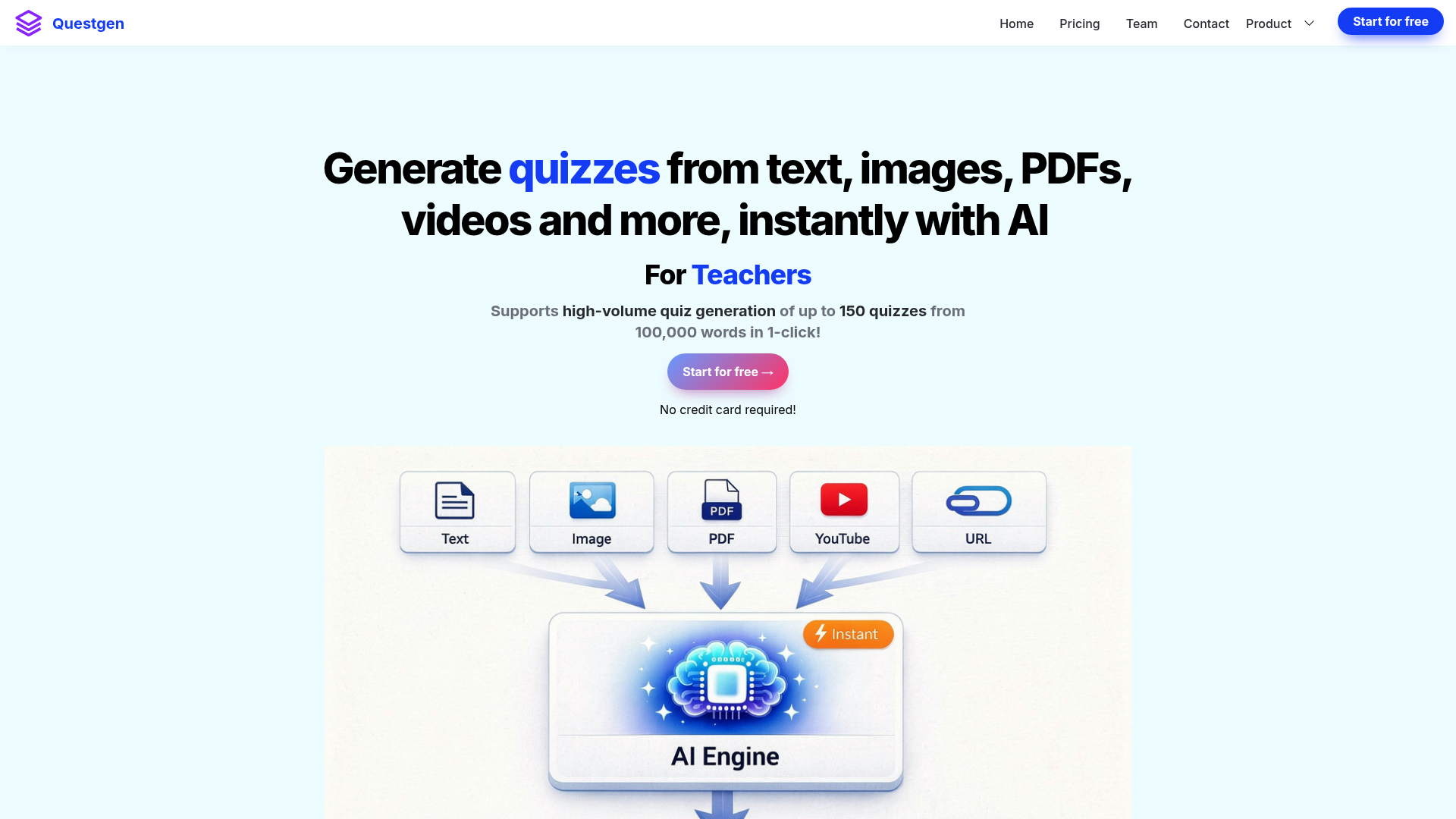
Provide text or a webpage URL, or upload supported documents such as PDFs and DOCX files. The site also describes quiz generation from images and audio or video files.
Generate questions for a chosen level or across the six levels: Remember, Understand, Apply, Analyze, Evaluate, and Create.
Review and modify generated questions before exporting. Available outputs include PDF, JSON, CSV, QTI 2.1, Moodle XML, GIFT, AIKEN, and RESPONDUS formats, with some CSV options tailored to named quiz tools.
Students can use generated quizzes for exam practice; automatically evaluated formats such as multiple-choice and true/false can show a score at the end.
Make a generated quiz public to share it or embed it on a website as an interactive iframe.
Teachers can turn lesson text, textbook material, or a webpage into editable question sets and export them for classroom use.
Students can generate a quiz from a document or text and use Study mode to practice and receive a score on supported automatically evaluated question types.
HR teams can build assessments from compliance or policy documents, including when revised policies need to be checked with employees.
Publishers and education technology companies can use source material to produce question sets in-house and export them in formats suited to their workflows.
Questgen describes support for pasted text, webpage URLs, PDFs, Word documents (DOCX), images, and audio or video files. The home page specifies a text input limit of up to 80,000 words.
Yes. The workflow allows users to edit and modify the questions before exporting them.
Options include multiple-choice questions, multiple-answer MCQs, true/false, fill-in-the-blanks, FAQs, short answers, higher-order questions, and matching questions.
Listed formats include PDF, JSON, CSV, QTI 2.1, Moodle XML, GIFT, AIKEN, and RESPONDUS. Some CSV exports are labeled for specific quiz or form-building services.
Yes. The Basic plan is free and includes 20 runs. The Pro plan is listed at $15 per month or $100 billed yearly, with unlimited runs subject to fair use.
Os dados de tráfego são apenas para referência.

quizbot.ai
AI quiz and question generator for teachers, students, tutors, and training teams.

hix.ai
HIX AI is an AI homework helper that lets students type questions or upload homework images and documents to receive step-by-step explanations across subjects. It is designed for homework support, concept clarification, and exam preparation.