
In-browser Postgres environment
Runs in the browser, letting users work with a Postgres database without leaving the web app.

Ambiente Postgres no navegador com assistência de IA para criar bancos de dados
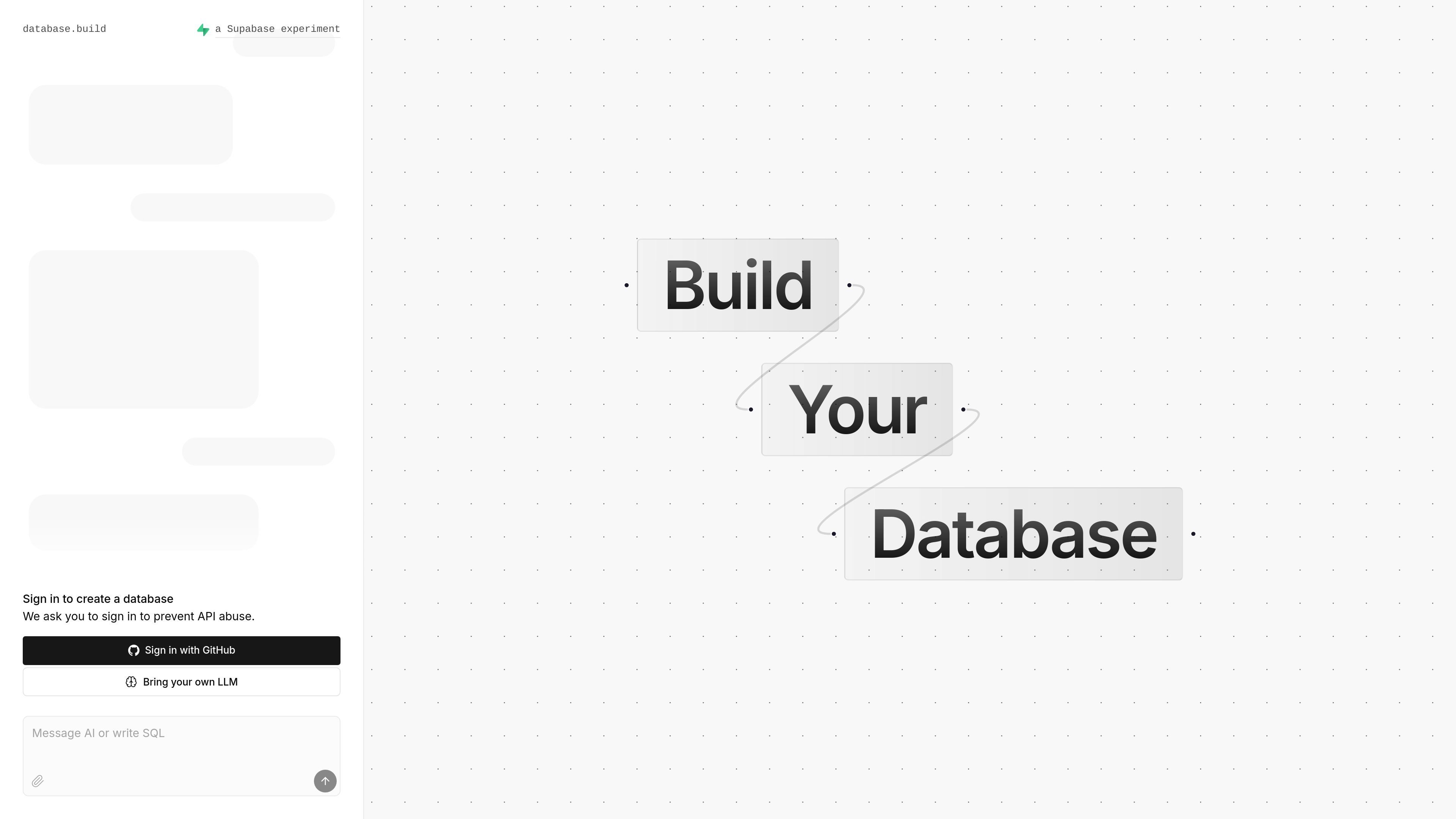
Postgres Sandbox is an in-browser Postgres environment with AI assistance. The site positions it as a place to build your database directly in the browser, rather than working in a separate local or desktop tool.
The homepage shows a sign-in step before database creation and mentions GitHub sign-in. It also states 'Bring your own LLM,' which indicates the AI-assisted workflow is intended to work with a user-supplied language model.
Runs in the browser, letting users work with a Postgres database without leaving the web app.
Includes AI assistance for building the database, according to the product description on the homepage.
Requires sign-in before creating a database, with GitHub sign-in shown on the homepage.
Lets users bring their own LLM, which suggests the AI layer is configurable rather than fixed to a single model.
Supports node and edge editing interactions in the database builder, including move, delete, cancel, and selection via keyboard controls.
Create and adjust a Postgres database in a browser-based environment when you want to avoid setting up a local database tool first.
Work with AI assistance while building database structure, using the product’s own editor rather than a separate assistant workflow.
Sign in with GitHub, create a database, and use the sandbox as an online workspace for database work.
Use the node-and-edge editor controls to move, delete, and cancel selections while shaping the database layout.
The site describes it as an in-browser Postgres sandbox with AI assistance. The homepage also includes a sign-in flow to create a database, using GitHub sign-in.
The homepage says you can build your database and use AI assistance, but it does not provide a detailed setup guide or workflow beyond signing in and creating a database.
The rendered page text explicitly mentions 'Bring your own LLM,' so AI assistance appears to depend on a user-provided language model rather than a fully specified built-in model stack.
The source does not provide pricing details. The pricing URL returned a 404, so there is no confirmed pricing information in the collected evidence.
The available source text does not describe collaboration features, team workspaces, or sharing controls.
Os dados de tráfego são apenas para referência.

braintrust.dev
Braintrust é uma plataforma de observabilidade de IA para rastrear o comportamento da IA em produção, executar avaliações e identificar regressões antes que cheguem aos usuários. Ela ajuda as equipes a criar e operar produtos de IA com traces, conjuntos de dados, pontuação e ferramentas de workflow.

lancedb.com
Lakehouse multimodal nativo de IA para organizar dados, criar features, pesquisar e preparar datasets de treino

trymito.io
Mito é uma ferramenta de IA para fluxos no Jupyter Notebook, análise de dados, automação do Excel, SQL, bancos de dados e apps Streamlit.

www.hyperprobe.co
HyperProbe é uma ferramenta de depuração em produção com assistência de IA que insere sondas somente leitura no código de aplicações em execução para capturar o estado das variáveis em tempo real, sem redeploy ou reinicialização. Ajuda as equipes de engenharia e de plantão a investigar incidentes cuja causa não aparece nos logs e traces.