
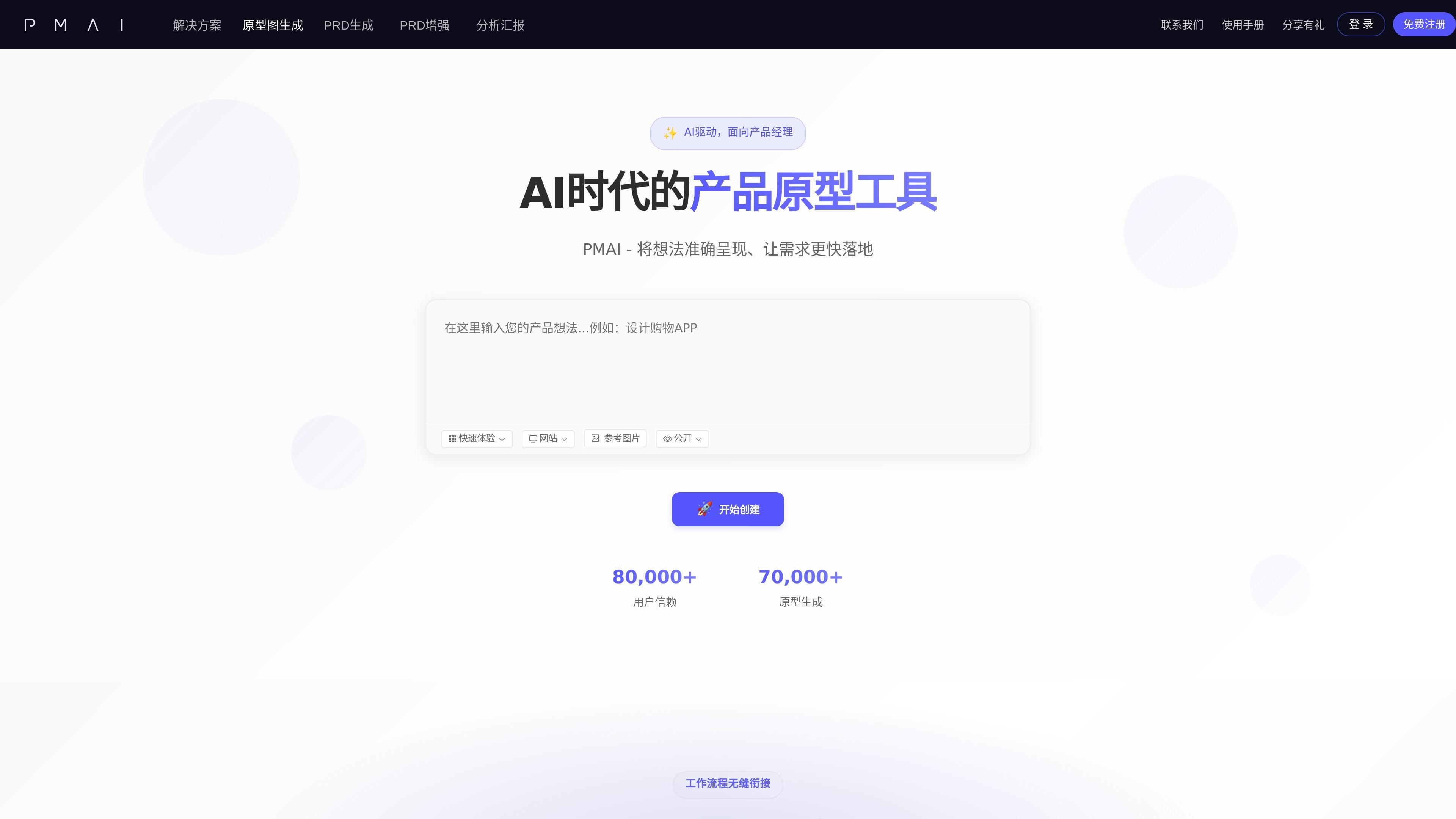
Text-to-prototype generation
Describe a screen or feature in plain language and PMAI generates a prototype from that prompt. The homepage presents this as a fast way to turn an idea into a structured interface.

PMAI é uma ferramenta web de design de produtos com IA que gera telas de protótipo e rascunhos de PRD a partir de prompts de texto.
PMAI is an AI-assisted product design tool focused on generating prototype screens and product documentation from natural-language input. The homepage positions it as a tool for product managers who want to turn an idea into a visible interface and move faster from concept to draft.
The product flow shown on the site starts with describing an idea, then generating a high-fidelity prototype, refining it through conversation, and exporting the result to Figma, Axure, or HTML. The site also highlights PRD generation, website and app viewing modes, and public or private sharing options.
Describe a screen or feature in plain language and PMAI generates a prototype from that prompt. The homepage presents this as a fast way to turn an idea into a structured interface.
The product supports both a single-page quick experience and a complete application flow built from multiple pages. That makes it usable for both rough concept checks and fuller product walkthroughs.
Users can choose website mode for desktop web interfaces or app mode for mobile application interfaces. This helps align the generated layout with the intended device.
Generated prototypes can be edited through conversation after creation. The homepage gives an example of changing a button color as a natural-language adjustment.
PMAI supports exporting to Figma and Axure, and it also mentions online sharing and HTML export. These outputs help move the draft into design or review workflows.
Use PMAI to turn a product idea or feature request into a prototype when you need something visible quickly. The text prompt workflow is designed for early-stage validation and discussion.
Use the website and app modes to shape layouts for desktop web products or mobile applications. This helps align the generated result with the target experience from the start.
Use the conversation-based editing step to refine labels, colors, or other interface details after the first draft is generated. This fits iterative reviews with product or design stakeholders.
Use the export options when a prototype needs to move into existing design or delivery tools. Figma, Axure, and HTML exports support review and handoff workflows.
Use the PRD generation function when you want requirements documentation and a prototype draft to come from the same product workflow. That can help keep the written spec aligned with the interface concept.
PMAI provides AI generation of prototype screens from a text prompt and also supports PRD generation for product work. The homepage describes a workflow that starts with describing an idea, then generating a high-fidelity prototype, editing it through conversation, and exporting it to Figma, Axure, or HTML.
The homepage describes two viewing modes: website mode for desktop-oriented web interfaces and app mode for mobile app interfaces.
Yes. The homepage says users can make a public prototype visible to everyone for viewing and secondary creation, or keep it private so only they can see it.
PMAI says AI-generated prototypes can be imported into Figma or Axure, and can also be shared online or exported as HTML.
The pricing page was not available in the collected text, so no pricing, plan limits, or team-account details can be confirmed from the source.
Os dados de tráfego são apenas para referência.

alloy.app
Alloy é uma ferramenta de prototipagem com IA para equipes criarem demos interativas a partir de produtos existentes, com captura do navegador, conexão ao codebase, compartilhamento na nuvem e entrega a fluxos do GitHub, MCP ou Figma.

myroomdesigner.ai
Ferramenta de design de interiores com IA para redesenhar ambientes a partir de fotos, estilos e cores

floto.ai
Ferramenta de feedback de design com IA para Figma: revise telas, teste fluxos e compare implementações reais.

aidesigner.ai
AIDesigner cria interfaces web, telas de apps, logotipos e gráficos de marketing a partir de prompts, com acesso à REST API e ao MCP.

visily.ai
Design de UI com IA para criar wireframes, mockups, diagramas e protótipos

wonder.design
Wonder é uma ferramenta de design nativa de IA para criar, editar e sincronizar designs com código.