
Context-aware image conversion
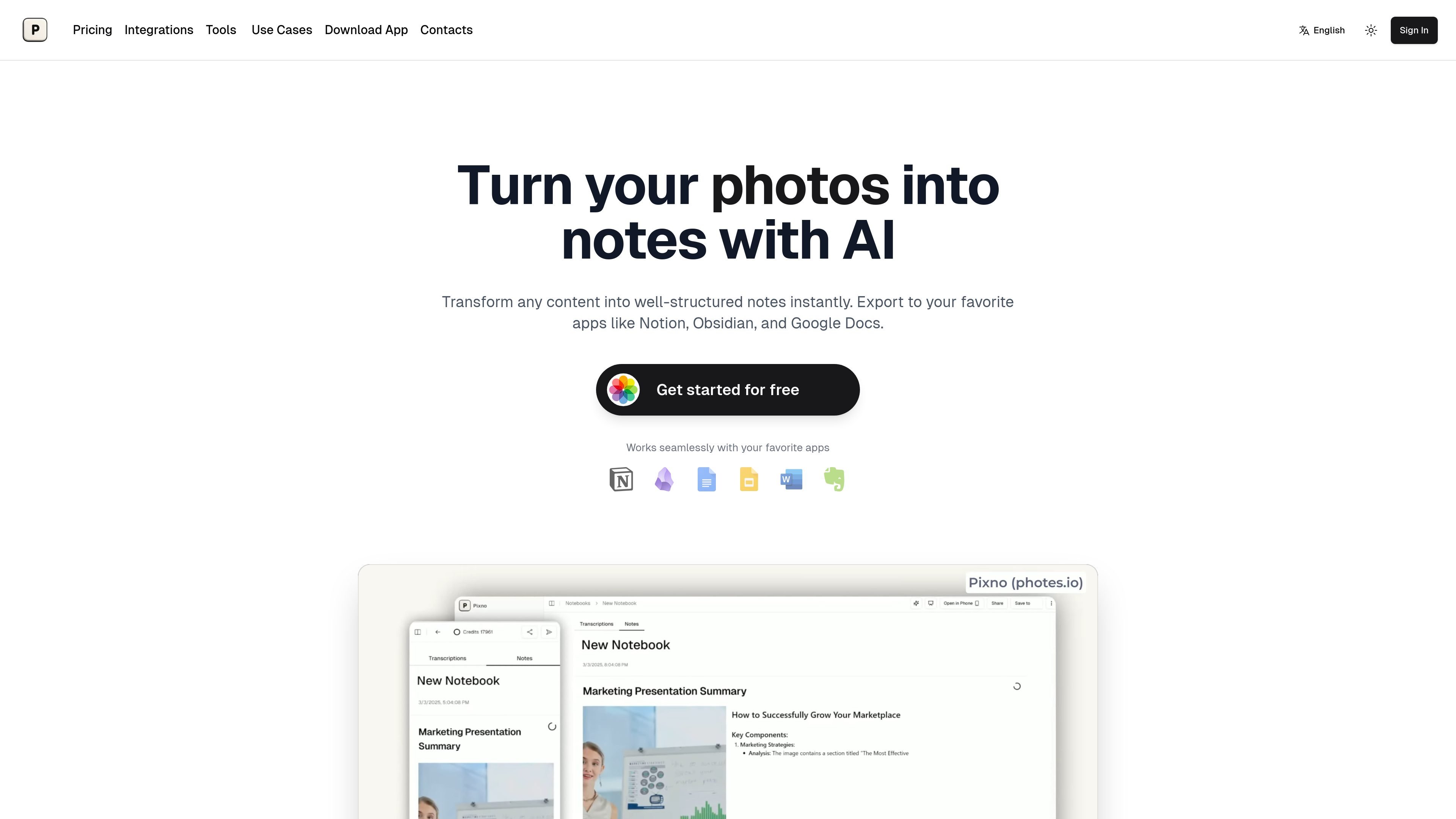
Generate organized notes from photographs and screenshots. Pixno interprets text, Venn diagrams, and statistical graphs, extending extraction beyond printed words.

AI notes from photos, PDFs, slides, and audio for study and everyday work.
Pixno is an AI note-taking app that turns captured and uploaded material into structured text notes. It supports photos, PDFs, lecture slides, and audio recordings, helping users organize information from classes, meetings, and reading. Its image processing interprets text and visual information, including charts, to produce notes with context.
Users can review and enhance notes in Pixno, then move them into existing writing and knowledge-management workflows. The product also includes Pixno Voice Input, a desktop app for dictating text into applications on macOS and Windows.
Generate organized notes from photographs and screenshots. Pixno interprets text, Venn diagrams, and statistical graphs, extending extraction beyond printed words.
Upload audio recordings, including MP3 lectures, or PDFs to create structured notes. Summaries, translations, and AI Q&A help users work through the material.
Enhance generated notes with relevant articles, external readings, and summaries found through web searches.
Use the Obsidian plugin or Notion integration, save to Evernote, Google Docs, or Google Slides, or export as DOCX for document workflows.
Keep notes synchronized across phone, tablet, and desktop. Share notes and collaborate with others in real time.
Dictate into email, documents, chat, or code using a keyboard shortcut. Pixno Voice Input removes filler words and handles punctuation in apps where users can type.
Combine notes generated from lecture recordings and slide photos into study material, then use summaries and AI questions to review the content.
Photograph a whiteboard or presentation during a meeting and turn the captured information into readable notes for sharing with colleagues.
Convert textbook material into study notes and ask the AI teaching assistant questions about the content to support understanding.
Turn information stored in photos and screenshots into text notes that can be browsed in Pixno or saved alongside other reference material in a note-taking app.
Connect Notion, select the pages Pixno can access, turn on Auto Sync, and choose a destination page. New notes are synced as subpages under that page. Create notebooks and upload photos from your phone or computer in the Pixno workspace.
Pixno supports real-time synchronization between phone, tablet, and desktop, allowing you to start a note on one device and continue on another.
Download the desktop app for macOS or Windows. Press its shortcut and speak to enter polished text into the application you are using. The website offers the desktop app as a free download.
Os dados de tráfego são apenas para referência.