
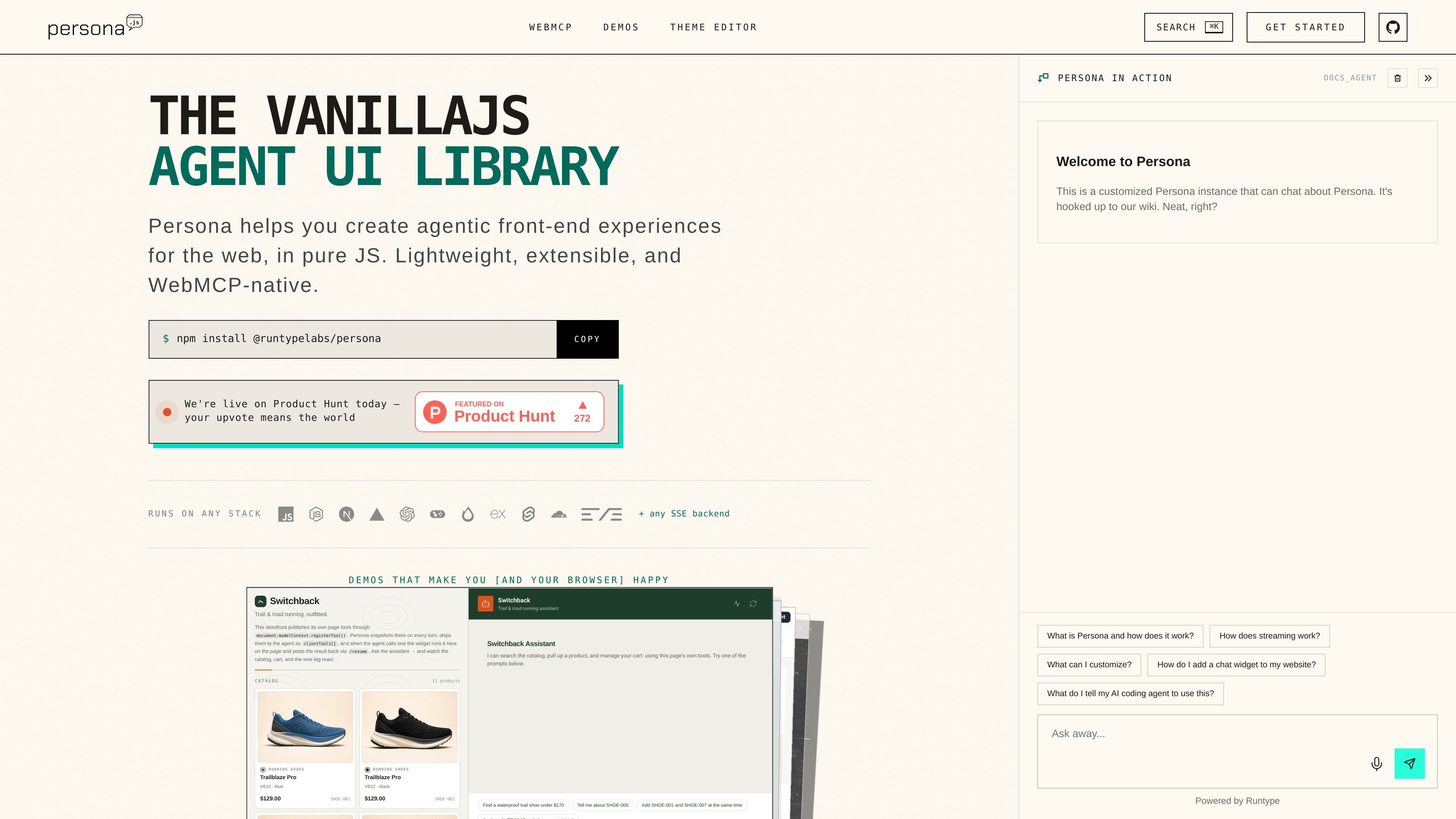
Three assistant layouts
Use a floating panel for a drop-in assistant, dock the widget beside a workspace, or give it a fullscreen container. Change the launcher configuration to choose the presentation.

Persona adds streaming AI chat to websites through a JavaScript widget. Connect an SSE backend and expose page actions with user approvals.
Persona is a JavaScript UI library for developers adding an AI assistant to a website or web app. It displays streaming conversations and can present tools already registered on the page through WebMCP. Its installable package works with an SSE-capable agent backend, including a backend you operate yourself.
Start with the npm package or script-tag installer, choose the widget's target container, and connect your chat endpoint. Configure a floating launcher, a docked copilot or a fullscreen assistant, then adapt the theme and page tools to your application. Runtype offers an optional hosted-backend integration; the library also documents a separate bring-your-own-backend path.
Use a floating panel for a drop-in assistant, dock the widget beside a workspace, or give it a fullscreen container. Change the launcher configuration to choose the presentation.
Receive responses over SSE and customize requests or event parsing with customFetch and parseSSEEvent. The agent backend can be selected separately from the UI.
Expose actions such as product search, bookings or form operations through WebMCP. Persona discovers the registered tools, requests user approval before calling them, and returns results to the conversation.
Use palette, semantic and component theme tokens, dark mode and the live theme editor to match the widget to your site. Shadow DOM rendering and prefixed CSS separate widget styles from host styles.
Add a floating assistant connected to your support or documentation agent without redesigning the page around a full chat application.
Use docked mode for a copilot that sits next to a dashboard or working area while the original interface remains available.
Let an assistant use the search, cart, booking or form tools your application exposes, with the approval interaction handled in the chat UI.
The library is released under the MIT license, which permits use, modification, distribution and sale of copies without a license charge. Keep the copyright and permission notices in copies or substantial portions. The software is supplied without warranty.
You can connect an SSE-capable backend using Persona's protocol and adapters. Runtype is an optional hosted path; the documentation also provides self-hosted examples. Model access and hosting are separate parts of your deployment.
Persona renders in vanilla JavaScript with no framework dependencies. Install the npm package in a bundled app or use the script-tag option on a page.
Register the relevant page actions as WebMCP tools. Persona discovers those tools and asks for user approval before a tool call; your page code supplies the actual action.
Os dados de tráfego são apenas para referência.