Templates and custom prompts
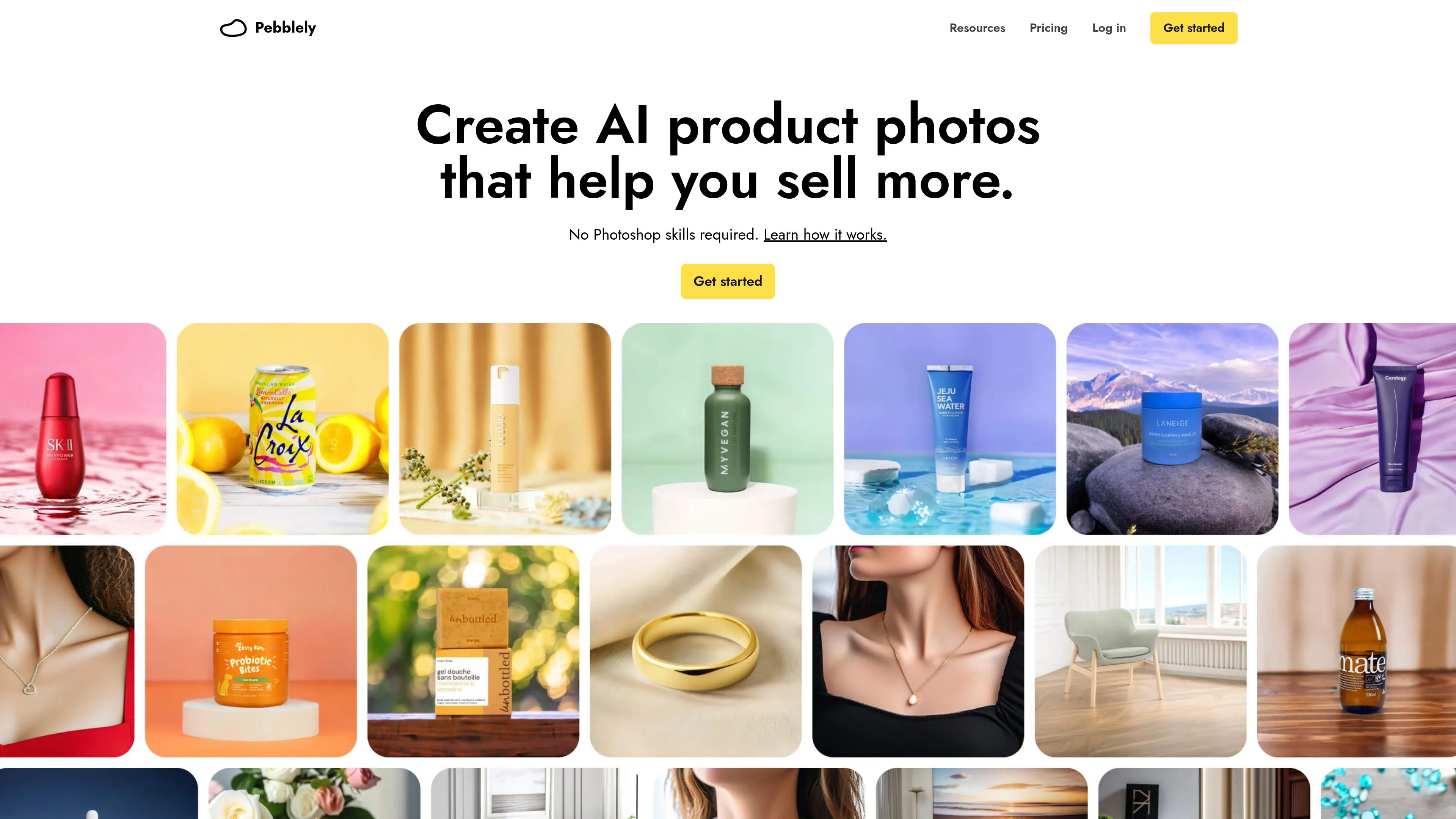
Start with a template or describe a scene in your own words, such as a product on a countertop or a person holding it. The pricing page lists 40+ background themes, and the home page promotes more than 100 templates.

AI product photography for creating marketing images from product photos.
Pebblely is an AI product photography tool for creating marketing images from product photos. It generates new backgrounds and adds shadows and reflections around an uploaded product image, helping users create scene-based visuals without composing each background manually.
A typical workflow starts by adding and cropping a clear product photo, then choosing a template or describing a scene with a custom prompt. Users can guide the look with a color or reference image, select an output aspect ratio, and generate images to review and download. Generated results can also be refined with a written edit instruction. Pebblely is designed for product sellers and creative teams making imagery for listings, social content, websites, email, and ads.
Start with a template or describe a scene in your own words, such as a product on a countertop or a person holding it. The pricing page lists 40+ background themes, and the home page promotes more than 100 templates.
Guide image generation with preset or custom colors, or use a style reference image to influence the resulting look.
Choose square, portrait, story, or landscape formats for uses including Instagram, TikTok, Shopify, website banners, and social campaigns.
When saving for the first time, Pebblely extracts visible text from a product photo. Users can review or edit the extracted copy, or add text with position and styling hints to help preserve labels and packaging details.
Refine an existing result with a text instruction. High-resolution mode is intended for sharper detail; the guide says it takes about 30 seconds and costs two credits per image, compared with one credit for standard generation.
Generate images for multiple products and bulk-download results. Group-shot generation can arrange up to five selected products together in one scene.
Use a product photo as the starting point and generate alternate scenes for online product listings, choosing an image format suited to the intended placement.
Create square, portrait, or story-format visuals for social channels, and use prompts or style references to vary the setting across posts.
Generate landscape imagery for website banners or campaign creatives, including visuals for email and advertising placements.
For businesses featuring several products, use batch generation and downloads to work with multiple product photos in one workflow.
Select up to five products for a group shot to create a single scene presenting a bundle, gift set, or product collection.
Add a clear product photo and crop it closely around the product. Then choose a template or write a custom scene prompt, set the image size, and create the image.
The FAQ states that users own the images they generate. It refers users to Pebblely’s terms for further details.
The pricing page lists Lite at US$9 per month for 30 images, Basic at US$19 per month for 200 images, and Pro at US$39 per month for 500 images. All three list 40+ background themes and custom prompts; Basic and Pro also list bulk generation.
Subscriptions can be canceled in the app under Profile > Manage billing. Pebblely says it sends an email reminder seven days before renewal and that renewal charges are non-refundable.
The how-to guide says high-resolution generation uses two credits per image instead of one for standard generation and takes about 30 seconds.
Os dados de tráfego são apenas para referência.
| mai. | 98807 |
|---|---|
| jun. | 103703 |
| jul. | 95714 |
As análises de tráfego ainda não estão disponíveis.