
On-device inspection and model training
AI inspection and, on supported systems, model training run on the camera or edge device. This keeps production image processing within the facility and avoids relying on cloud processing for inspection.

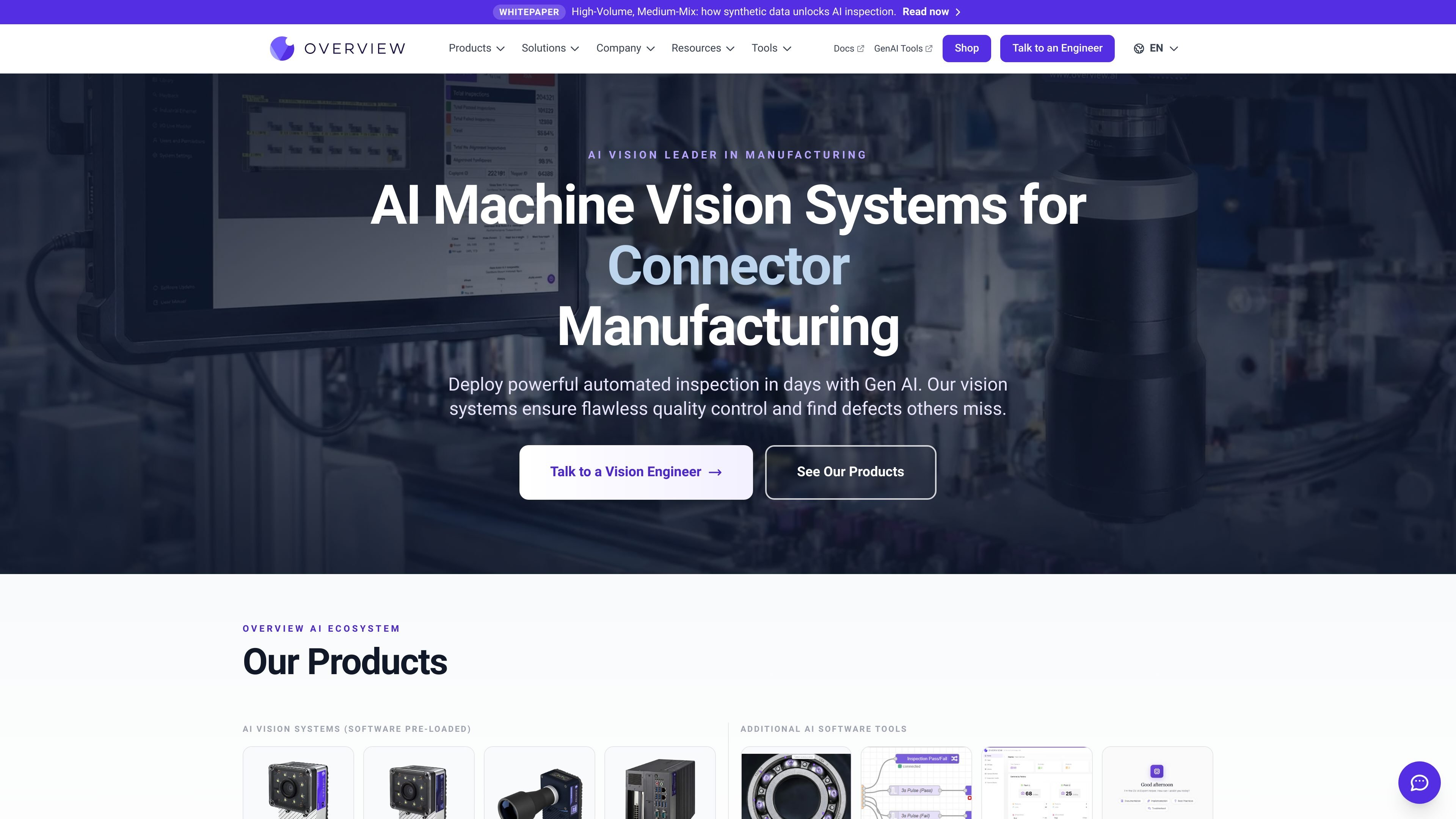
Edge-based AI vision systems for manufacturers inspecting parts, assemblies, and production output.
Overview.ai provides industrial AI vision systems for automated inspection and manufacturing quality control. Its product line includes smart cameras with onboard AI and the OVX platform, which connects compatible third-party cameras to the same on-device inspection software. Systems support tasks such as defect detection, assembly verification, counting, measurement, and OCR. Models are configured through a browser-based interface, while production inspection runs on the device rather than requiring cloud processing. The platform is intended for manufacturers that need to inspect parts on production lines and connect inspection results with factory automation systems.
AI inspection and, on supported systems, model training run on the camera or edge device. This keeps production image processing within the facility and avoids relying on cloud processing for inspection.
Depending on the selected system, tools include classification, segmentation, anomaly detection, counting, OCR, measurement, color matching, and barcode handling. These support checks for defects as well as part identity and dimensions.
Defect Studio can generate synthetic variations for training, including scratches and dents, so teams can build examples without damaging physical parts or sourcing every defect sample.
The systems are configured through a browser without installing dedicated configuration software. The product comparison describes browser access for setup and inspection workflows.
Supported interfaces and protocols vary by model and include EtherNet/IP, PROFINET, OPC UA, Modbus, MQTT, and HTTP-based communication. Results can be exported in formats such as CSV, JSON, or XML on listed camera systems.
Overview Haystack helps teams search production images for outliers, clusters, and potential failure modes, providing a route to review uncertain results and refine inspection models.
Inspect manufactured surfaces for examples such as scratches, cracks, porosity, chips, debris, or damage, including parts with reflective surfaces or variable placement.
Verify that required components are present, correctly positioned, and assembled—for example, checking connector seating, locking tabs, or the presence of springs and rivets.
Set up a recipe to inspect several regions or feature types in one capture, such as hole position, surface quality, and insert presence, with localized results for each check.
Use cameras on a pilot line to develop and validate an inspection, then copy recipes across cameras as production expands. The NPI workflow describes retaining the same platform from prototype work through mass production.
Use measurement, OCR, or barcode-related tools where the task is to gauge a part, read printed text or serial numbers, or associate inspection images with external barcode data.
No. The platform describes production inference as running on the device, with image processing kept on-premise. Some optional services, including Defect Studio, use the cloud.
Yes. Supported connections depend on the system and include industrial protocols such as EtherNet/IP, PROFINET, OPC UA, and Modbus, along with communication options such as MQTT and HTTP APIs.
Supported tasks vary by model and configuration. Listed capabilities include defect classification, anomaly detection, assembly verification, counting, OCR, measurement, color matching, and barcode-related workflows.
The NPI workflow is designed to use the same platform from pilot deployment through scale-up. Inspection recipes can be copied between cameras as production expands.
No. The smart cameras have model-specific imaging and compute specifications. OVX is customizable and can connect application-selected cameras, including high-resolution, thermal, and line-scan options.
Os dados de tráfego são apenas para referência.
