
AI PDF Reader
Chat across PDFs in a single workspace and get answers that link back to the exact page and passage. The feature page says Otio is built for entire libraries rather than one document at a time.

Assistente de pesquisa e parceiro de escrita com IA para organizar e sintetizar fontes
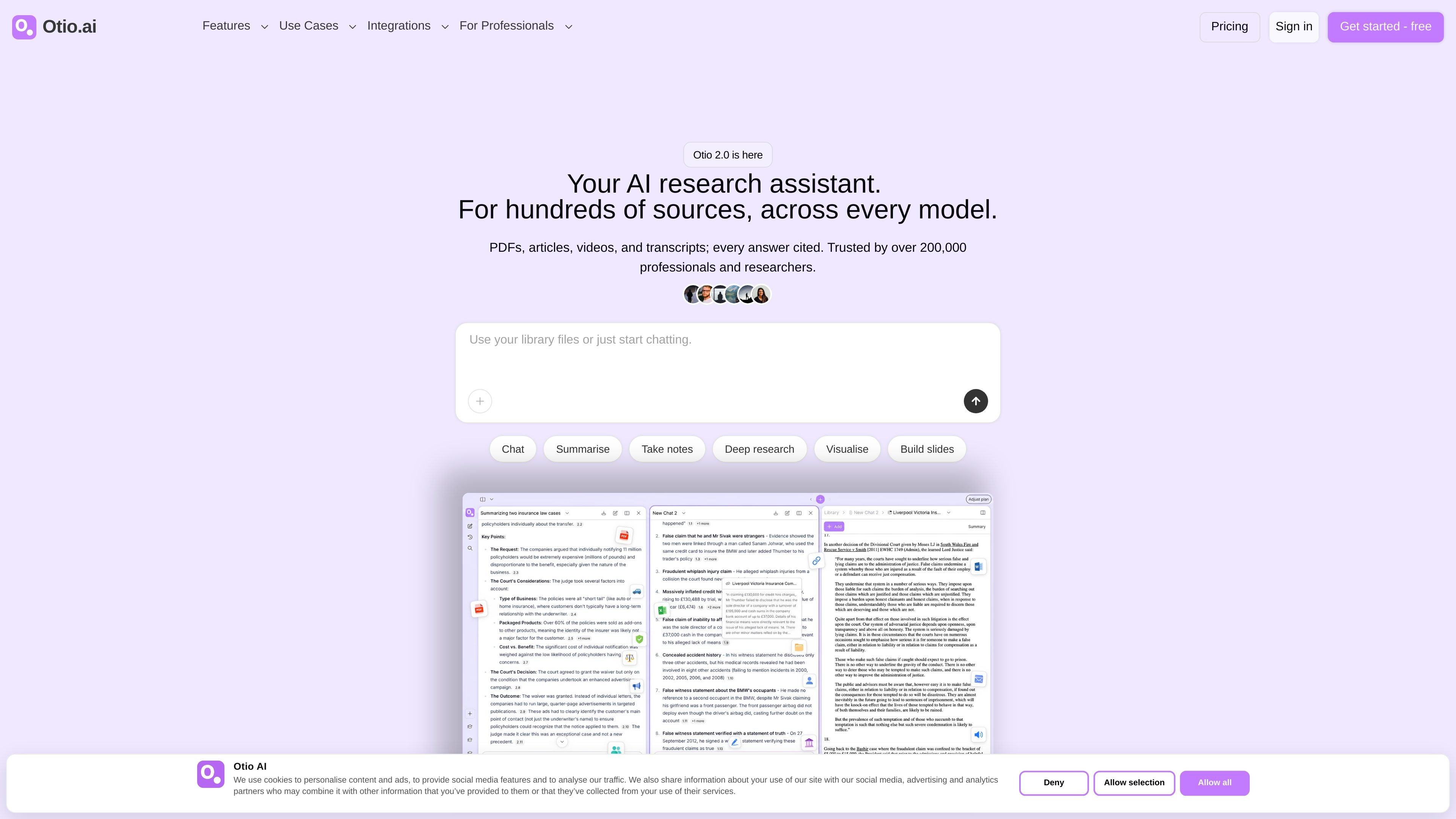
Otio is an AI research assistant and writing partner for people who work with large sets of sources. The site presents it as a workspace for PDFs, articles, videos, transcripts, and other documents, with cited answers tied back to the exact source passage.
Its core purpose is to help users learn faster, synthesize evidence, and automate research-heavy workflows without losing track of materials over time. Otio combines chat, summarization, note-taking, and research outputs in a persistent workspace rather than a disposable session.
Chat across PDFs in a single workspace and get answers that link back to the exact page and passage. The feature page says Otio is built for entire libraries rather than one document at a time.
Extract text from scanned or image-based PDFs with Otio's OCR-focused workflow. This is positioned as a way to work with documents that are not machine-readable.
Use several AI models in one workspace instead of being tied to a single model. The site highlights model choice as part of the product's research workflow.
Ask Otio to research, create, and deliver outputs from one prompt. The pricing page says it can generate docs, charts, and images and deliver them through channels such as email, Drive, and Telegram.
Work with a permanent research library that stays searchable over time. The homepage emphasizes that uploaded sources remain indexed and can be queried later across projects.
Upload papers or reports and ask for key findings, quotes, or themes across many files at once. The product is framed as useful for literature review and structured synthesis rather than reading documents individually.
Load meeting transcripts, client briefs, and reports into one workspace and summarize the main points before drafting a deliverable. The homepage positions Otio as useful for consultants who need to move from source material to output quickly.
Work through case files, depositions, and compliance documents while tracing answers back to the exact source passage. This fits the product's emphasis on cited evidence and source verification.
Upload research reports, data files, or CSVs, extract figures, and create visualizations from the material. The homepage specifically highlights data extraction and visualization for analysts.
Collect articles, videos, podcasts, and other sources in one project and start writing from a grouped synthesis. The site presents Otio as a writing partner for creator and writer workflows that depend on many sources.
Otio is designed to work from the sources you provide. Its FAQ states that it generates based only on the information you upload and will tell you if it cannot find an answer.
The source pages present Otio as a workspace for research that accumulates over time. It keeps sources searchable across sessions instead of resetting after each chat.
The pricing page shows a free plan and paid tiers. It also lists monthly and yearly billing options, with yearly billing shown as a 50% savings on the plan cards.
The site highlights integrations with Zotero, Dropbox, OneDrive, and Box. The available text does not describe the exact behavior of each integration in detail.
Os dados de tráfego são apenas para referência.

eurekaweb.app
Eureka é um assistente de pesquisa visual com IA baseado na web, que permite pesquisar, adicionar arquivos e explorar tópicos em um canvas de conhecimento infinito para organizar o aprendizado visualmente.

ontosight.ai
Assistente de pesquisa com IA para buscar fontes, conversar com documentos e escrever com citações

bibgenie.com
Agente de pesquisa com IA integrado ao Zotero para buscar, ler, organizar e salvar fontes com citações rastreáveis.

paperguide.ai
Assistente de pesquisa com IA para encontrar artigos, revisar literatura, gerenciar referências e redigir documentos acadêmicos

looppanel.com
Plataforma de pesquisa UX para analisar dados qualitativos e organizar insights pesquisáveis

txyz.ai
TXYZ é uma plataforma de trabalho do conhecimento com AI para ler, pesquisar e escrever sobre conteúdos acadêmicos e de pesquisa. Oferece análise de PDF e URL, respostas vinculadas às fontes, uma biblioteca de pesquisa pessoal, acesso à API e preços por níveis.