
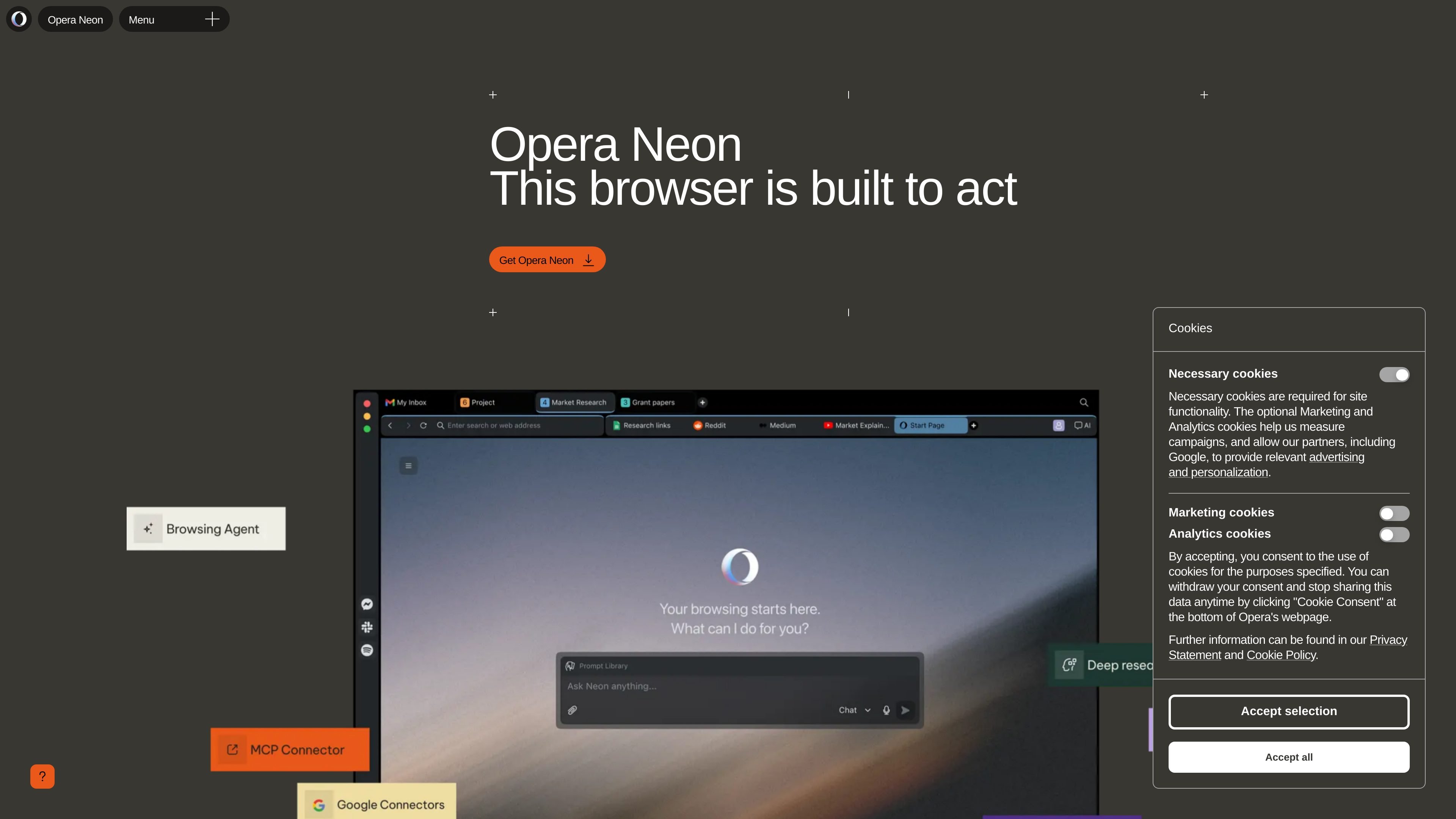
Agentic browsing
Opera Neon can interpret the web, manage tabs, and act when you command it, so the browser is positioned as an active workspace rather than a passive viewer.

Opera Neon é um navegador agêntico com IA para pesquisar, organizar e concluir tarefas na web.
Opera Neon is an agentic browser from Opera that is built to act on tasks rather than just display pages. It interprets the web, manages tabs, and helps users move from scattered research and notes to finished output inside the browser.
The product is aimed at people who use AI heavily in day-to-day work and need a browser that can carry context across multiple sources, documents, and assistants. Opera positions Neon as a browser that can work with you or for you, with tasks organized into self-contained workspaces and support for tool connections through MCP and CLI paths.
Opera Neon can interpret the web, manage tabs, and act when you command it, so the browser is positioned as an active workspace rather than a passive viewer.
The browser is designed to carry context across sources, notes, and decisions already in your tabs, helping you compare inputs and turn raw material into usable output.
The release notes describe Tasks as self-contained workspaces that understand context and let you analyze, compare, and act across multiple sources at once.
Opera Neon includes built-in browser features such as smarter tab management, snapshots, sidebar messengers and services, modular browsing, built-in ad blocking, and VPN.
The homepage says you can connect tools and run workflows through MCP and CLI paths, with the browser acting as the layer where the work happens.
Opera says Neon is built with user privacy in mind and routes AI input through its stated privacy and account model, including an Opera account requirement for access.
Use Neon when you need to research across several pages, compare information, and keep the work tied together in one browser context instead of copying between tools.
Use Tasks to organize a project that needs notes, references, drafts, and follow-up actions in one self-contained workspace.
Use Neon when you want the browser to help shape an agenda, prepare a document, or move a small request toward a finished output without rebuilding your process each time.
Use the browser when your workflow depends on connecting outside tools or agent paths through MCP or CLI-based integration points.
Use the built-in browser tools, such as tab management, snapshots, ad blocking, VPN, and sidebar services, for everyday browsing alongside AI tasks.
Opera Neon requires an Opera account to start using the service. The privacy policy says you can create a new account or sign in with an existing account such as Google, Facebook, or Twitter/X, depending on what sign-in options are available.
The published sources describe Opera Neon as a browser that can interpret the web, manage tabs, and let you run tasks through AI agents. It is built for researching, comparing, shaping documents, and carrying context across multiple sources inside the browser.
The site says Neon brings browser essentials such as smarter tab management, snapshots, sidebar messengers and services, modular browsing, built-in ad blocking, and VPN. Its release notes also describe Tasks as self-contained workspaces for organizing work across multiple sites and AI chats.
The site says you can connect tools and run workflows through MCP and CLI paths. The homepage also frames Neon as a browser where agents can work with browser context rather than beside it.
The privacy policy says Opera Neon is a paid service. The pricing page at `/pricing` currently returns a 404, so the site does not provide public pricing details in the collected sources.
Os dados de tráfego são apenas para referência.

taskmagic.com
Plataforma de automação com IA para conectar apps e automatizar tarefas do navegador em linguagem natural.

browserless.io
Automação de navegador gerenciada para scraping e agentes de IA

sai.work
Colega de IA sempre ativo para automatizar tarefas no computador com segurança

onsleek.com
Inteligência de navegador para automatizar compras, cupons e cashback

goless.com
Goless é uma extensão do Chrome para automação de navegador sem código, extração de dados, preenchimento de formulários e exportação de resultados.