
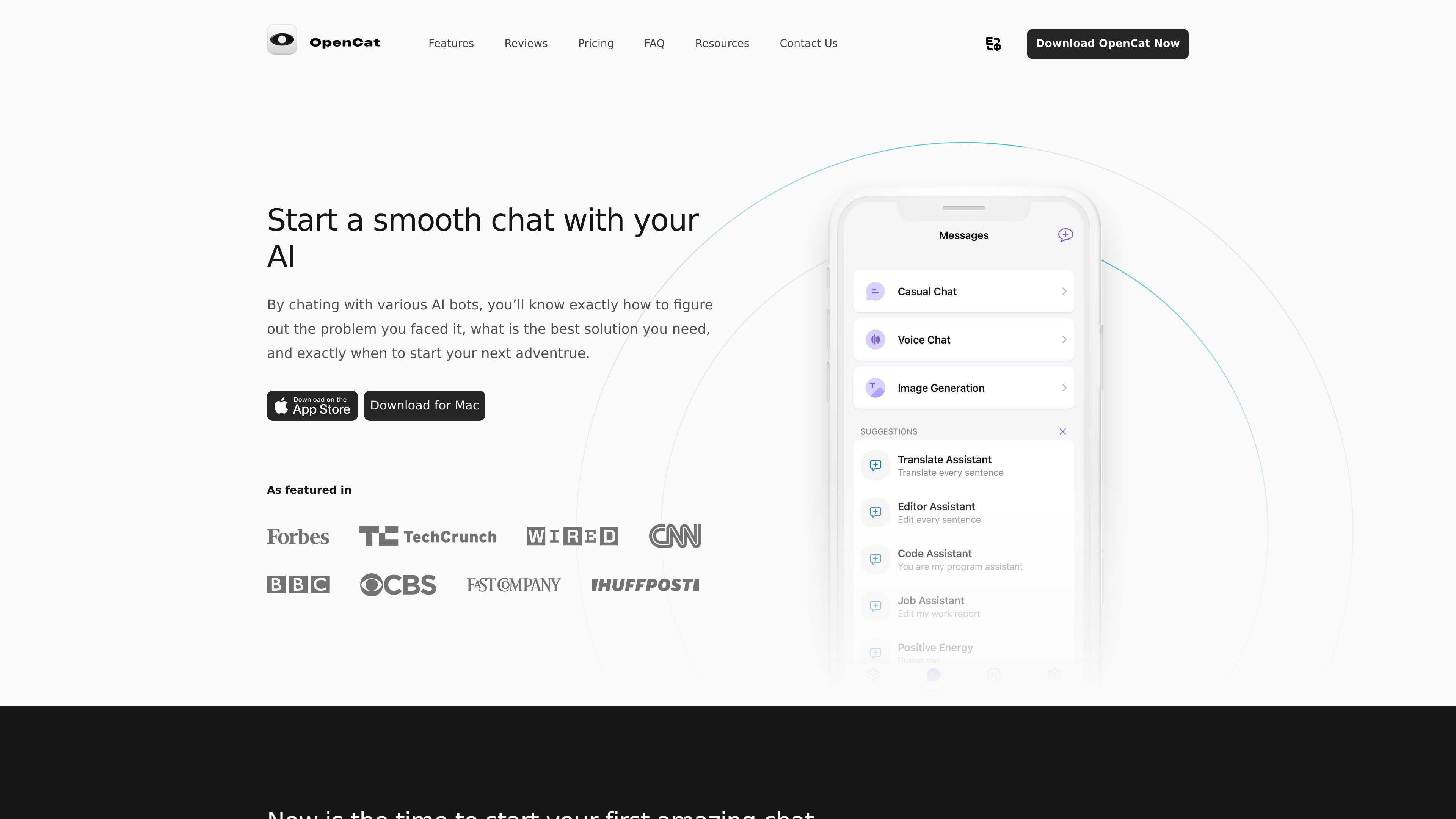
Voice chat
Chat with AI using voice for hands-free interaction and faster back-and-forth communication.

Cliente nativo de chat com IA para Mac, iOS e iPad, com voz, geração de imagens, tradução e Atalhos.
OpenCat is a native AI chat client for Mac, iOS, and iPad. The site describes it as a smoother and faster chat experience than the web, with an emphasis on running chat through platform-native features instead of a browser-only interface.
Its main workflow is AI conversation, but the app also adds voice chat, image generation, translation, Markdown rendering, a prompt library, Siri Shortcuts access, keyboard input in other apps, and iCloud sync. The site also says OpenCat supports team use and multiple AI models.
Chat with AI using voice for hands-free interaction and faster back-and-forth communication.
Turn text prompts into images using the app’s image-generation workflow.
Use images and emojis in chat conversations to support more visual exchanges.
Translate text between languages inside the app to help with cross-language communication.
Use AI in other apps such as Messages, Notes, and Mail through keyboard input or extension features.
Access chat from Siri Shortcuts, keep conversations synced with iCloud, and switch between multiple AI models.
For users who want a dedicated AI client on Apple devices, OpenCat provides chat through a native app instead of a web interface.
For people who need to work while switching apps, keyboard input and Siri Shortcuts let them access AI without leaving their current workflow.
For users who prefer richer conversation modes, the app supports voice chat, image chat, and text-to-image generation.
For people managing repeated prompts or shared workflows, the prompt library, iCloud sync, and team feature support organized reuse and sharing.
For users in supported storefronts and regions, OpenCat’s FAQ explains that available models can vary by App Store storefront and regional rules.
Yes. The source states that OpenCat is available for both iOS and macOS devices, with the iOS version available from the App Store and the macOS version downloadable from the website.
The source says OpenCat is free to download and use, but some premium features require a subscription. It also mentions a 3-day free trial for OpenCat Pro.
OpenCat’s FAQ says it can be used for both personal and business purposes, and that it can be integrated with various apps to support communication and productivity.
OpenCat lists native features such as keyboard extension, Siri integration, iCloud sync, voice chat, image generation, and support for multiple AI models. It is described as a native AI client rather than a browser-based chat interface.
The FAQ says conversations and settings can sync across devices through iCloud, and that using the same iCloud account on multiple devices enables that workflow.
Os dados de tráfego são apenas para referência.

fanyi.baidu.com
Baidu Translate é uma plataforma de tradução online para textos, documentos, imagens e conteúdos de áudio e vídeo com IA.

fanyi.qq.com
腾讯翻译君 é a ferramenta de tradução multilíngue da Tencent para texto, imagens, voz e interpretação.

huiyiai.net
会译 é uma extensão de navegador para tradução multilíngue lado a lado com IA de páginas web, textos, PDFs, Word e imagens.

transmonkey.ai
Suite de tradução online com IA para documentos, imagens, texto, áudio e vídeo

xiangjifanyi.com
Ferramenta web de tradução de imagens e vídeos para fluxos de conteúdo internacional, com processamento em lote, localização de vídeos curtos, edição, extensão do Chrome e acesso à API.

lufe.ai
Lufe AI Translator é uma extensão de navegador para leitura bilíngue da web e tradução com IA de páginas, textos selecionados, imagens e PDFs, com tradução automática básica gratuita e planos de IA pagos.