
Large app connector set
Connect Gmail, GitHub, Notion, Slack, Linear, Zoom, Discord, Airtable, Asana, Dropbox, Supabase, Vercel, WhatsApp, Stripe, Jira, Figma, Trello, and many more apps through one authorization layer.

OOMOL conecta Gmail, GitHub e Notion a agentes de IA para reutilizar ferramentas autorizadas no Codex, Claude Code e Cursor, com planos gratuitos, pagos e por consumo.
OOMOL is a connector layer for AI agents that lets you link third-party services once and reuse those connections across different agent environments. The site positions it as a way to connect Gmail, GitHub, Notion, Slack, and 600+ apps, then call the resulting tools from agents such as Codex, Claude Code, Cursor, and local agents.
The product is built around three steps: install OO CLI or copy prompts into an agent, connect apps in OOMOL with the scopes you want, and then let the agent discover and run approved tools. The source also shows OOMOL turning recurring workflows into Skills, so the same process can be shared or installed in other agents without reauthorizing everything from scratch.
Pricing is usage-based. The pricing page lists a Free plan, a Pro plan at $20 per month, and a Max plan at $100 per month. All plans include 20K app calls per month, with overage charged from credits, and separate rates apply to media, speech, and other service usage.
Connect Gmail, GitHub, Notion, Slack, Linear, Zoom, Discord, Airtable, Asana, Dropbox, Supabase, Vercel, WhatsApp, Stripe, Jira, Figma, Trello, and many more apps through one authorization layer.
Install OO CLI or copy prompts into an agent, then use connected apps and skills in environments such as Codex, Claude Code, Cursor, and other supported agents.
Customize app scopes during connection and keep tool permissions managed in OOMOL instead of handling raw passwords or tokens inside the agent.
Promote repeated workflows into shareable Skills so the same action sequence can be reused across different agents.
Use built-in service categories for media and AI work, including image generation, video generation, speech-to-text, and text-to-speech.
Review usage, results, and run records from the OOMOL console while agents execute approved tools in the background.
Summarize Gmail messages into a Notion note from an agent, using OOMOL to read authorized mail and write the output to a connected workspace app.
Pull merged pull requests or repository activity from GitHub and post the brief into Slack so engineering updates can be shared without manual copy-paste.
Turn recurring operational work into a reusable Skill so different agents can run the same steps with the same tool order and output constraints.
Use connected media and AI services to generate, edit, or transform content such as subtitles, images, or video as part of a broader agent workflow.
Connect multiple business apps such as Linear, Airtable, Jira, and Notion to move information between systems inside approved scopes.
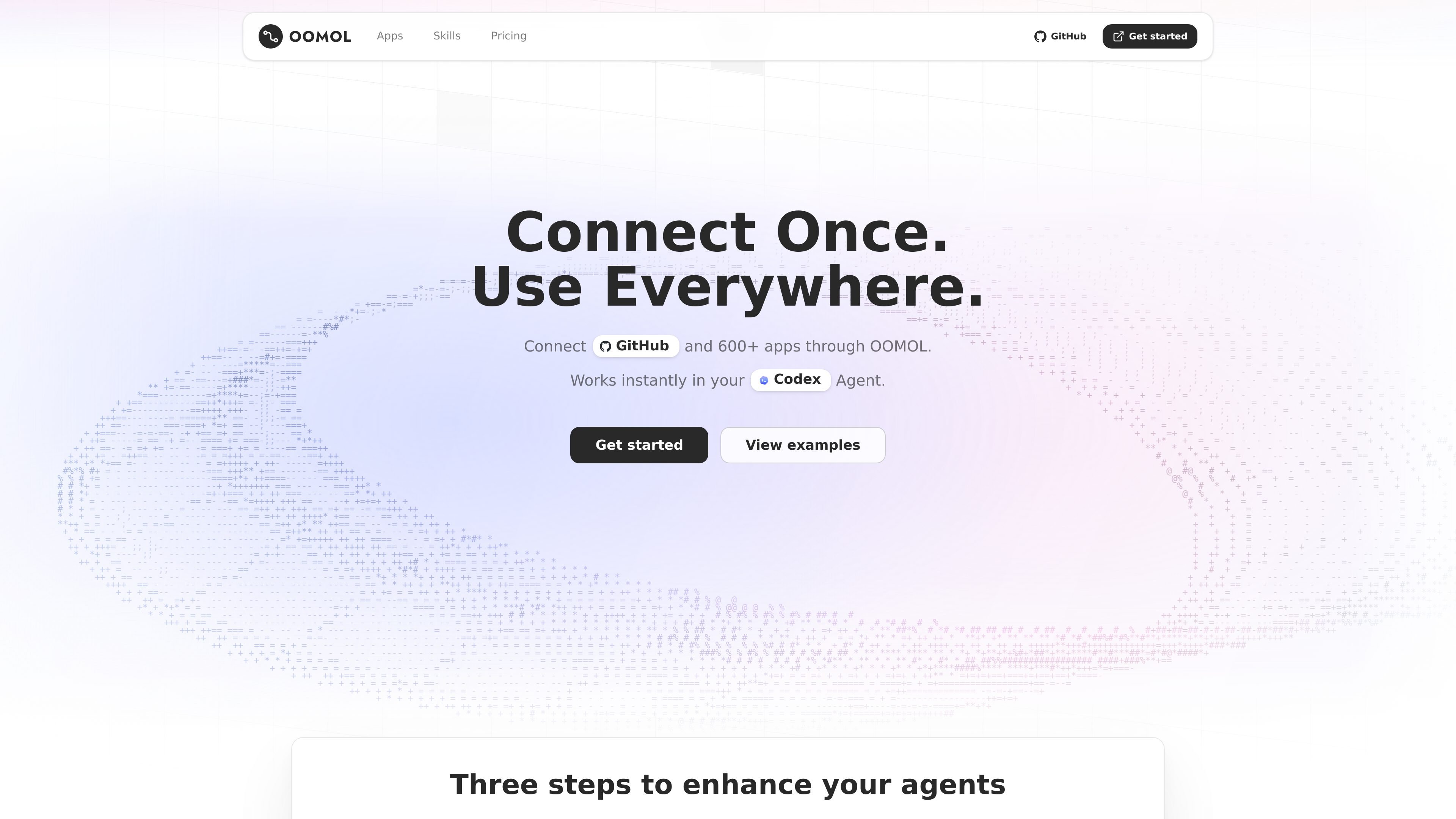
OOMOL is not a new chat agent. It connects third-party services such as Gmail, GitHub, Notion, and Slack so agents can call approved tools and work with connected accounts.
The homepage shows setup in three steps: install OO CLI or copy prompts into your agent, connect apps in OOMOL, then use OO in the agent you already work in.
The source shows OOMOL working with agents such as Codex, Claude Code, Cursor, and local agents, using connected apps and skills inside those environments.
The pricing page shows a Free plan and paid Pro and Max plans. All plans include 20K app calls per month, and overage is charged at 0.3 credits per 1K calls.
OOMOL says agents do not receive account passwords or raw tokens. You authorize third-party accounts in OOMOL, and agents use approved tools within those scopes.
Os dados de tráfego são apenas para referência.

www.agentconnect.md
AgentConnect permite que as equipes integrem agentes ACP como Claude Code, Codex e Gemini CLI ao Slack, Telegram, Discord e GitHub, para que eles possam assumir tarefas nos mesmos canais em que as equipes já colaboram. É open source e pode ser hospedado por conta própria, com funções, ferramentas, memória e gatilhos configuráveis para fluxos de trabalho com agentes.

apps.mergeable.io
Diffsmith é um app nativo para macOS que permite revisar alterações locais de git feitas por agentes de programação com IA, como Claude Code, Cursor, Codex e Copilot. Adicione comentários em linha e envie-os ao agente como prompt ou por meio de um servidor MCP local.

conductor.build
Conductor é um app para Mac que executa agentes do Claude Code, Codex e Cursor em paralelo, em espaços de trabalho isolados, para delegar tarefas, revisar diffs e fazer merges localmente.

trytrellis.app
Trellis é um framework e kit de ferramentas de IA para Claude Code e Cursor, com documentação e recursos no GitHub.

mulerun.com
MuleRun é uma plataforma de agentes de IA para automatizar fluxos de trabalho de ponta a ponta, com pesquisa, criação de documentos e apresentações, produção para a web e monitoramento proativo. Há planos gratuitos, pagos e empresariais.

1code.dev
1Code é um cliente visual de código aberto para agentes de programação que combina Claude Code e Codex, com fluxos para desktop e web, revisão e merge no Git e execuções em segundo plano em sandboxes na nuvem.