
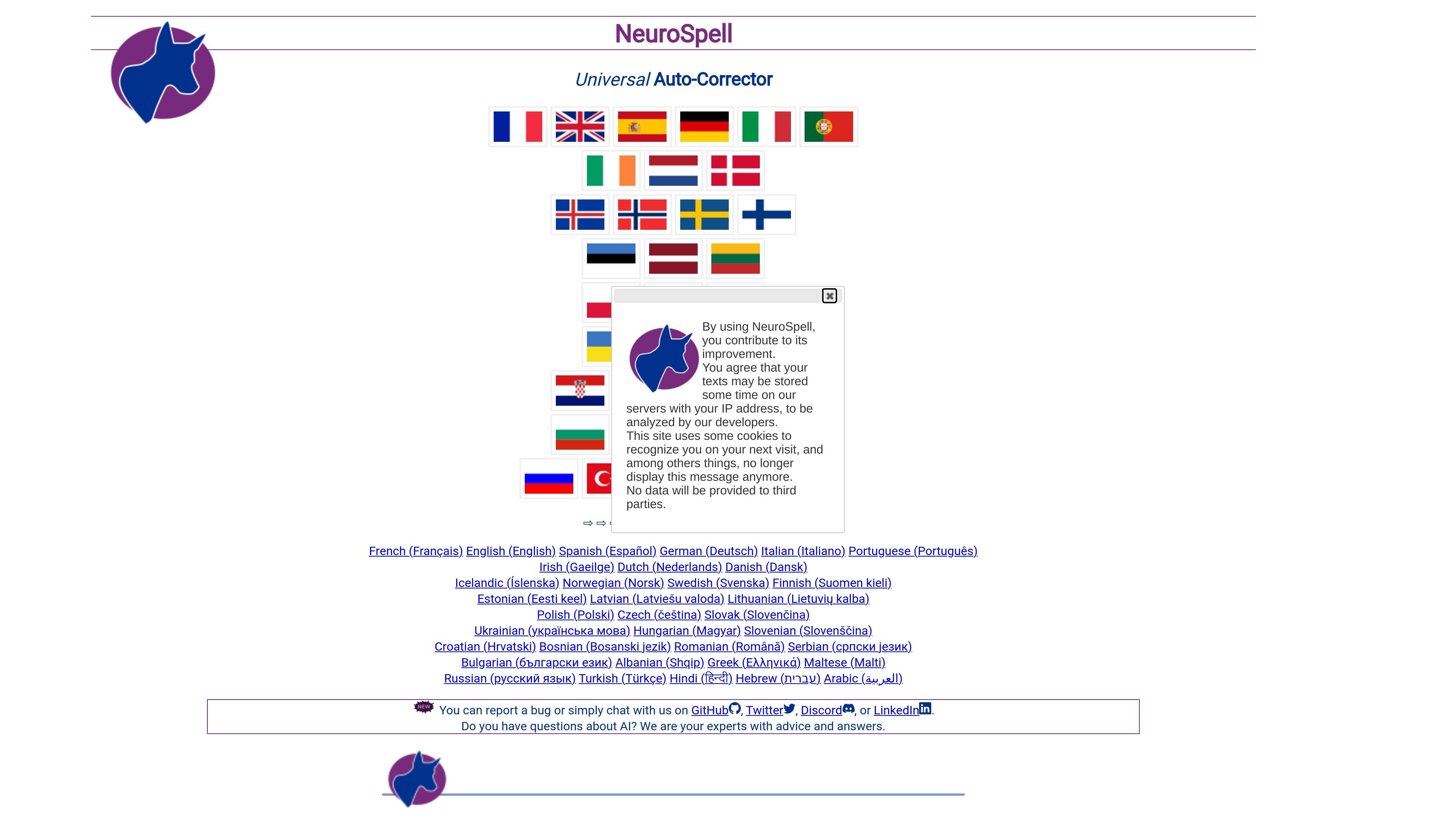
Language-specific correction
Handle errors such as typos, phonetic confusions, punctuation, word splitting, and inflections where supported. Check the selected language rather than assuming identical coverage across all languages.

Multilingual neural spelling and grammar correction, with language-specific controls and domain adaptation.
NeuroSpell corrects spelling and grammar in text rather than only flagging possible errors. Choose a language, enter text in its web editor, and inspect proposed changes: bold text identifies corrections, underlining flags uncertainty, and other marks indicate proposed additions or deletions.
Its neural correction capabilities vary by language. The language table also distinguishes rule-based checking from neural correction, so the same controls and error coverage are not available everywhere. NeuroSpell can be adapted to domain-specific vocabulary, phrasing, and machine-generated errors, with on-premise deployment offered for intranet workflows. The French web edition is experimental, and stronger correction settings require particular care with rare words and specialized expressions.
Handle errors such as typos, phonetic confusions, punctuation, word splitting, and inflections where supported. Check the selected language rather than assuming identical coverage across all languages.
Inspect correction proposals and uncertainty marks before accepting the result. Proposed additions and deletions are marked, helping users distinguish changes from the original text.
The French editor provides Light, Standard, and Extreme levels. Stronger correction can make rough text more readable but can also incorrectly change rare words or specialized expressions.
Train correction for domain-specific vocabulary, sentence structures, phrasing, or recurring machine errors. This is a customized correction capability, not a ready-made connector for every business application.
Deploy NeuroSpell within an intranet without sending text outside it. This deployment option is separate from the public website’s handling of submitted text.
Use the selected language editor to review spelling and grammar in messages or documents, then inspect changes for meaning and specialized terminology.
Apply correction to text produced by OCR or speech-to-text systems. Review the output against the original material; correction does not establish that a transcription or recognized document is accurate.
Consider domain adaptation and intranet deployment when correcting repeated terminology or recurring input errors. Treat workflow connections and deployment details as implementation requirements rather than assuming an included RPA integration.
No. Neural correction, rule-based checking, error coverage, and controls differ by language. Select the relevant language and check its capabilities before choosing it for a recurring workflow.
Light emphasizes limited corrections; Standard addresses more complex writing errors; Extreme aims to make very rough text readable. Stronger settings can mistakenly alter rare words or specialized expressions. The French web edition is experimental, so inspect its proposed changes.
An on-premise deployment is offered without sending data outside the intranet. The public website has a different notice: submitted text may be stored with its IP address for developer analysis. Choose the appropriate deployment before submitting confidential material.
Yes. Domain-specific vocabulary, sentence structures, phrasing, and machine-specific errors can be used for adaptation. Confirm the implementation requirements for your corpus and workflow, and review corrected output before relying on it.
Os dados de tráfego são apenas para referência.