
Sentence and paragraph rewriting
Reworks phrases and sentence structure as well as individual words, allowing revisions beyond simple synonym replacement.

AI paraphrasing for writers, with multilingual rewriting and an API for developers.
NeuralWriter is an online AI paraphrasing tool for rewording sentences, paragraphs, articles, and essays. It rewrites sentence structure and phrasing with the aim of retaining the original meaning, giving writers an alternative way to express existing material.
The product combines a browser-based editor with a Chrome extension and a paraphrasing API. Writers can revise text directly on the website, while developers can incorporate rewriting into their own applications. The level of rewriting determines how extensively the wording changes; stronger settings require closer review for changes in meaning.
Reworks phrases and sentence structure as well as individual words, allowing revisions beyond simple synonym replacement.
Light, Medium, and Hard offer different degrees of revision. The API describes Light as slight changes, Medium as rewriting some sentences, and Hard as substantial rewriting.
Supports 30 languages, including English, Arabic, Chinese, French, German, Japanese, Spanish, and Ukrainian.
A diff checker shows where words were replaced, helping users inspect the differences between the original text and the paraphrased output.
Offers a Chrome extension as another way to access the paraphrasing service.
Provides programmatic rewriting through RapidAPI, with a demo option, three rewriting modes, and advertised support for requests exceeding 10,000 characters.
Generate alternative wording for paragraphs in an article, then compare the changes and select phrasing that fits the intended message.
Restate source material in different words while reviewing the result for accuracy and retaining any required citations.
Revise wording in supported languages when preparing content for different audiences.
Use the API to add paraphrasing to a writing workflow, choosing the revision mode according to how much the text should change.
The website describes its online paraphrasing tool as free, with no registration required. The API is offered separately through RapidAPI, where a demo and purchase option are available.
The web editor accepts up to 10,000 characters. The API page advertises a character limit of 10,000+ per request.
The API documentation says Hard mode may slightly change the original meaning. Reread the output carefully, especially quotations, before using it.
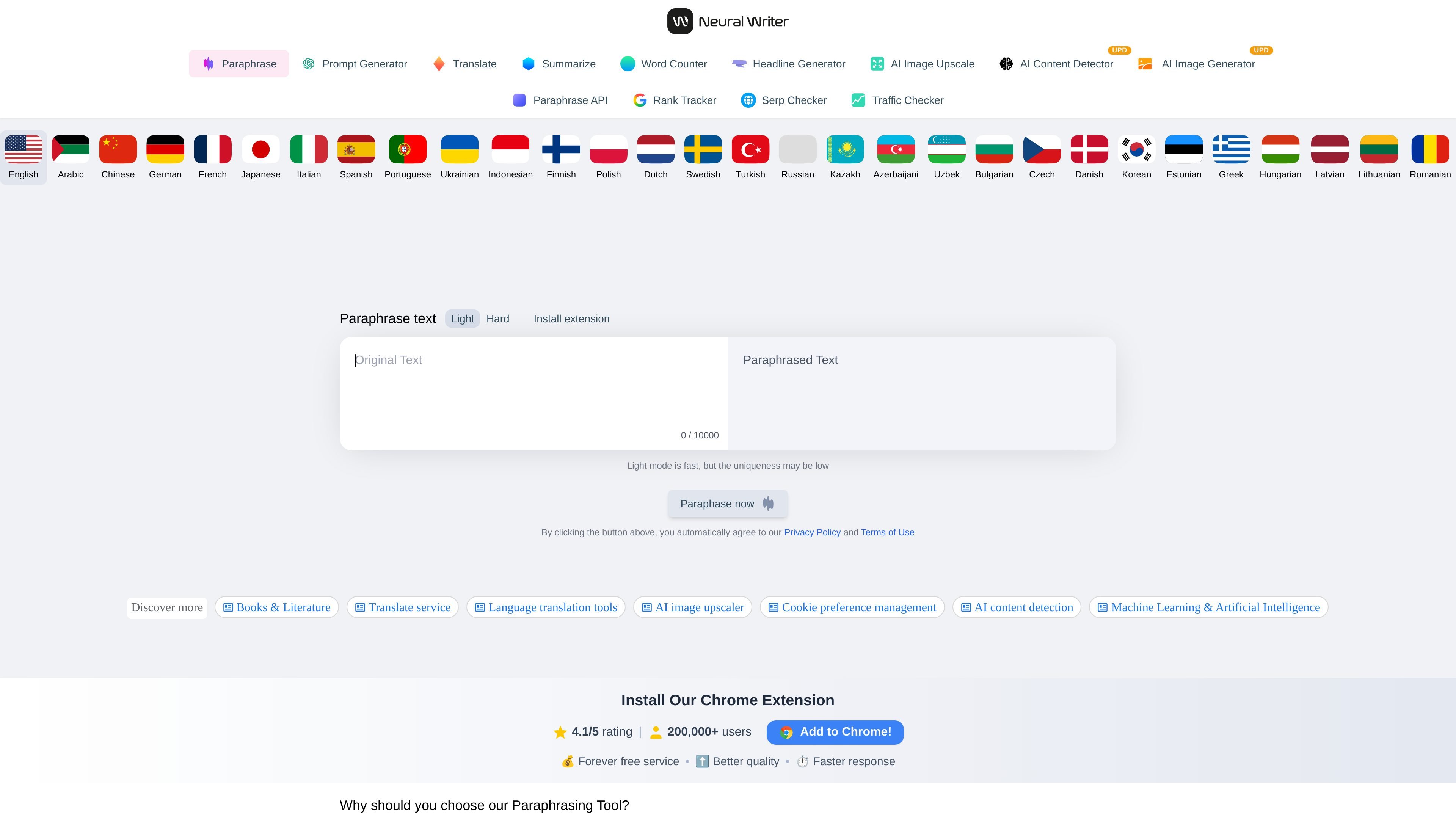
Paste your text into the input window and click “Paraphrase now.” Review the generated output and use the change comparison to inspect replaced wording.
Os dados de tráfego são apenas para referência.