
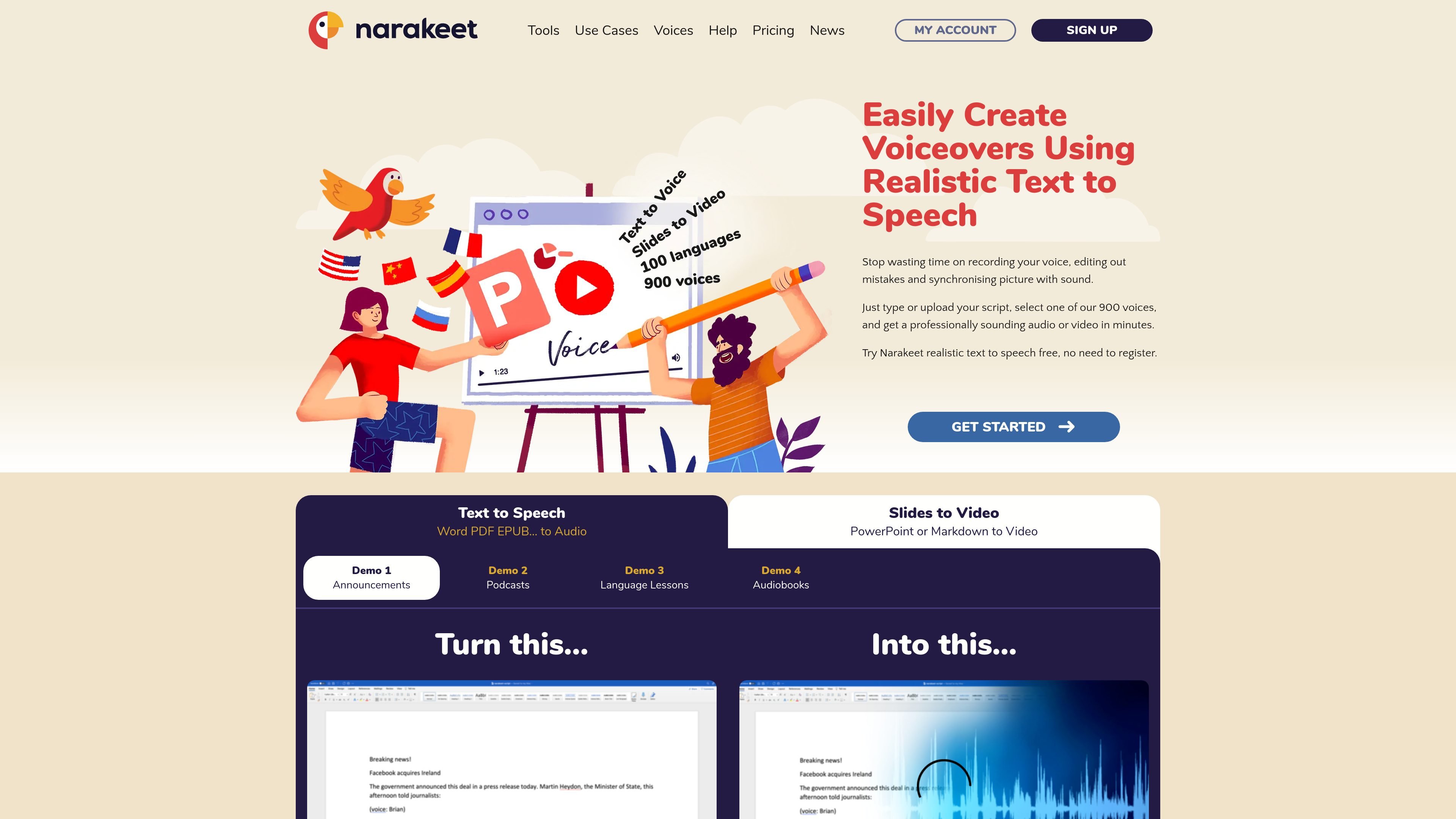
Text-to-speech voices
Choose from 900 voices in 100 languages and convert a written script or document into audio.

Create text-to-speech audio and narrated videos from scripts, subtitles, and slides.
Narakeet is an online tool for text-to-speech audio and narrated video creation. Turn scripts or Word documents into voiceovers, generate dubbed audio aligned with subtitle timestamps, or build videos from presentations and scripted visual assets. Updating the source text and generating again provides a new version without recording the narration manually.
It serves lessons, training content, announcements, audiobooks, and product demonstrations. Commercial accounts add usage rights, automation access, and larger input limits.
Choose from 900 voices in 100 languages and convert a written script or document into audio.
Upload SRT or WebVTT subtitles to create speech aligned with their timestamps.
Convert PowerPoint, Google Slides, or Keynote materials into narrated videos with subtitles.
Combine images, screen recordings, video clips, text overlays, and narration using scripts and stage directions.
Commercial users can use the API or command-line client for repeat builds, multiple language versions, and integration with production workflows.
Edit the narration text in a slide-based lesson and rebuild the video when instructions change.
Use a timed subtitle file to create an alternative audio track in another supported language.
Combine scripts and visual assets into repeatable product or documentation videos through the API.
Turn written material into audio and regenerate it after a text revision.
The $6 USD package provides 30 minutes of audio or video credits. Top-up credits do not expire and do not create recurring subscription charges.
Text-to-speech builds are charged by final output duration in one-second increments. Each full build uses credits, even if it is not downloaded. Commercial-account previews do not use credits.
Content created with a commercial account can be used commercially. Free-account output is for personal use and evaluation. Rights to the source text and visual material still apply.
Free accounts allow 20 conversions with smaller input limits. Commercial use and the automation API require a commercial account.
No. Slide animations, transitions, and videos embedded within part of a slide are not supported.
Os dados de tráfego são apenas para referência.

adoriai.com
Turn blog posts, text, PDFs or audio into narrated videos with AdoriAI, then review scenes, voiceovers and captions in a browser editor.

pictory.ai
Turn scripts, articles, presentations, images, and recordings into editable videos with AI.

lumen5.com
Turn scripts, blog posts, transcripts, public webpage links and ideas into editable videos with AI-built scenes, visuals and timing.

pixverse.ai
Generate videos from prompts and images, with multi-shot direction, native audio, and production tools.