
AI task planning
Motion automatically prioritizes tasks using deadlines, dependencies, durations, and user preferences, then builds and updates a daily plan as work changes.

Motion é uma plataforma de produtividade com IA para indivíduos e equipes, que combina planejamento de tarefas, gestão de projetos, agenda, notas de reuniões e automação de fluxos de trabalho. Os planos pagos Pro AI e Business AI incluem um teste gratuito.
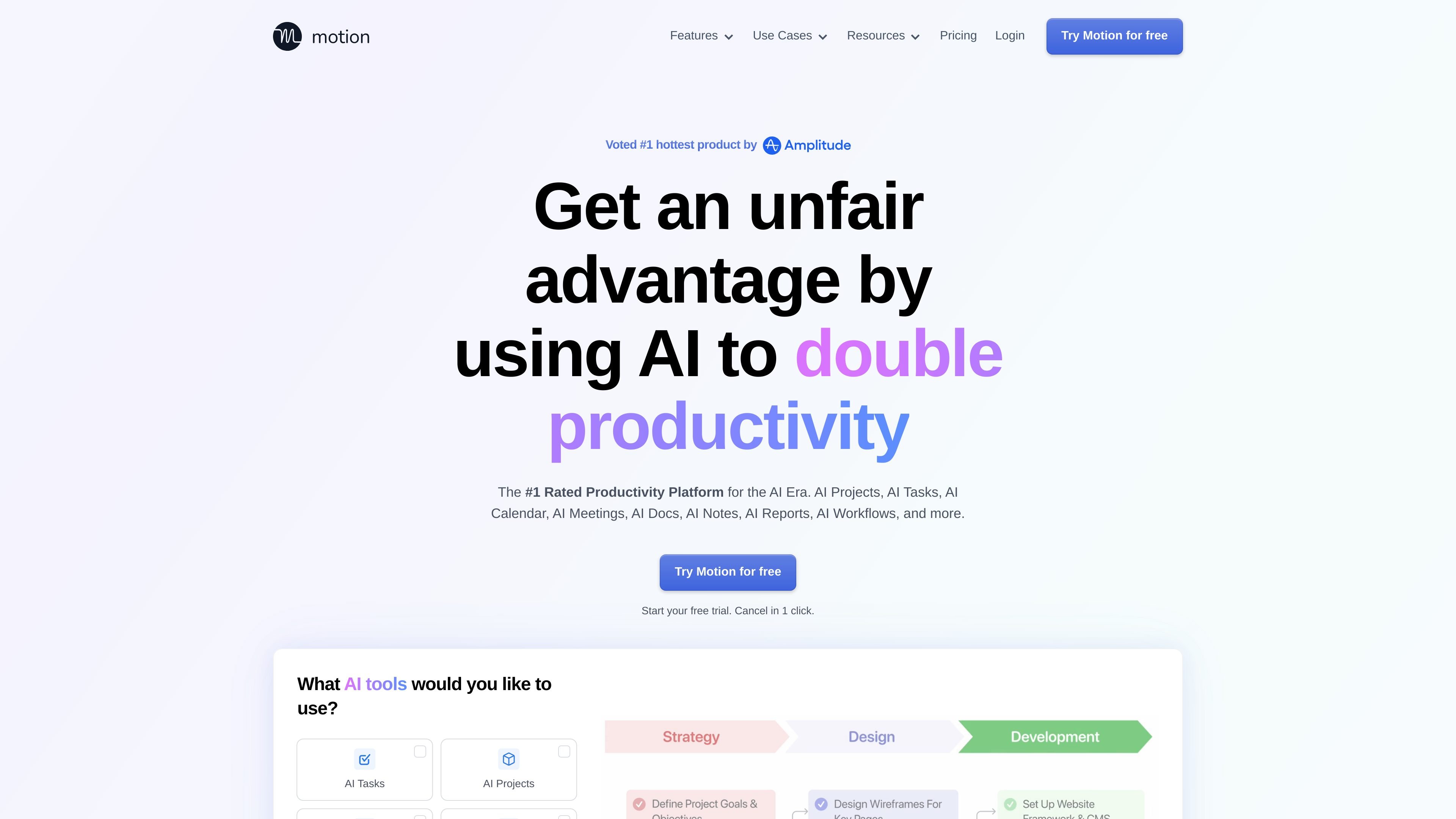
Motion is an AI-powered productivity platform that combines task management, project management, calendar scheduling, meeting notes, docs, and workflow automation in one workspace. Its home page positions the product as a “SuperApp for Work” and says it is built for individuals as well as teams of all sizes.
The core idea is to reduce manual coordination work: Motion automatically prioritizes tasks, builds project plans, schedules meetings, captures notes, and turns information from emails, messages, and docs into actionable work. The pricing page groups these capabilities into Pro AI and Business AI plans, while the security page adds that Motion is hosted on Google Cloud Platform and has completed a SOC 2 Type II audit.
Motion automatically prioritizes tasks using deadlines, dependencies, durations, and user preferences, then builds and updates a daily plan as work changes.
Users can describe a project and Motion will generate tasks, deadlines, assignees, and stages, reducing the manual setup needed to start work.
Motion schedules meetings automatically, resolves calendar conflicts, and helps plan the day around the available workload and time.
The meeting assistant records meetings, produces notes and summaries, generates action items, and can send follow-up emails after the meeting.
Docs can be used for notes, processes, wikis, and pages, and Motion can turn messy notes into tasks or organized projects.
Motion supports task capture from email, meetings, Slack or Teams messages, and voice via Siri, creating a single task list across sources.
A solo professional can use Motion to turn a list of competing tasks into a prioritized plan that accounts for deadlines, durations, and changing priorities without manually reshuffling a calendar.
A project team can start from a short brief and let Motion generate a project structure with tasks, stages, and assignees, then use the workspace to track updates and next steps.
A manager can reduce meeting overhead by using Motion to capture notes, generate action items, and send post-meeting follow-ups instead of writing everything up manually.
An operations or team lead can centralize recurring work by documenting processes in Motion docs and converting those notes into tasks or organized workflows.
A team that works across Gmail, Outlook, Slack, Teams, Zoom, Google Meet, and Siri can collect tasks from those sources into one list instead of managing them separately.
Motion offers a free trial, and its pricing page shows paid Pro AI and Business AI plans for individuals, teams, and organizations. The pricing page also states that some plan variants are not available for purchase in the current view, so the exact buying flow may depend on account type or context.
Motion is built for both individuals and teams of all sizes. The home page says it is used by over 1 million people and that it is built for individuals, small teams, and larger organizations, while the pricing page separates plans for solo professionals and teams.
The home page describes AI modules for tasks, projects, calendar, meetings, docs, notes, reports, workflows, search, and a personal assistant. The pricing page confirms core included areas such as AI Chat, AI Projects & Tasks, AI Calendar & Meetings, AI Docs, Wiki, & Notes, AI Task Planner, and AI Writer & Editor.
Motion’s security page says the product is hosted on Google Cloud Platform, uses encryption in transit and at rest, and has completed a SOC 2 Type II audit. It also says customers can request a security kit and audit report through support.
Motion’s pricing page lists iOS, Android, and desktop apps, and the home page describes email, meeting, Slack, Teams, Zoom, Google Meet, Outlook, Gmail, and Siri-based task capture or workflows. That indicates Motion is intended to work across web and multiple client apps, though the sources do not provide a complete platform matrix.
Os dados de tráfego são apenas para referência.

dartai.com
Dart é uma plataforma de gestão de projetos com IA para equipes que precisam acompanhar tarefas, planejar, documentar e automatizar fluxos de trabalho em um único espaço. Ela combina visualizações tradicionais de projetos com recursos de IA, como geração de tarefas, detecção de duplicidades, preenchimento de propriedades e relatórios.

thefusebase.com
FuseBase é uma plataforma de colaboração e portal de clientes nativa de IA para agências, consultores e outras equipes voltadas ao cliente. Combina espaços de trabalho internos, portais externos personalizados com a marca e agentes de IA para apoiar a entrega e a colaboração.

talentgenius.io
Soluções de IA com ChatGPT Business e Work Engine para padronizar fluxos de trabalho e automatizar tarefas

helloaria.io
Plataforma de produtividade para gerir lembretes, tarefas, notas e acompanhamentos por chat e num painel unificado.

nudgetaskai.com
Nudge Task é um agendador de tarefas com IA que transforma tarefas em texto simples em um plano semanal com base em prazos e prioridades. Também oferece fluxos de trabalho de tarefas no Slack e Discord, além de um bloqueio pago de prazo para tarefas que você não pode perder.

datagran.io
Plataforma de IA orientada por pessoas para fluxos, CRM, atendimento e automação de marketing com agentes