
Conversational answers with web access
Ask questions, draft or translate text, brainstorm, and summarize using a conversation with web-connected features.

A WhatsApp AI assistant for chat, image and document tasks, and connected workflows.
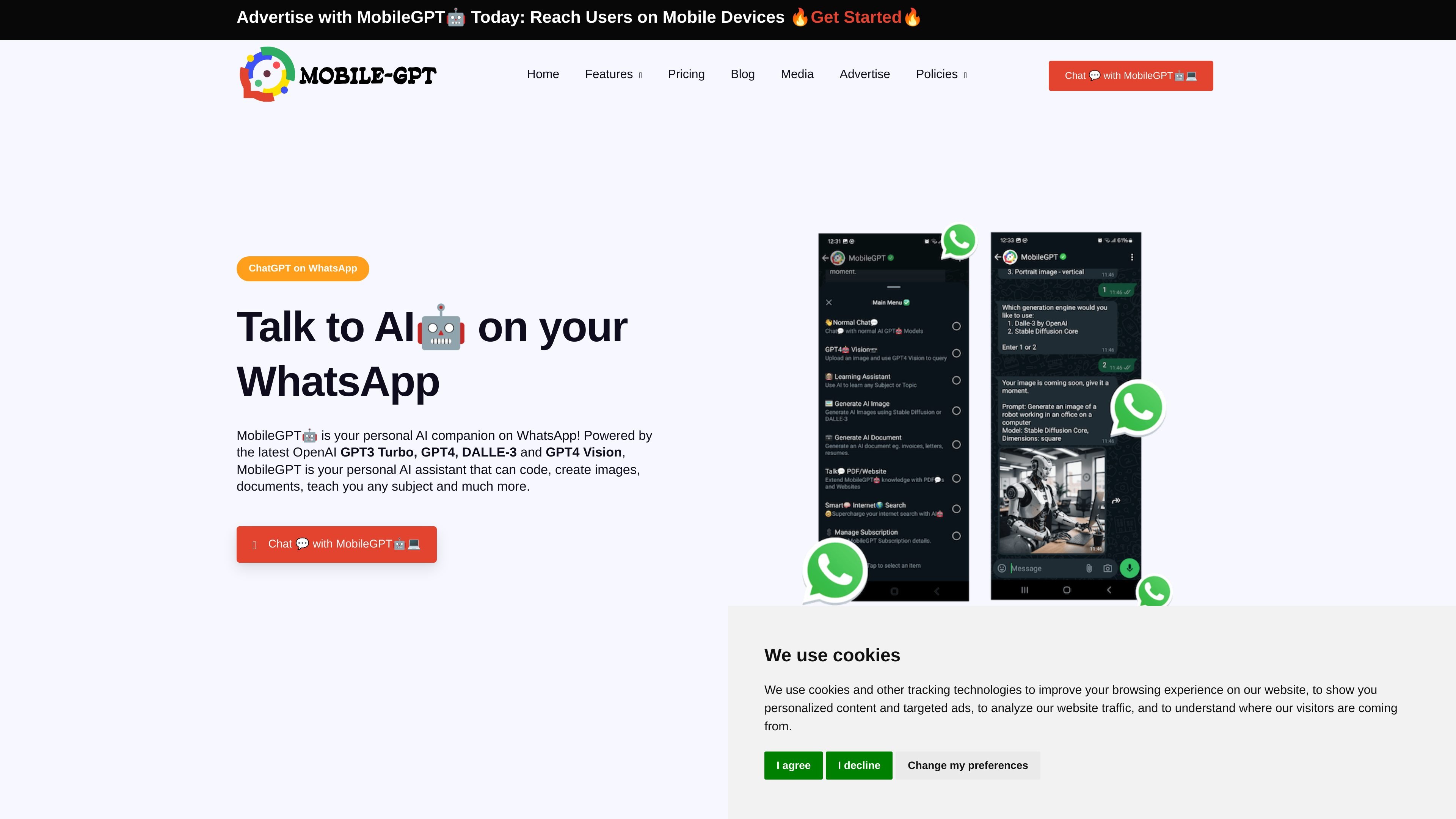
MobileGPT is an AI assistant accessed through WhatsApp, where users can ask questions, send images, upload files, and request generated content. It combines conversational responses with image understanding, image and document generation, and tools for carrying out connected tasks. Its purpose is to bring research, content creation, and everyday coordination into a messaging workflow, without requiring a separate MobileGPT app.
Ask questions, draft or translate text, brainstorm, and summarize using a conversation with web-connected features.
Send a photo and ask about its contents, such as a diagram, label, menu, or scene.
Describe an image to generate, including artwork, logos, mockups, and social media visuals, and receive it in the WhatsApp chat.
Request documents such as proposals, reports, CVs, and letters, or upload a PDF or other file to ask questions and get summaries or analysis grounded in the file.
Connect the relevant accounts to compose, preview and send email; create, reschedule or check calendar appointments; publish social posts to LinkedIn, Facebook or Instagram; and set WhatsApp reminders.
Use a WhatsApp conversation to check current information, draft a message, translate a passage, or summarize material without switching to a separate AI chat app.
Send a picture of a label or diagram for explanation, or upload a PDF and ask focused questions when reviewing a file.
Describe a proposal, report, CV, or letter and receive a draft document to download and share.
Connect an email or calendar account to compose messages and manage appointments through plain-language requests, or set a reminder for a later time.
Draft a post and request publication to a connected LinkedIn, Facebook, or Instagram account, with an image attached when needed.
Save the MobileGPT number in your contacts, open WhatsApp, and send a message. The site says no separate MobileGPT app or prior account setup is required.
No. MobileGPT says it can be used in WhatsApp without a separate ChatGPT or OpenAI account.
Yes. Upload a PDF or other file in the chat, then ask questions or request a summary or analysis based on its contents.
Connect the relevant email or calendar account first. For email, MobileGPT drafts and shows you the message before sending it on your behalf. Calendar actions include creating, moving and checking appointments through WhatsApp.
You can get started for free. Paid plans provide advanced features and higher usage limits.
Os dados de tráfego são apenas para referência.

askaichat.app
A multi-model AI assistant for web research, document and link analysis, writing, and image generation.

guidegeek.com
GuideGeek is an AI travel assistant that helps travelers discover destinations, plan trips, compare travel options, and navigate with real-time information through chat. It is available on WhatsApp, Instagram, and Messenger, and supports multilingual conversations.