
Spoken questions
Hold a hotkey to talk to Marv and ask for help while staying in the current desktop workflow.

A Windows desktop companion that answers screen-based questions aloud and guides your next step.
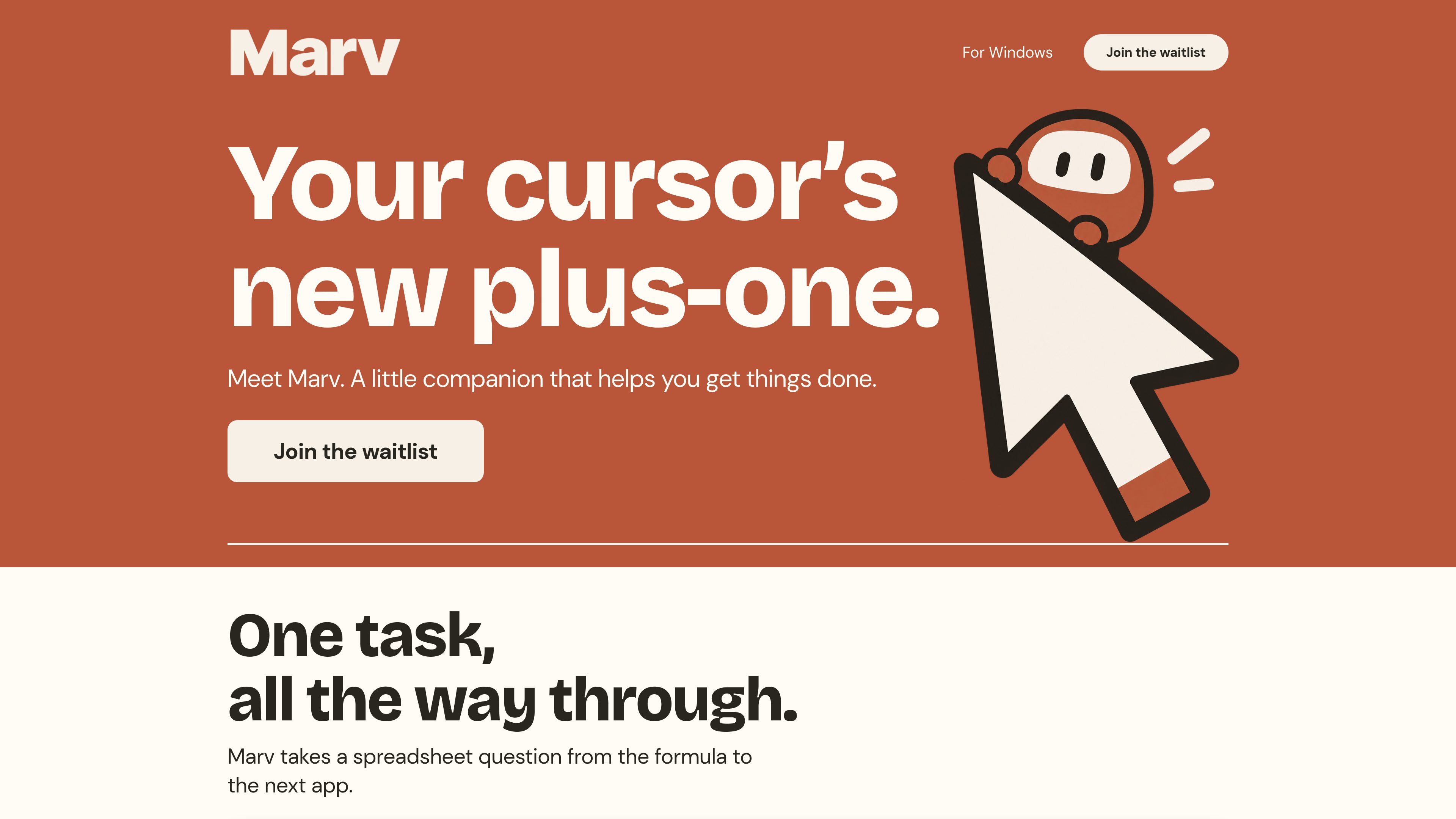
Marv is a Windows desktop companion designed to help people complete tasks across the apps on their screen. It can respond to spoken questions, explain what to do next, and use visual guidance to point out relevant controls or areas.
The workflow is centered on a hold-to-talk hotkey. After a user asks a question aloud, Marv provides a spoken answer so the user can continue working without switching to a separate chat window. Its guidance can include circles, arrows, and highlights placed over the desktop.
Marv is intended for task progression rather than isolated answers. The site illustrates a spreadsheet question moving from a formula to the next app, as well as a weekend planning note with tasks such as booking a train and packing a bag. Users can pause screen access and save a spot for Marv when assistance is not needed.
The product is currently presented as an early-access Windows release. The website invites users to join a waitlist; it does not provide confirmed pricing, integrations, or broader team-use information.
Hold a hotkey to talk to Marv and ask for help while staying in the current desktop workflow.
Marv responds verbally, allowing users to hear an answer instead of moving to a separate chat window.
Circles, arrows, and highlights show relevant areas of the screen and indicate what to do next.
The product is presented as helping carry a task forward, such as taking a spreadsheet question from a formula to the next app.
Users can pause screen access and save a spot for Marv when they do not need assistance.
Ask about a spreadsheet formula and use Marv’s guidance to continue the task into the next app.
Work through a list such as booking a train and packing a bag while Marv points out the next step on screen.
Ask a question by voice and listen to the response while keeping attention on the current application.
Stop screen access during periods when guidance is not required, then save a spot for a later interaction.
The site presents Marv as an early-access companion for Windows.
Hold Marv’s hotkey and speak your question. The site describes a voice-based interaction rather than typing into a chat interface.
It can speak an answer and use circles, arrows, and highlights on the screen to indicate relevant areas.
Yes. The site shows a screen-access control that can be paused, along with an option to save a spot for Marv.
The website currently describes Marv as early access and invites visitors to join a waitlist. It does not publish confirmed pricing or availability details.
Os dados de tráfego são apenas para referência.

unicoolkido.com
Unicool is a parenting companion for families supporting children with ADHD, autism, suspected neurodivergence, or emotional-regulation challenges. It helps parents log daily signals, identify patterns linked to difficult days, and prepare practical next steps and communications.