
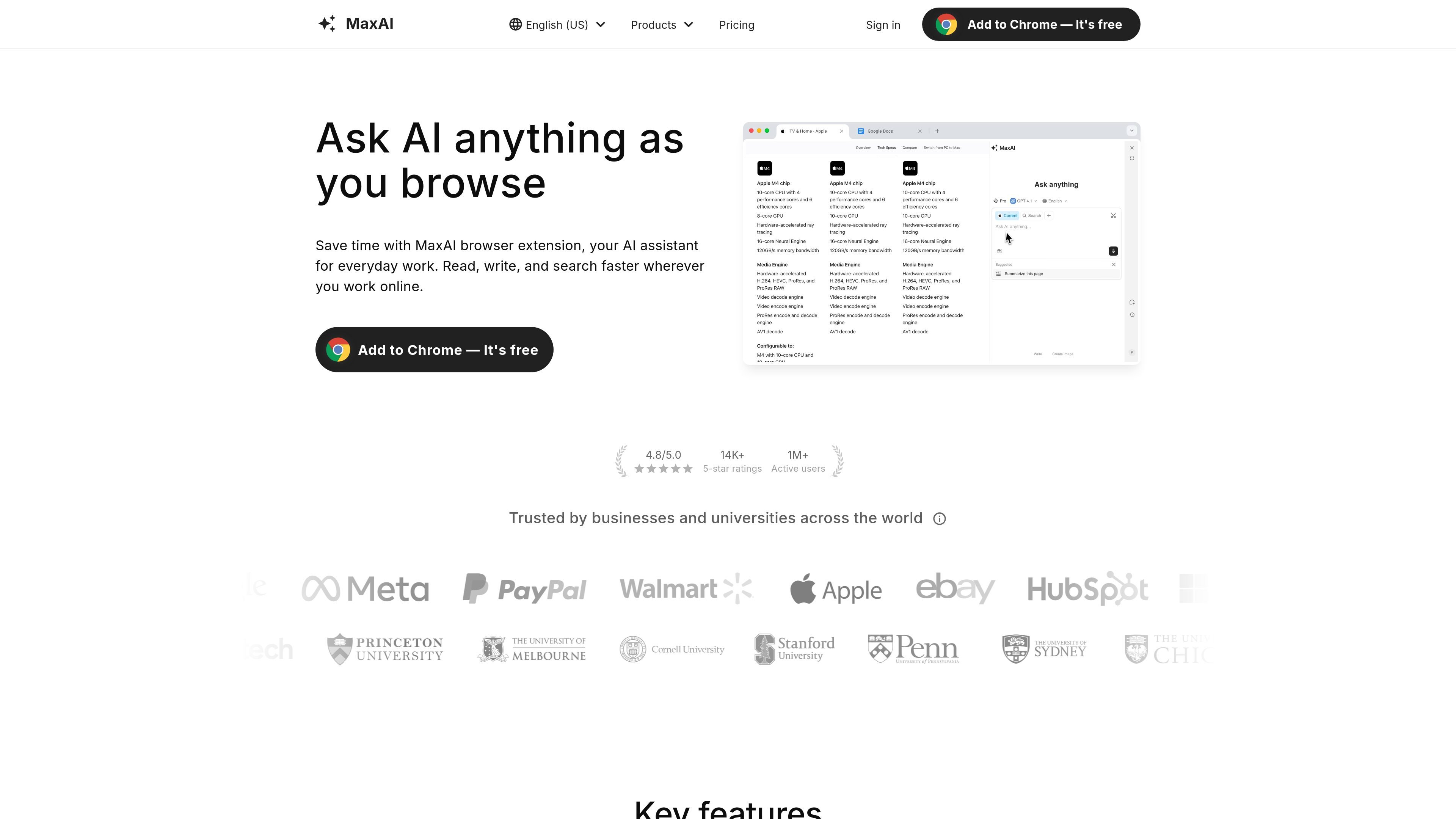
AI sidebar and webpage context
Open an assistant alongside a webpage and ask questions about its content, avoiding manual copy-and-paste.

A browser-based AI assistant for reading, writing, research, and translation across the web.
MaxAI is a browser extension that brings AI assistance into web browsing and everyday online work. It lets users ask questions about webpages and other sources, search the web for answers with cited links, compare responses from multiple AI models, and work with text through writing, summarizing, translation, and reply tools. The sidebar-based workflow is designed to keep these tasks available alongside the page being viewed, without requiring users to copy content into a separate chat tab.
Open an assistant alongside a webpage and ask questions about its content, avoiding manual copy-and-paste.
Send a prompt to multiple available models and review their responses side by side to choose an answer.
Search for timely information and receive answers with links to relevant web sources for verification.
Generate or revise text, including changing tone or length, simplifying language, paraphrasing, and correcting spelling and grammar.
Ask questions about webpages, YouTube videos, PDFs, emails, files, images, and audio; available actions include summarizing, explaining, and extracting information.
Translate selected text or view a page with original and translated text side by side. Save custom prompts for repeated tasks.
Search a topic, inspect cited web sources, and ask follow-up questions to develop a more focused understanding.
Summarize YouTube videos or research papers, clarify complex concepts, and create study quizzes.
Compose social posts, sales messages, or bilingual emails, then adjust tone, length, and wording.
Summarize long email threads into next steps, extract actions from documents, or ask questions about a page without leaving it.
Ask for an explanation of unfamiliar code, generate small Python snippets for CSV cleanup, or request a plain-language explanation of a chart.
MaxAI works in Chromium-based browsers, including Chrome and Edge.
Yes. Free includes unlimited Free chat using a fast model, three Pro chats per day, and limited file uploads. Advanced features and higher limits require an upgrade.
Yes. You can ask about webpages, YouTube videos, PDFs, emails, files, images, and audio.
Paid plans support adding team members and managing them. Additional members can be added after upgrading.
The displayed limited-time Pro offer is $12 per member/month billed yearly; the month-to-month price is $30. Paid subscriptions renew automatically until canceled. Manage or cancel through Your Plan and the subscription portal. MaxAI is for normal human use through its interface; account sharing and programmatic service access are prohibited.
Os dados de tráfego são apenas para referência.

monica.im
An AI assistant for chat, writing, research, and everyday work across your devices.

chatgpt.com
A conversational AI assistant for writing, research, learning, planning, coding, and file-based tasks.

gptonline.ai
A free, browser-based AI chat service for answering questions, writing, coding, and translation.

askaichat.app
A multi-model AI assistant for web research, document and link analysis, writing, and image generation.

writingmate.ai
An AI workspace for writing, research, coding, and media creation across multiple models.

claude.ai
Anthropic’s AI assistant for writing, coding, document analysis and cited research.