
AI writing assistant
An AI writing copilot powered by ChatGPT that supports rewrite, explain, grammar check, simplify, shorten, lengthen, paraphrase, summarize, continue writing, add emojis, and translate workflows.

Extensão de navegador e conjunto de ferramentas web para escrever, resumir, conversar com PDFs, gerar imagens e extrair dados.
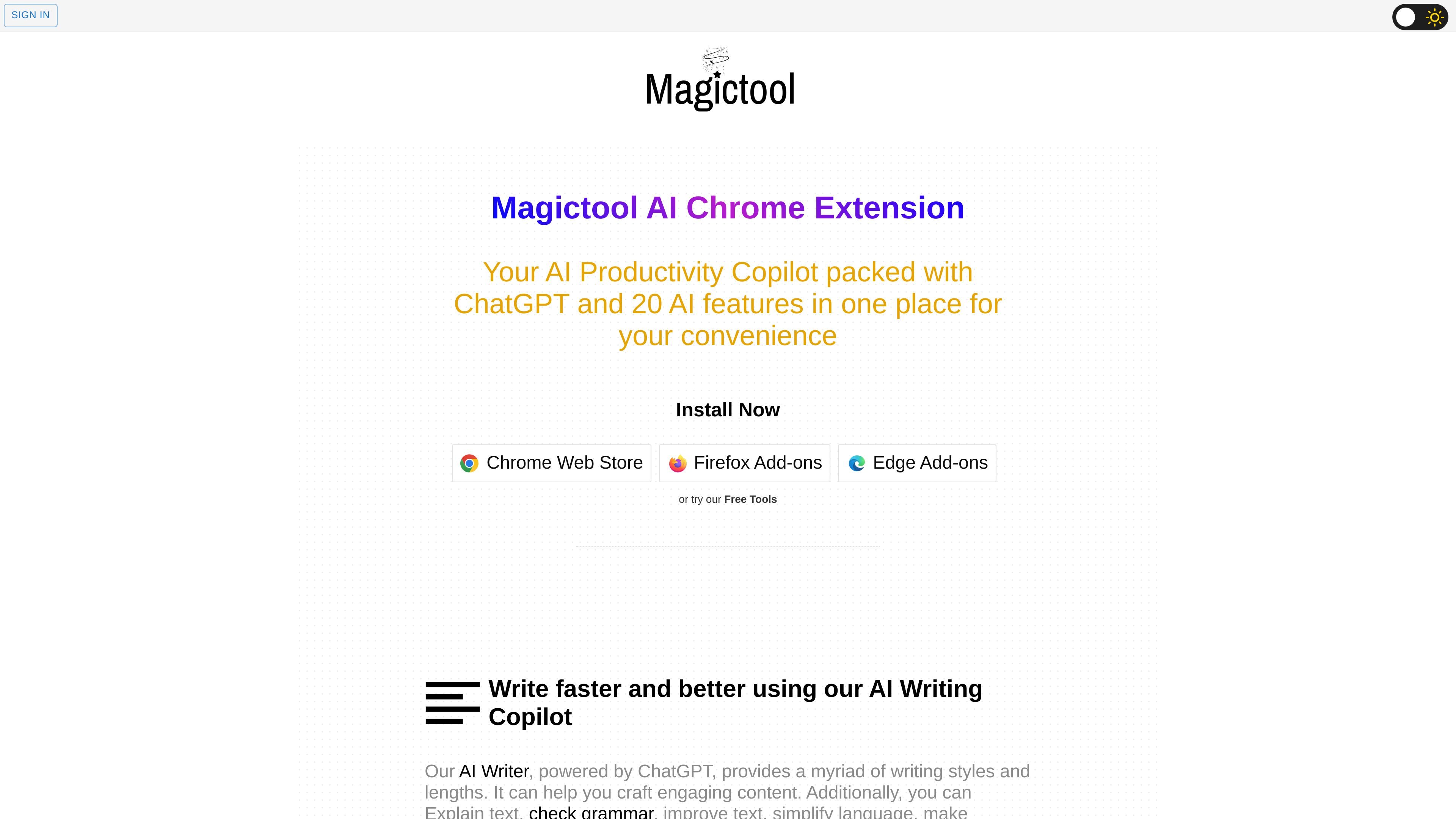
Magic Tool AI is a browser-based productivity hub built around an extension and a set of online tools. It combines ChatGPT-powered writing and chat features with utilities for summarizing webpages, working with PDFs, generating images, and extracting data.
The product is positioned as a way to keep several everyday workflows in one place rather than moving between separate apps or tabs. The site also presents free tools alongside paid AI features, with the extension available through Chrome Web Store, Firefox Add-ons, and Edge Add-ons.
An AI writing copilot powered by ChatGPT that supports rewrite, explain, grammar check, simplify, shorten, lengthen, paraphrase, summarize, continue writing, add emojis, and translate workflows.
Summarize YouTube video transcripts and comments, and access AI video dubbing in more than 50 languages on paid Pro+ plans.
Chat with PDFs and summarize documents to help with reading, study, and file review tasks.
Generate images from text using Stable Diffusion models and work with image-related AI tasks inside the extension.
Select data manually or use AI for automatic extraction from webpages, and analyze CSV and Excel files with ChatGPT support.
Use reader mode, dark mode, an online notepad, todo list, timer, and custom menu items from the same extension.
Draft emails, rewrite passages, check grammar, translate text, or continue a draft directly in the browser with the AI writer and shortcut tools.
Summarize YouTube videos, webpages, articles, and PDFs when you need the main points without reading every line.
Pull structured data from webpages, or analyze CSV and Excel files with ChatGPT assistance for lighter data tasks.
Generate text-based images or work with AI image tools without switching to a separate app.
Use reader mode, dark mode, notes, timers, and to-do lists as an everyday browser productivity layer.
Magic Tool AI provides a browser extension and online tools for writing, summarizing, chatting with PDFs, generating images, and extracting data. It is designed for users who want multiple AI and productivity tools in one place.
The site says the extension is available in the Chrome Web Store, Firefox Add-ons, and Edge Add-ons.
The pricing page says AI Words are the credit unit used in both trial and paid plans. When those credits are used up, you need to buy more to continue using the AI tools.
Yes. The pricing page says monthly subscriptions are charged automatically and can be canceled anytime. It also says one-time plans never expire and remain usable until the credits are depleted.
The pricing page states that file data is deleted automatically by the end of the same day and can also be deleted by the user after analysis through the tool.
Os dados de tráfego são apenas para referência.

nily.ai
Assistente de IA baseado no navegador, com mais de 20 modelos e ferramentas para chat, escrita, PDFs, emails, imagens e análise da web.

sidespace.app
Side Copilot é uma extensão do Chrome para chat com IA, gestão de abas e automação do navegador no painel lateral.

textie.ai
Textie.ai é um espaço de trabalho de IA para gerar textos, conversar, criar apresentações, traduzir documentos e realizar tarefas de voz e imagem.

hatchcanvas.com
Hatch é um espaço de trabalho com IA, desenvolvido em torno de uma única tela para planejar, criar e colaborar em projetos. Reúne documentos, imagens, código e dados em um só lugar para usar a IA no contexto compartilhado.

tinamind.com
TinaMind reúne mapas mentais, quadros brancos, chat, documentos e extensões do navegador para pesquisa, escrita e análise.