
LLM and code workflow
Magic Loops combines LLMs and code so users can build automations and AI-native apps rather than choosing one or the other.

Crie automações e apps de IA combinando LLMs com código.
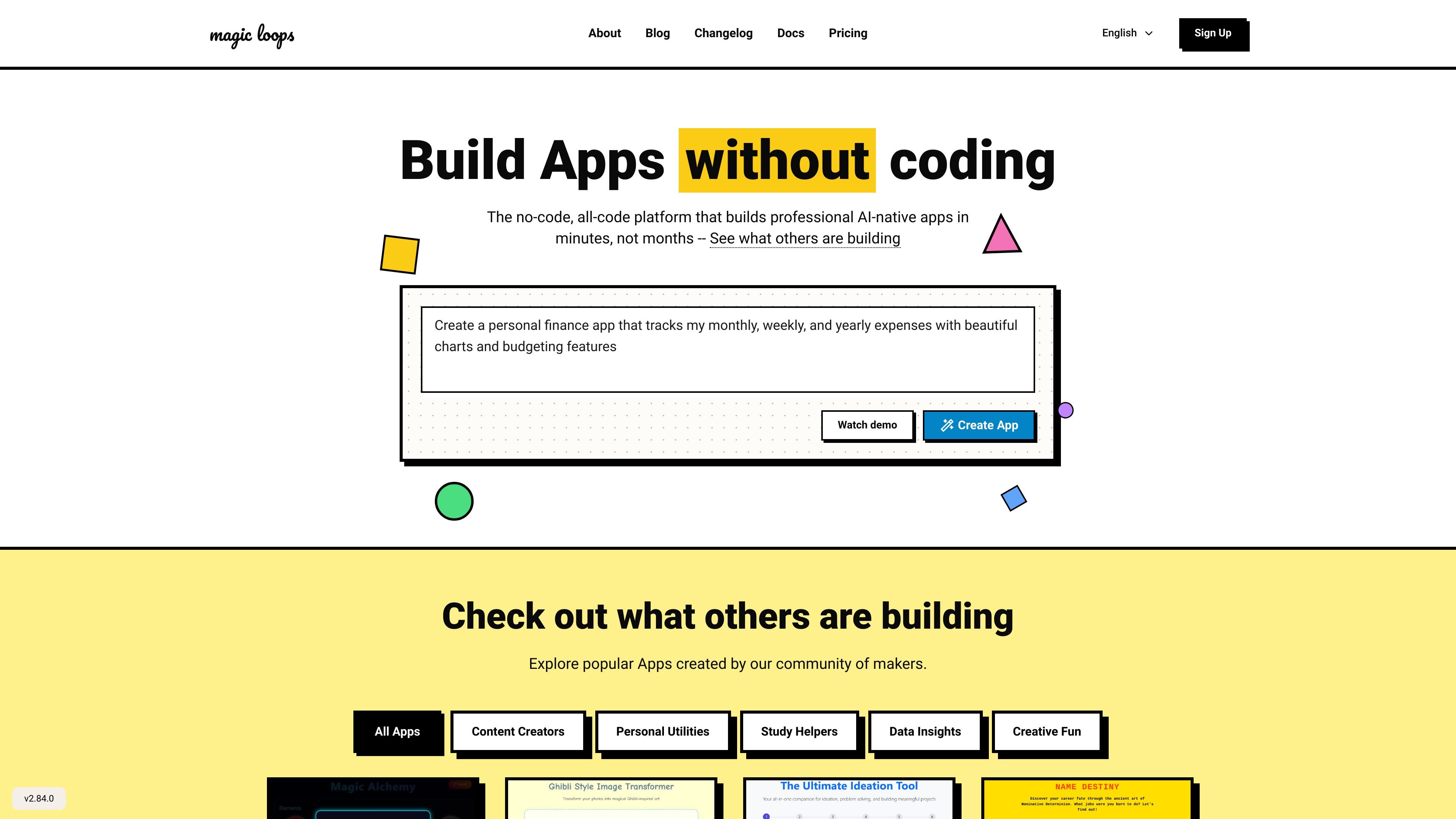
Magic Loops is a platform for creating simple automations and AI-native apps by combining LLMs with code. The site describes it as a no-code, all-code tool that helps people build professional apps in minutes rather than months.
The public pages emphasize a loop-based workflow and a gallery of community-built examples. Visible templates include tools for summaries, idea generation, expense tracking, project generation, image transformation, and other lightweight apps that can be adapted to specific tasks.
Magic Loops combines LLMs and code so users can build automations and AI-native apps rather than choosing one or the other.
The homepage positions the product as a no-code, all-code platform, which suggests it supports both nontechnical creation and code-driven logic.
The site shows a community template and app gallery with examples such as summaries, expense tracking, project generation, and photo transformation.
Pricing pages distinguish between public loops on the free tier and private loops on paid plans, giving users a clear visibility model for what they build.
The pricing page uses a credit system for usage, and the changelog mentions generation credits and run-based usage tracking.
The changelog shows ongoing platform updates such as file upload, speech-to-text, text-to-speech, and Google Sheets-related work.
Build lightweight AI apps that wrap an LLM with code-based logic, such as a summary generator or an idea builder.
Create simple workflows that turn repetitive tasks into automations, especially where text input and structured output matter.
Publish or keep internal tools private depending on the plan, using public loops for community sharing and private loops for controlled access.
Use the template gallery to start from a known pattern instead of beginning from a blank page.
Explore higher-touch plans when you need private loops, enterprise support, or custom model options.
The site positions Magic Loops as a no-code, all-code platform for building AI-native apps and automations. The homepage and templates pages show examples such as summaries, idea generation, expense tracking, and AI image transformations.
The pricing page shows a free plan plus paid plans, including Professional and Enterprise options. Paid plans use a credit-based model, with the page stating that every paid plan is $1 USD per 1,000 credits.
The public pages do not describe a full setup process in detail, but the product appears to center on creating an app or loop and then running it from the platform. The homepage invites users to create their first app and browse community-built examples.
The public pages show apps and loops built around text, summaries, idea generation, finance tracking, and image transformation. The changelog also references features like file upload, text-to-speech, speech-to-text, and a Google Sheets integration, but the public pages do not document every workflow in depth.
The pricing page includes a Professional plan and an Enterprise plan. Enterprise is described as offering private loops, on-premise hosting, unlimited runs, SOC 2 compliance, 1:1 support, and custom models.
Os dados de tráfego são apenas para referência.

www.gumloop.com
Automação de IA sem código para fluxos e agentes empresariais

tooljet.ai
Crie aplicações internas empresariais, agentes de IA e fluxos de trabalho com linguagem natural, ferramentas visuais e código.

agemo.ai
Agemo desenvolve software e pesquisa em IA; CodeWords transforma instruções em linguagem natural em automações, agentes e interfaces para criar ferramentas, apps ou produtos SaaS.

twin.so
Twin é uma plataforma de agentes de IA sem código para conectar apps, navegar na Web e automatizar fluxos recorrentes de pesquisa, prospecção e captura de dados.

lamatic.ai
Crie, implante e otimize apps agentivas e fluxos GenAI
testmyprompt.com
Plataforma de automação com AI para criar agentes por chat e conectá-los a mais de 600 apps e serviços