
Context-aware voice typing
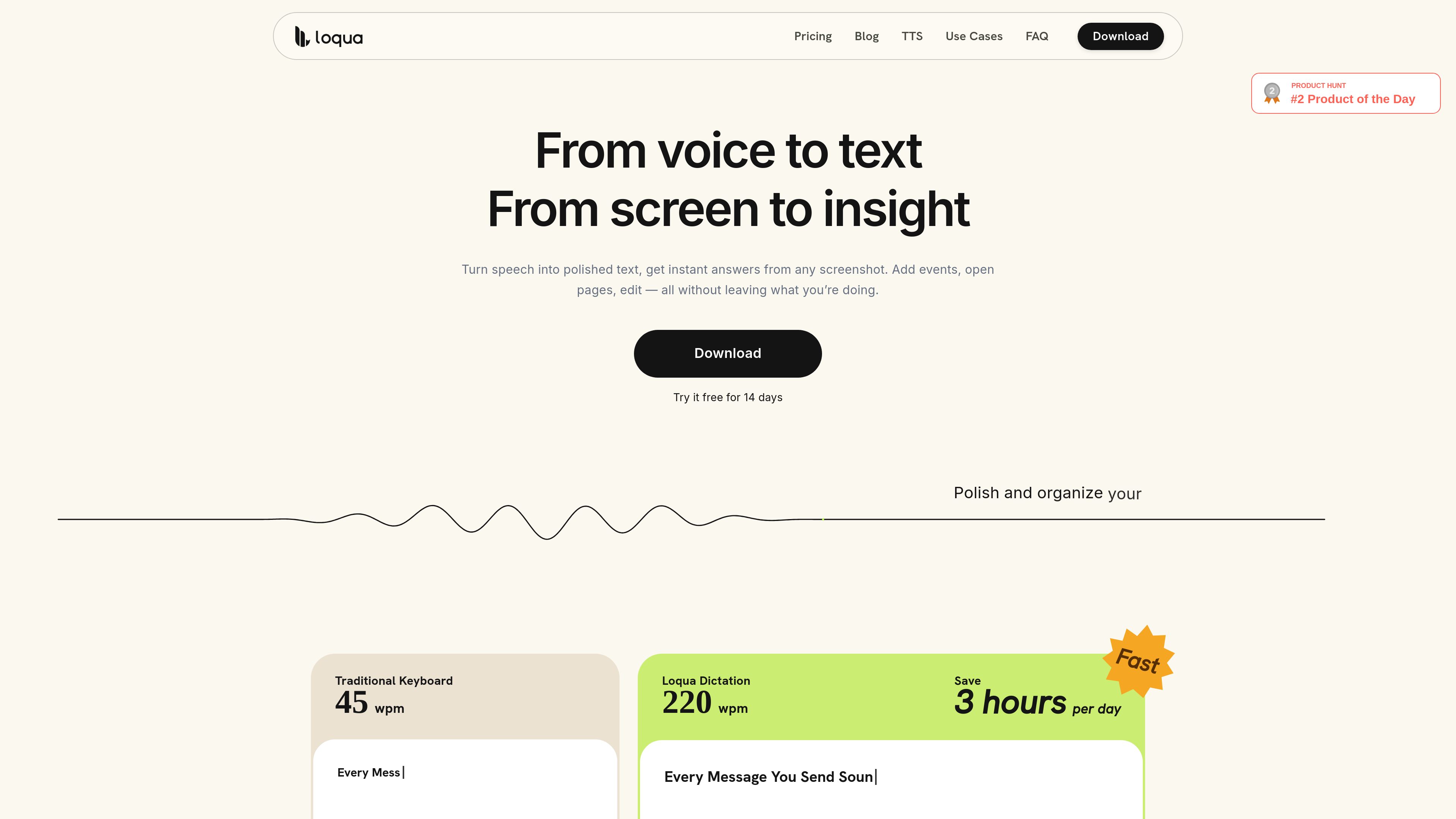
Dictate into most apps and text fields using a global shortcut. Loqua removes filler words, repetitions, and abandoned phrases while refining the wording of the transcription.

Loqua is a voice-first desktop productivity app for macOS and Windows that turns natural speech into polished text, edits selected content, translates dictation, and answers questions about user-selected screen content. It is designed for hands-free writing and supported voice workflows across desktop apps.
Loqua is a voice-first desktop productivity app for macOS and Windows. It turns natural speech into polished text in most apps and text fields, with real-time cleanup for filler words, repetitions, abandoned phrases, and self-corrections. Users can invoke it with a shortcut and dictate directly where the cursor is active.
Beyond dictation, Loqua can infer headings and list structure, translate spoken input into another language, rewrite selected text by voice, and answer questions in a popup. Its Capture to Ask feature lets users select part of their screen and ask about visible content such as charts, reports, interfaces, formulas, or error messages. Loqua also includes Read Aloud and supported voice actions for desktop workflows.
Dictate into most apps and text fields using a global shortcut. Loqua removes filler words, repetitions, and abandoned phrases while refining the wording of the transcription.
Loqua can infer headings, lists, and hierarchy from speech without requiring users to dictate formatting commands. It can also translate dictation into another language while the user speaks.
Select text and request a rewrite, rephrasing, or tone adjustment by voice. Users can also ask questions and receive an AI response in a popup without leaving the current app.
Select a portion of the screen and ask about its contents, including text, charts, dashboards, reports, slides, diagrams, formulas, and error messages. The workflow supports answers, analysis, translation, summaries, and follow-up questions.
Add recurring names, technical terms, project vocabulary, and other words to a personal dictionary. Dictation history and Capture to Ask screenshots are stored locally on the device, and the product states that screenshots and questions are not used to train AI models.
Read selectable text aloud and use supported Command to Go actions for calendar tasks, app workflows, web navigation, and related desktop operations. Read Aloud currently supports English on Mac and Windows.
Speak rough ideas into email, chat, notes, documents, or other text fields and receive cleaned-up text without moving between apps. This is useful when composing is faster by voice than by keyboard.
Describe a project update or set of notes naturally, and let Loqua infer headings, lists, and hierarchy instead of dictating formatting commands.
Dictate in one language and produce text in another while speaking. This supports messages, order details, and other short-form communication where translated phrasing is needed.
Capture a chart, dashboard, report, slide, formula, or error message, then ask for an explanation, summary, translation, or analysis without switching applications.
Select existing text to rewrite or adjust its tone by voice, or use Read Aloud on selectable text while continuing to work in another desktop app.
Loqua supports macOS and Windows. Both Apple Silicon and Intel Macs are supported, as are 64-bit Windows devices. iOS and Android support is listed as coming soon.
On Mac, download the .dmg file, open it, and drag Loqua into Applications. On Windows, run Loqua-Setup.exe and follow the installer. Then open the app, sign in with Google or an email address, and complete onboarding. Microphone and Accessibility permissions are required for basic dictation.
No. Loqua currently needs an internet connection for speech processing and related AI features. The product states that history is stored locally on the device, separately from online processing.
Loqua works with most apps and text fields, but some applications restrict direct text insertion. When that happens, the transcription remains available in Loqua History.
Each new account starts with a 14-day free trial of Loqua Pro. After the trial, the account moves automatically to the Free plan. The Free plan includes core dictation with a weekly word limit, and users can upgrade again from the app.
Os dados de tráfego são apenas para referência.

www.attyn.com
Attyn é um app pessoal de IA para macOS que oferece escrita, ditado, perguntas sobre a tela e explicações visuais a partir do cursor. Com ele, é possível trabalhar nos apps que você já usa sem copiar texto para outra aba de chat.

aitextconverter.com
A browser-based tool for rewriting AI-generated text into more natural-sounding prose.

edyt.app
Edyt é um assistente de texto com IA para desktop, disponível para Mac e Windows, que funciona em campos de texto editáveis de vários aplicativos. Selecione um texto e use um atalho de teclado para reescrever, revisar, explicar, traduzir ou aplicar um prompt personalizado sem trocar de janela.

lattice.aryy.in
Rewrite text through multiple language paths for more natural wording while preserving the original meaning.