
Unified project canvas
Keep generations, prompts, references, and outputs in one visual workspace. The canvas supports zooming, resizing, and side-by-side comparison for projects with many assets.

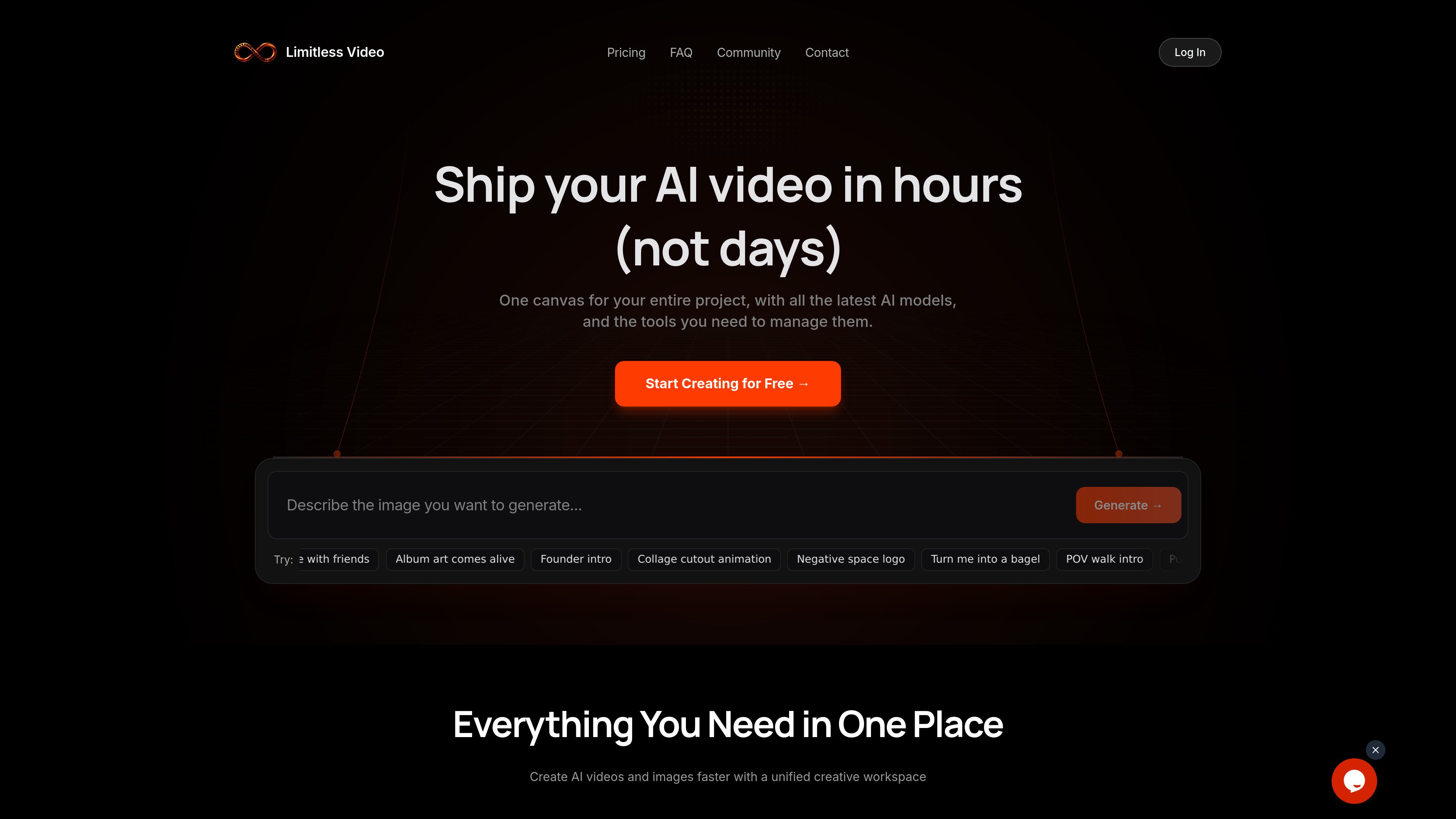
Limitless Video is a unified AI video and image generation workspace that brings multiple models, including VEO, Kling, Sora, Pika, and Flux, into one canvas. It helps creators and production teams generate, compare, organize, and export media from a single project workspace.
Limitless Video is an AI video and image generation workspace organized around a shared project canvas. It brings 12+ models—including VEO, Kling, Sora, Pika, and Flux—into one interface so users can prompt, generate, compare, organize, and export media without moving between separate model tools.
A typical workflow starts with a plain-language prompt, followed by model selection and generation. Projects can contain prompts, references, and outputs together, while side-by-side comparison and parallel generation help users assess different model results for the same creative direction.
The platform also includes an AI assistant for prompt rewrites, variations, and model recommendations. Users can turn a video frame into an image and use it as a start frame for a subsequent video, supporting connected sequences. It is positioned for creators and production teams working on visual concepts, social content, storyboards, tutorials, moodboards, and other AI-generated video or image projects.
Keep generations, prompts, references, and outputs in one visual workspace. The canvas supports zooming, resizing, and side-by-side comparison for projects with many assets.
Access 12+ AI models from one interface, including VEO, Kling, Sora, Pika, and Flux. Users can work with different aspect ratios, resolutions, durations, and reference frames across available models.
Send one prompt to multiple models at the same time and compare the resulting clips side by side, making it easier to evaluate alternative outputs.
Use the built-in AI assistant to rewrite prompts, create prompt variations, and receive model recommendations before generating images or videos.
Convert a video frame into an image with one click and use that image as a start frame for another video, enabling connected sequences without manual downloads.
Paid plans include bulk generation, unlimited queued tasks, and the ability to export generated videos and images. Commercial usage rights are also included in those plans.
Generate several interpretations of an idea—such as an action scene, commercial concept, or visual treatment—and compare outputs from different models before choosing a direction.
Use the canvas to arrange references and generated shots, then carry a visual element forward by turning a frame from one video into a start image for the next.
Develop short-form concepts such as UGC testimonials, product introductions, app walkthroughs, founder videos, and tutorial content from text prompts.
Create moodboards, album-art concepts, collage-style imagery, and other image-led explorations while keeping the source prompts and generated variations with the project.
Use parallel or bulk generation when a project requires many alternatives, keeping outputs organized in a single canvas rather than across separate model subscriptions and folders.
The platform generates AI videos and images. Examples shown on the site include storyboards, moodboards, tutorials, social and UGC-style content, product or founder introductions, album art, and other visual concepts.
Describe the idea in a prompt, choose an AI model, and select Generate. The resulting video can then be previewed, edited, and shared. Limitless also supports parallel generation for comparing multiple model outputs.
The site describes access to 12+ models and specifically names VEO, Kling, Sora, Pika, and Flux. The available model list may vary as the platform is updated.
Commercial usage rights are listed as an inclusion on all plans shown on the pricing page. Users should review the platform's current terms for the specific conditions that apply to their outputs.
The pricing page describes annual plans that grant credits upfront, with credits remaining valid for one year, and monthly plans that add credits each month and reset at the end of that month. It also lists credit packs and gift cards.
Os dados de tráfego são apenas para referência.

picvo.ai
Picvo AI is a multimodal creative workspace for generating videos, images, music, and voiceovers from text and uploaded media. It brings multiple AI models into one credit-based platform for creators, marketers, filmmakers, and other teams producing media assets.

bfl.ai
Black Forest Labs develops FLUX models for visual generation and understanding across image, video, audio, and action prediction. Users can experiment in a browser playground, access models through an API, or run selected open-weight models on their own infrastructure.

simpleaibox.com
AI image generation, editing, and video creation for designers and content creators.

openvideomaker.com
OpenVideoMaker is an online workspace for generating AI images and videos with multiple models, prompts, reference media, and iterative creative tools. It supports workflows for short-form storytelling, social content, and product advertising.

sendfame.com
AI video, image, and music creation tools for creators, with lip sync and avatars.

thinkdiffusion.com
Cloud workspaces for creators using open-source AI image, video and model-training tools.