
Multi-format study-material input
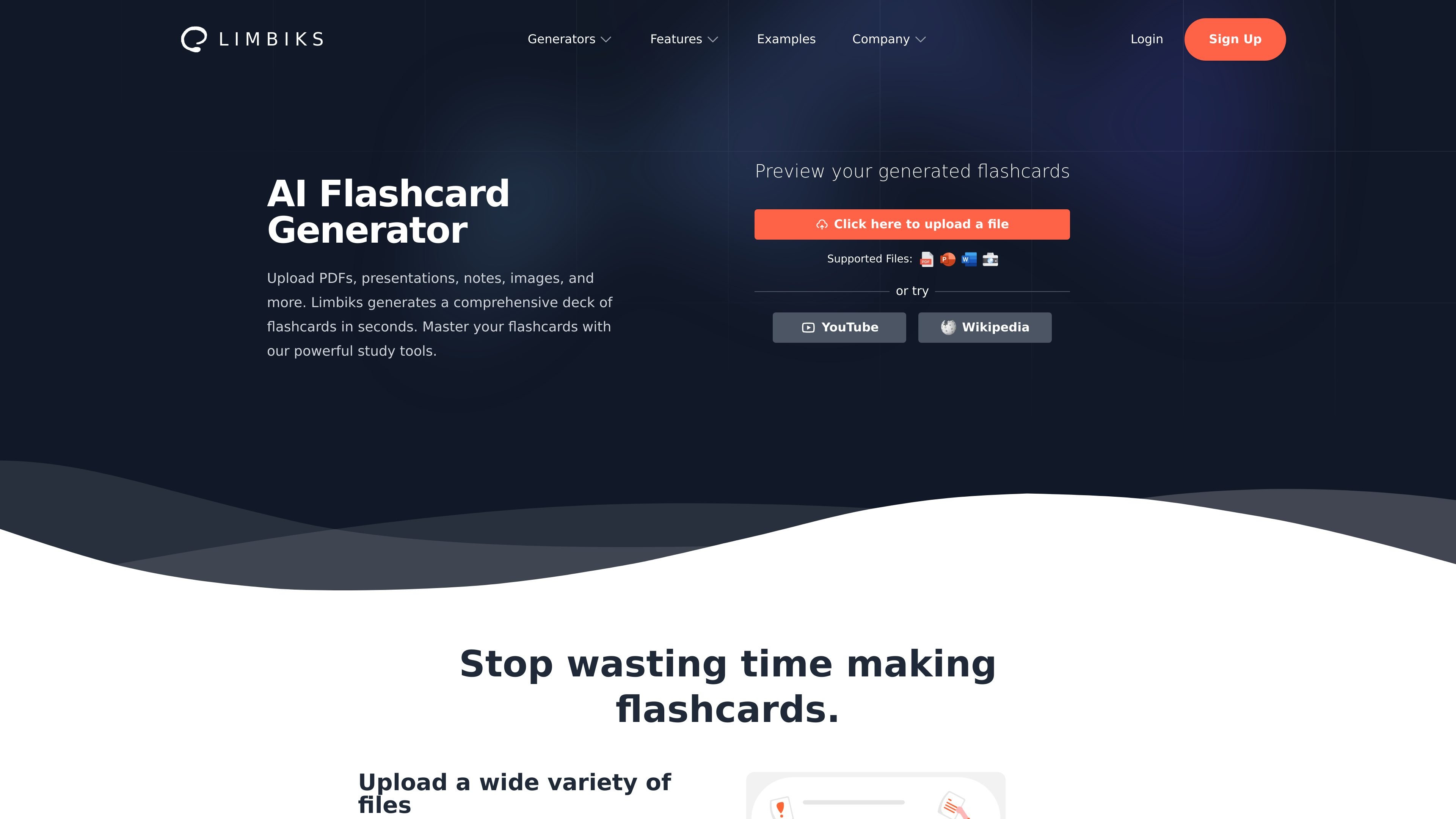
Create study materials from PDFs, PowerPoint presentations, Word documents, notes, images, YouTube videos, and Wikipedia articles.

AI study tool that turns notes, documents, images, and videos into flashcards and study materials.
Limbiks is an AI-powered study tool that converts learning materials into flashcards and other study resources. Users can upload PDFs, presentations, Word documents, notes, images, and text, or provide YouTube videos and Wikipedia articles, then generate study content from the source material. The platform is designed to reduce manual flashcard creation and support review through flashcards, quizzes, practice tests, study guides, and spaced repetition.
Generated materials can be used within Limbiks or exported for offline study and other study tools. Depending on the workflow, users can select source pages, set flashcard limits, choose flashcard formats, customize study-guide requirements, and download or print their results.
Create study materials from PDFs, PowerPoint presentations, Word documents, notes, images, YouTube videos, and Wikipedia articles.
Generate question-and-answer, fill-in-the-blank, and image-occlusion flashcards, with controls for source pages and the number of cards.
Build multiple-choice questions and practice exams from study materials or combine multiple flashcard decks. Results include score reports and study tips.
Generate study guides with selectable focus areas, complexity, length, and custom requirements, then export them as Word or PDF files or print them.
Track flashcard review schedules with spaced repetition, rate cards to adjust scheduling, and use hints and explanations while studying.
Download flashcards for use with other study tools, including Quizlet, Tinycards, Cram, and Anki, or sync flashcards to Anki with one click.
Upload lecture PDFs, presentations, Word documents, or images of notes and generate a deck without manually writing each card.
Turn one or more decks into a practice test, review the score report and study tips, and use targeted cards for follow-up study.
Upload course material, select the desired focus and complexity, then export a study guide to Word or PDF or print it for offline review.
Use image-occlusion flashcards when the source material includes diagrams, labeled figures, or other visual information.
Download generated flashcards or sync them to Anki when a learner prefers to review outside Limbiks.
Limbiks supports PDFs, PowerPoint presentations, Word documents, notes, images, and pictures of text. It can also generate flashcards from YouTube videos and Wikipedia articles.
Yes. For supported document workflows, you can select specific pages and set a flashcard limit. You can also choose question-and-answer, fill-in-the-blank, or image-occlusion formats.
Yes. Flashcards can be downloaded and imported into tools such as Anki, Quizlet, Tinycards, and Cram. Study guides can be downloaded as Word or PDF files and printed.
Yes. The free plan includes limited uploads and access to many core features. The pricing page lists a separate Pro plan with expanded limits and additional capabilities.
Limbiks states that it supports 21 languages, including English, Spanish, French, German, Chinese, Japanese, Korean, Portuguese, and Russian.
Os dados de tráfego são apenas para referência.

kardsai.app
AI flashcards and study practice from documents, notes, images, and topics.

flashka.ai
An AI study app that turns course materials into study tools and scheduled review.

quizrise.com
Turn study materials into editable quizzes, flashcards, summaries, and classroom resources.

knowt.com
Study platform for students and teachers with flashcards, AI study tools, and exam preparation.

snipo.io
A Chrome extension for taking video notes in Notion and creating AI flashcards.

hix.ai
HIX AI is an AI homework helper that lets students type questions or upload homework images and documents to receive step-by-step explanations across subjects. It is designed for homework support, concept clarification, and exam preparation.