
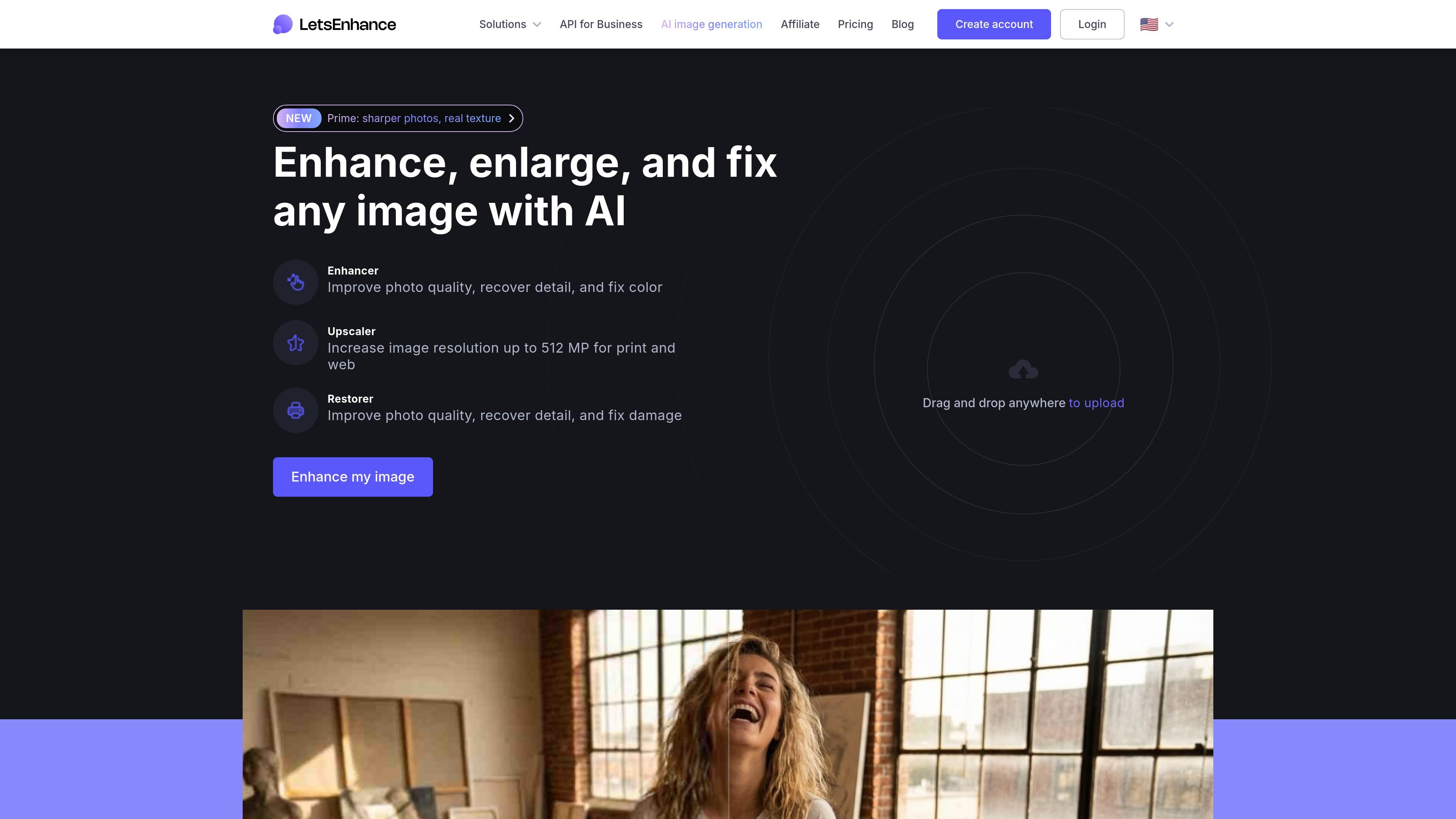
Enhance clarity and color
Use AI enhancement to address soft focus, compression damage, noise, exposure, and color, while reconstructing image detail.

Improve soft, compressed, or damaged images in your browser with AI enhancement, sharpening, upscaling, and an Old Photo restoration workflow.
Let's Enhance is a browser-based AI image editor for sharpening, enhancing, enlarging, and restoring photos, scans, logos, and AI artwork. Upload a JPG, PNG, or WebP image, choose an enhancement, sharpening, or upscaling goal, adjust the model and enlargement settings, then download the result.
For old photos, Old Photo repair creates a 1 MP base image. Run an upscaler afterward when you need a larger file for printing.
Use AI enhancement to address soft focus, compression damage, noise, exposure, and color, while reconstructing image detail.
Prime is the default for portraits, products, and textures; choose Gentle when small text or fine details need preserving.
Choose 1x to improve quality without changing image size, or select an enlargement setting up to 16x. The maximum output resolution varies by plan.
Old Photo mode repairs scratches, tears, fading, water stains, and discoloration, and can add color to black-and-white or sepia pictures. It produces a 1 MP base image; use an upscaler afterward for a larger print file.
Drag in or select supported JPG, PNG, and WebP images. You can edit up to 20 at once and download processed images in full resolution. Free-credit downloads include a watermark; a subscription or Pay As You Go bundle removes it.
Enlarge small photos, logos, and AI artwork for posters, canvas, merchandise, or other print layouts that need more pixels than the source file provides.
Improve clarity, color, and size on soft or poorly lit product photos before adding them to an online product catalog.
Repair faded or scratched scans with Old Photo mode, add color to monochrome images if needed, then upscale the 1 MP base result for a larger print.
Upload JPG, PNG, or WebP files by dragging them into the browser or selecting them from your device. Choose an enhancement type and settings, then download the processed image.
Old Photo mode first repairs the scan and creates a 1 MP base image. To make a larger result, select an upscaler as a second step.
New accounts receive 10 free credits with no card. Personal subscriptions provide 100, 300, or 500 credits per month. Starter is $9/month billed annually or $12/month billed monthly; Pro is $24/month billed annually or $32/month billed monthly; Max is $34/month billed annually or $45/month billed monthly. Subscriptions renew monthly or annually. One-time Pay As You Go bundles are also available.
Personal subscription credits roll over while the subscription is active, up to 6 times the monthly allowance. Remaining subscription credits expire at the billing period’s end after cancellation. Pay As You Go credits do not expire.
Yes. A subscription or one-time Pay As You Go bundle removes the watermark, including from images previously processed with free credits.
Os dados de tráfego são apenas para referência.

face26.com
Browser-based AI photo enhancement for sharpening, restoring, colorizing, and upscaling images.

magictiger.ai
AI photo enhancement and restoration for blurred, old, or damaged pictures.

remini.ai
AI photo and video enhancement for clearer portraits, restored photos, and larger visuals.

avclabs.com
AI software and browser tools for enhancing, editing, and creating video and photo content.