
Flexible meeting capture
Capture meetings without a visible bot, or use an AI assistant or file upload workflow when that fits the situation. The product also supports desktop recording for zero-footprint capture.

Copiloto de IA para reuniões e ditado, com resumos, pesquisa e escrita mais rápida entre aplicativos.
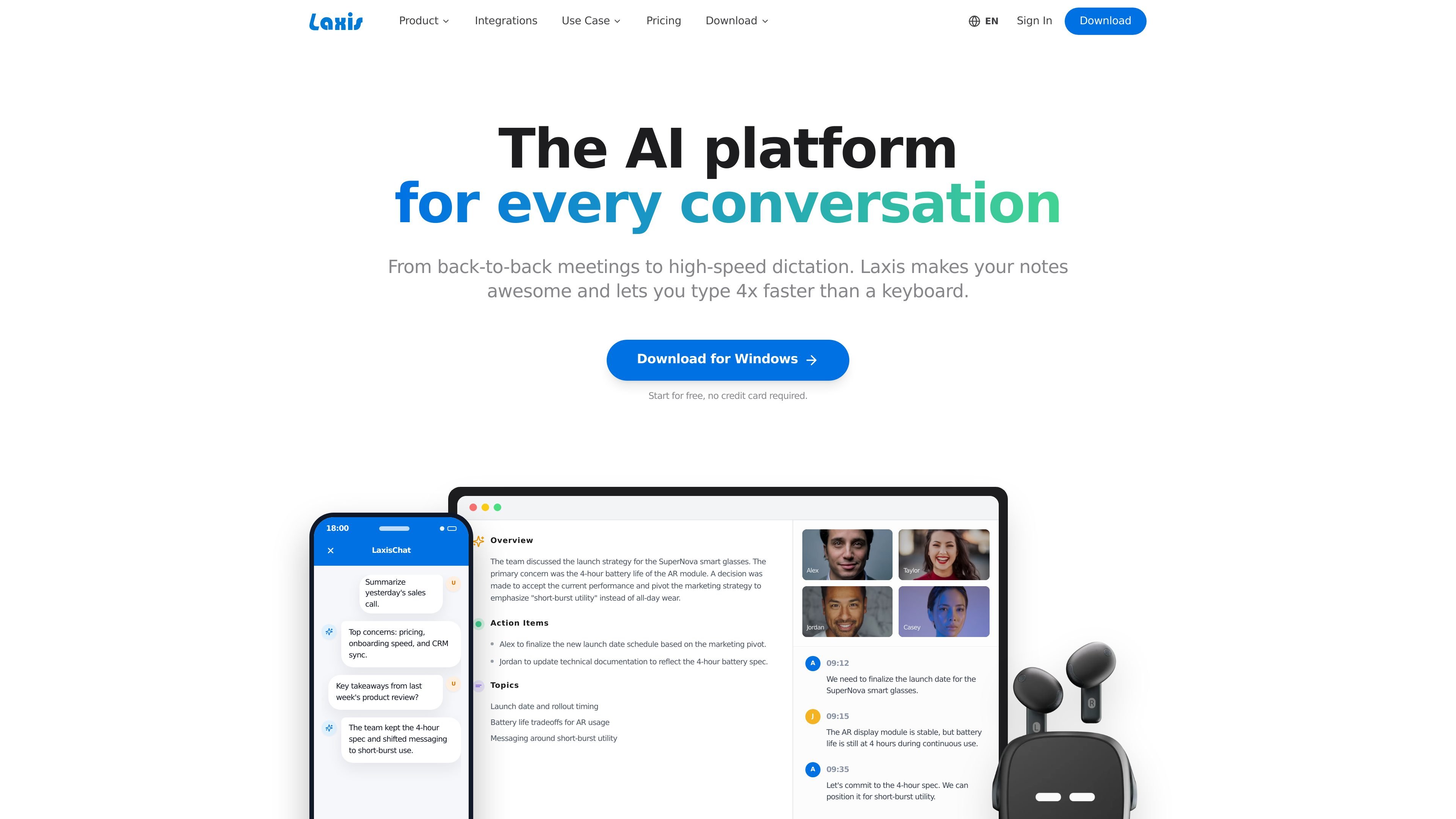
Laxis is an AI copilot for conversations, meetings, and dictated writing. Its core product combines meeting capture, transcription, AI summaries, chat over conversation history, report generation, and a voice keyboard for faster writing across apps.
The meeting assistant is designed to record without a visible bot, merge your notes with transcript data, and surface action items and decisions. The voice keyboard extends the same system into any text field, where it can clean up filler words, remove repetition, and rewrite or translate text inline.
Capture meetings without a visible bot, or use an AI assistant or file upload workflow when that fits the situation. The product also supports desktop recording for zero-footprint capture.
Combine transcripts with your own notes to produce summaries that capture decisions, action items, and topics rather than a raw transcript alone.
Ask questions across past conversations to retrieve facts, trends, and decisions from meeting history. The product frames this as an AI chat layer over your recorded conversations.
Generate documentation from meetings using 50+ professional templates, including follow-up emails and structured reports.
Use the voice keyboard to dictate into any app, browser, or messaging client, then clean up filler words, repetition, and structure as you speak.
Sync meeting outcomes, action items, and customer data to CRM and other connected tools, with higher-tier plans listing 7000+ app integrations and platform support such as Salesforce, HubSpot, Slack, Teams, Zapier, and Notion.
Record discussions without a visible bot, then turn the conversation into a summary with decisions, action items, and topic highlights for follow-up.
Use AI chat over meeting history to find a budget, decision, or next step from a prior call without manually re-reading transcripts.
Generate structured follow-up emails, executive summaries, or sales-style reports from meeting content using the built-in templates.
Dictate drafts into email, chat, or document fields, then remove filler words and repeated phrases before sending.
Sync meeting outcomes and customer details into CRM or project tools so teams can keep records aligned without manual copying.
Yes. The pricing page includes a free Basic plan, and paid Premium, Business, and Enterprise options. The Business and Pro tiers are offered with a 14-day full-access trial.
The pricing page says Laxis can be used monthly or yearly, with yearly billing advertised as saving 20%. Enterprise is offered with custom pricing.
The pricing page shows collaboration and admin features on higher tiers, including team admin, CRM automation, and enterprise deployment options such as API and SSO integration.
The source pages show core workflows for meeting capture, AI summaries, AI chat over meeting history, report generation, and voice-to-text across apps. They also show export, share, folders, and integrations with tools such as Salesforce, HubSpot, Slack, Teams, Zapier, and Notion.
The source pages show support for more than 100 languages on the meeting assistant page, and the pricing page lists multi-language support as a core feature.
Os dados de tráfego são apenas para referência.

maxai.me
MaxAI é um assistente de IA baseado no navegador que acelera a leitura, a escrita, a pesquisa, a tradução e as respostas em páginas da web. Funciona em navegadores baseados em Chromium e reúne vários modelos de IA para páginas, PDFs, vídeos, e-mails e capturas de tela.

futurwise.com
Futurwise oferece resumos verificados por pessoas sobre temas em rápida mudança em mais de 25 idiomas.

ai.wps.cn
Assistente de IA para escrita, leitura, apresentações e planilhas no WPS

chatgptwriter.ai
Assistente de escrita com IA para Chrome, desktop, celular e web

videohighlight.com
Video Highlight é um resumidor de vídeos com IA que cria resumos com marcações de tempo, transcrições, notas e chat pesquisável para pesquisadores, estudantes, profissionais e equipes.

maestrolabs.com
Ferramentas de IA para Microsoft 365 que redigem emails, resumem threads, registram notas de reuniões e gerenciam fluxos no Outlook, Gmail e Teams.