
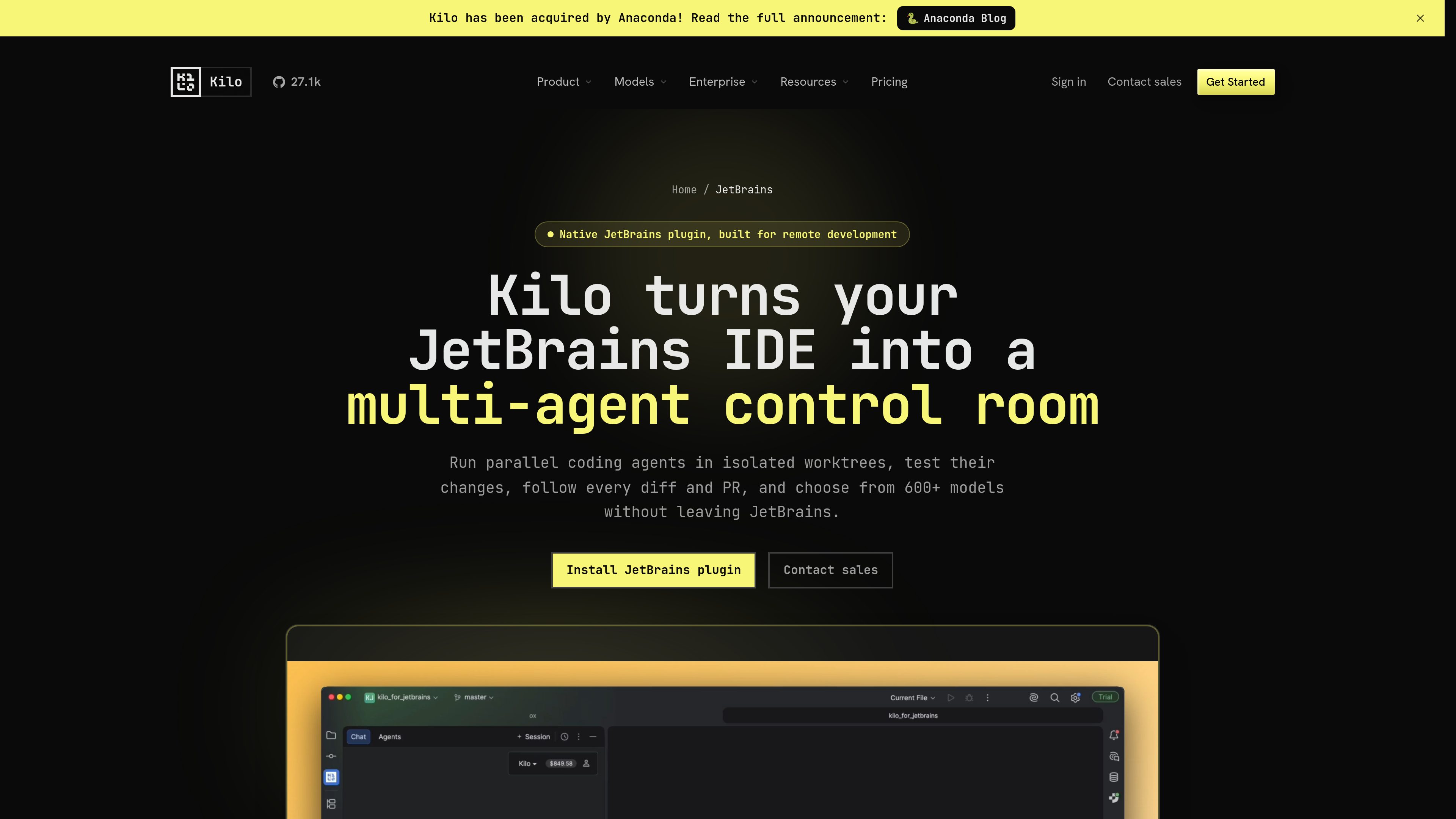
Parallel agents in isolated worktrees
Delegate separate tasks to multiple agents and give each one its own git worktree so work stays isolated from the main checkout.

Kilo Code é um plugin de programação com IA multiagente para JetBrains IDEs. Desenvolvedores podem executar e gerenciar agentes de programação com IA, revisar alterações em worktrees isolados e escolher entre um amplo catálogo de modelos sem sair do IDE.
Kilo Code is a native JetBrains plugin for agentic development workflows. It lets developers run AI coding agents inside the IDE, manage them from a dedicated tool window, and keep model choice, pricing, and task control in one place.
The main workflow uses isolated git worktrees so agents can work on tasks in parallel while the main project stays available. Users can inspect changes, compare worktrees against the base branch, test results, and review pull request status before merging.
Delegate separate tasks to multiple agents and give each one its own git worktree so work stays isolated from the main checkout.
Track active, completed, and blocked agents from one IDE tool window and continue conversations without switching context.
Create run configurations for agent worktrees, run code from the IDE, and open a worktree in a new frame when deeper debugging is needed.
Compare worktrees against the base branch, inspect uncommitted changes, and follow GitHub pull request status alongside the task that produced it.
Choose from hosted, BYOK, and local model options, with the product page describing support for 600+ models and Kilo Gateway access to 500+ models across many providers.
Install through the JetBrains Plugin Marketplace and use the plugin with local projects or JetBrains Remote Development split mode.
Split a larger coding job into smaller pieces, assign them to parallel agents, and review each worktree independently before merging.
Use an agent to trace behavior, run tests, inspect evidence, and iterate in a separate worktree while the main branch remains untouched.
Ask the agent to research the codebase, surface constraints, and turn an idea into an implementation plan before any files are changed.
Use split mode when the IDE backend runs on a remote machine while the JetBrains interface and Kilo experience stay local.
Use the same Kilo platform across JetBrains, VS Code, and CLI workflows so teams can centralize model access and related controls.
Kilo Code is positioned as a native, multi-agent plugin with a custom interface for model selection, pricing, usage, and agent controls, rather than a single standardized assistant surface.
The page says it installs through the standard JetBrains Plugin Marketplace. The documentation also describes opening the IDE, going to Settings > Plugins, searching for Kilo Code, and installing it there.
Yes. The JetBrains page says it supports local projects and JetBrains Remote Development through split mode, with the backend on a remote machine and the interface kept local.
The product page says Kilo Code supports more than 600 models, including hosted models through Kilo Gateway, bring-your-own-key providers, and local models such as Ollama or LM Studio.
The pricing page separates platform access, AI inference, and cloud compute. It shows a free individual tier, paid Teams and Enterprise plans, and usage-based inference and compute charges.
Os dados de tráfego são apenas para referência.

superset.sh
Superset é uma ferramenta para desktop que permite executar vários agentes de programação com AI em paralelo na sua própria máquina. Separe o trabalho em Git worktrees isolados, revise alterações e avance nas tarefas sem esperar por um agente de cada vez.

apps.mergeable.io
Diffsmith é um app nativo para macOS que permite revisar alterações locais de git feitas por agentes de programação com IA, como Claude Code, Cursor, Codex e Copilot. Adicione comentários em linha e envie-os ao agente como prompt ou por meio de um servidor MCP local.

cosyra.com
Cosyra é um terminal móvel na nuvem para desenvolvedores que querem executar agentes de programação com IA pelo iPhone ou Android sem gerenciar o próprio VPS. Oferece um ambiente de trabalho Ubuntu isolado, armazenamento persistente e cobrança com a sua própria chave de API.

voidleap.com
Voidleap Code é um IDE para desktop voltado a desenvolvedores profissionais e engenheiros de IA que criam software com agentes de IA. Ele é executado localmente no Mac e no Windows, oferece suporte a contas de provedores de nuvem ou modelos locais e permite inspecionar e controlar prompts, chamadas de ferramentas, contexto e alterações em arquivos.

www.medley.sh
Medley é um plugin do Claude Code que transforma um prompt em um plano de missão coordenado por vários agentes e exibe sua estrutura em uma URL. Foi criado para desenvolvedores que querem realizar pesquisa, prospecção, operações e programação no Claude Code com agentes paralelos e pontos de verificação humana.

pi.dev
Pi Coding Agent é um agente de programação baseado em terminal para desenvolvedores que buscam um fluxo de trabalho CLI extensível, com uso interativo e programático, instruções de projeto, ramificação de sessões e amplo suporte a provedores de modelos.