
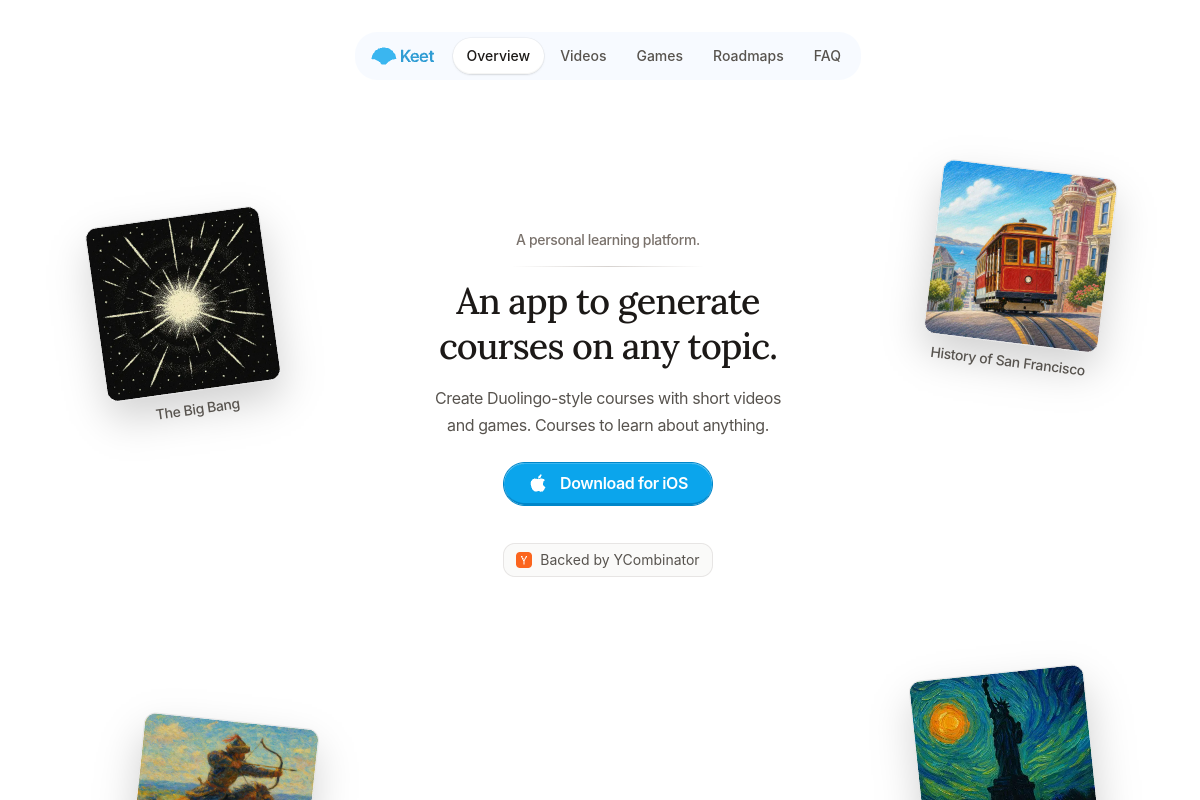
Generated courses on chosen topics
Create a course about a subject selected by the learner, with examples on the site including topology, San Francisco history, physics, and modern rocket engines.

Keet is a personal learning app that generates interactive courses on user-selected topics. It combines structured lesson roadmaps, short explainer videos, quizzes, and knowledge-testing games for guided self-study.
Keet is a personal learning app that generates interactive courses on topics chosen by the learner. Courses use structured roadmaps made up of modules and bite-sized lessons, helping users progress through a subject in a defined sequence rather than relying on disconnected explanations.
Lessons can combine short explainer videos with quizzes and games that test recall and understanding. Users can also set a course’s desired depth, complexity, and narration style when creating it. The site presents Keet for learning subjects ranging from history and engineering to mathematics and physics, and provides an iOS download option.
Create a course about a subject selected by the learner, with examples on the site including topology, San Francisco history, physics, and modern rocket engines.
Courses are divided into modules and lessons that organize a topic into bite-sized steps and build toward a broader understanding.
Lessons include video-based explanations so learners can study concepts through concise visual instruction.
Lessons include quizzes and games for testing knowledge after the explanatory material.
The site shows multiple choice, swipe, order, connections, and custom game formats for practicing and checking answers.
When creating a course, users can specify the desired depth, complexity, and narration style.
Generate a guided starting point for a new topic, then work through its roadmap instead of assembling lessons from separate sources.
Use structured modules, explanatory videos, and knowledge checks to work through subjects such as topology, mathematics, physics, or engineering.
Build courses around historical subjects such as the history of San Francisco, Mongol war tactics, or Yankee traders and progress through them in lesson-sized sections.
Set the intended depth, complexity, and narration style when generating a course to make the material better suited to the desired study approach.
Download Keet and create an account. The site says you can then start building personalized courses.
The site says Keet can generate courses on any topic. Its examples include history, mathematics, physics, engineering, and topology.
Yes. When creating a course, you can set the desired depth, complexity, and narration style.
A course is organized into modules and lessons. Lessons can contain short explainer videos, quizzes, and games for testing knowledge.
The site says new users receive two free courses. After that, credits are required to generate more courses; the available pricing page does not state the credit prices or plan details.

hakken.me
Hakken is an adaptive learning platform that builds courses around a learner’s goals, existing knowledge, and available time. It supports text and voice onboarding, multimedia lessons, checkpoints, review lessons, and course changes approved by the learner.

genially.com
Create interactive presentations, learning materials, and quizzes without coding.

sanalabs.com
Create interactive courses, tutor learners with AI, and manage workplace training in one learning platform.

quigo.tech
Quigo is a tool for creating interactive learning modules from documents, videos, screen recordings, descriptions, or links. It is designed for teams and organisations that need to build, share, and maintain training content in-house.

honen.com
Create AI courses and tutoring, deliver them in Honen or your LMS, and track learning.