
Voice-directed building
Describe a page or requested change aloud; jambuild uses the conversation as the primary input for creating and refining a web app.

jambuild is a collaborative web app builder that turns spoken instructions and on-page pointing into live changes. You can work alone or invite one other person through a link without requiring that person to create an account.
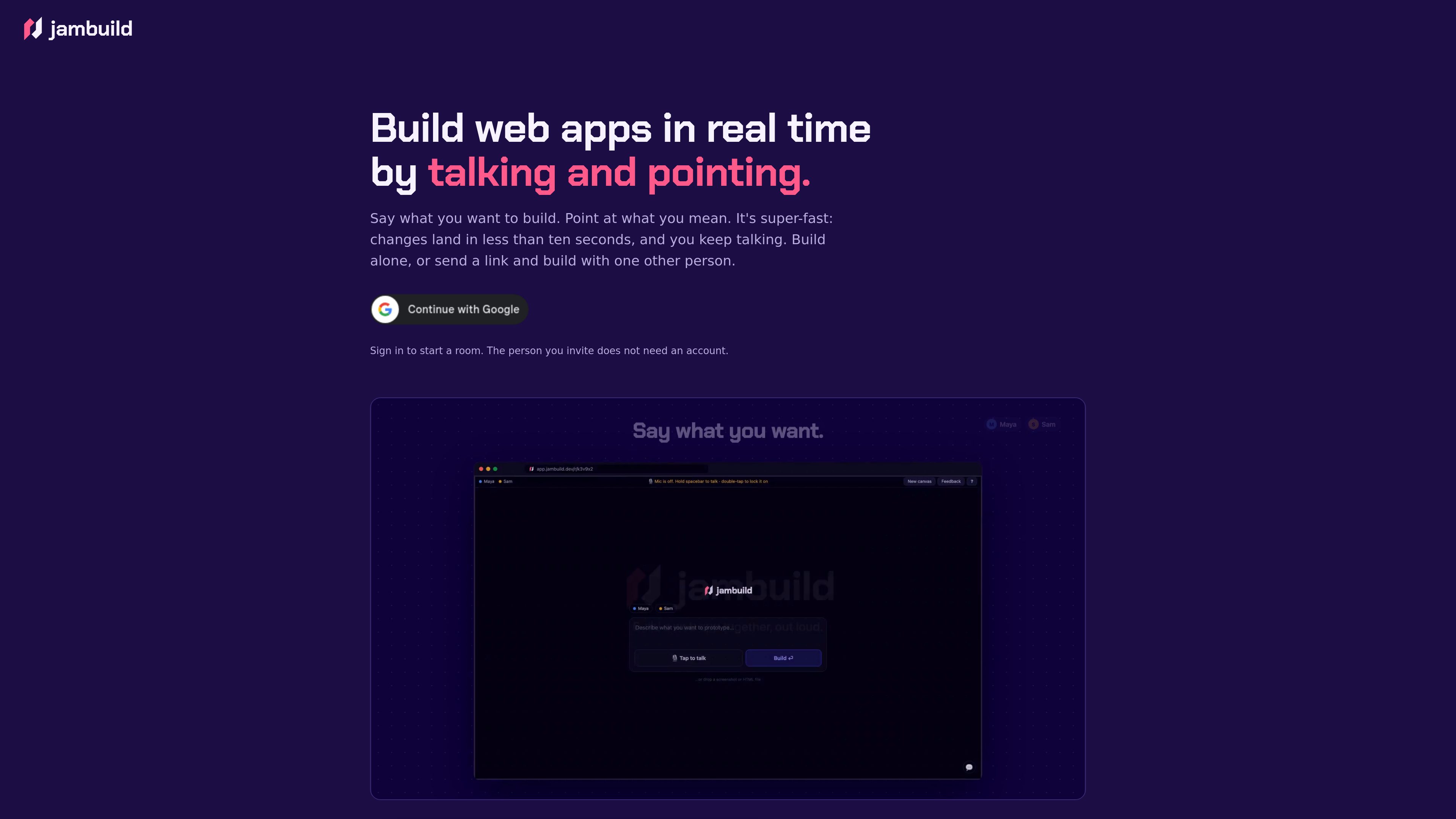
jambuild is a real-time web app builder that uses spoken instructions, page pointing, and clicks to turn ideas into live page changes. A user can describe a page, identify elements directly on the page, and explain the behavior they want. The product is intended for fast, conversational iteration rather than a purely keyboard-driven workflow.
Users can build alone or share a room with one other person. The room owner signs in to begin, while the invited participant can join from a link without an account. Both people can talk and point at the same page as changes are made.
Describe a page or requested change aloud; jambuild uses the conversation as the primary input for creating and refining a web app.
Move over the page to highlight the area being discussed. The highlighted target is visible to both participants, helping tie spoken instructions to a specific element.
Click an element and explain what should happen to it, providing a direct way to request behavior changes in context.
The product site says changes land in seconds, with updates described as taking less than ten seconds, so users can continue the conversation while iterating.
Send a room link to one other person so both participants can talk, point, and work on the same page together.
The person invited to a shared room does not need an account; the room owner signs in to start a session.
A builder can describe a page and receive a first version quickly, then continue refining it through spoken requests and direct page selection.
Two people can discuss a page while pointing to the same on-screen elements, reducing ambiguity during a real-time review.
When an element needs different behavior, the user can click it and state what should happen, keeping the change request tied to the relevant part of the app.
A builder can invite one other person into the room for a shared implementation session without requiring the invitee to register for an account.
jambuild is a real-time web app builder that lets users create and modify pages by talking, pointing at page elements, and clicking items to describe desired behavior.
Yes. The product supports building alone, and the site says you sign in to start a room.
Yes. You can send a link and build with one other person. The invited person does not need an account.
You can describe a page or change aloud, move over the page to identify what you mean, or click an element and say what should happen to it.
The site describes changes as landing in seconds, specifically stating that they arrive in less than ten seconds.

superapp.dev
Superapp is an AI app builder that turns plain-English product descriptions into native Swift apps for Apple platforms. It supports browser-based building without a Mac, cloud previews, code export, and App Store publishing workflows.

vulk.dev
VULK is a multimodal AI app builder for generating full-stack web apps, 3D/WebGL experiences, mobile projects, stores, images, and video from prompts and other inputs. It is designed for creators and developers who want editable source code, backend services, previews, and deployment targets in one workflow.

www.hostinger.com
Hostinger AI Builder creates websites and web apps from natural-language instructions, with no coding required. It is designed for creators, entrepreneurs, and businesses that need to build, edit, and publish online projects.

bubble.io
Bubble is a no-code platform for building, customizing, and launching web and native mobile apps. It combines AI-assisted generation with visual editing for founders, teams, agencies, and other builders who want to create applications without writing code.

adalo.com
Adalo is a no-code app builder for creating database-driven iOS, Android, and responsive web apps from one visual project. It helps entrepreneurs and business teams design, test, connect, and publish apps without writing code.

thunkable.com
Thunkable is a no-code app development platform for building, testing, and publishing native iOS and Android apps. Its AI Builder lets users create and update app projects through prompts, with visual and code-based tools for further control.