
Find and assemble footage
Agents log footage and help find moments by people, actions, objects or ideas. Assign take selection, a first assembly, silence removal or scene restructuring.

Edit footage on a browser timeline, with optional AI agents and media generation
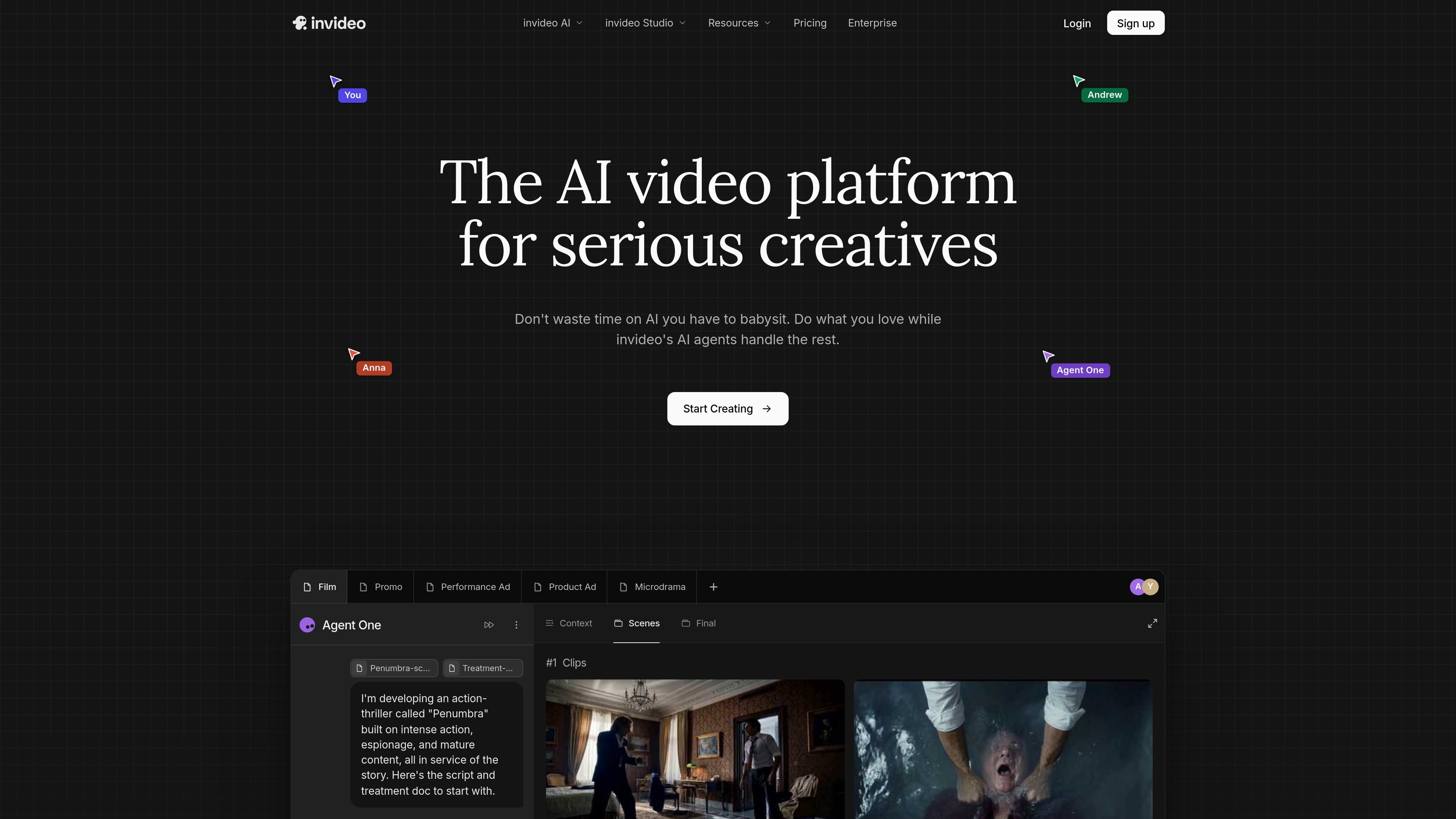
Invideo combines a browser video editor with AI agents and media-generation tools. The current Agent Two workflow starts with uploaded footage: describe the edit, review the resulting cut on a multitrack timeline, then adjust or export it. Scripts and storyboards can also help plan new shots.
Manual editing and export are free. Assigning work to agents or generating new media uses credits, with model access and allowances tied to the selected plan. The timeline remains editable by hand, so an AI-assisted first cut can become a starting point for further revisions.
Agents log footage and help find moments by people, actions, objects or ideas. Assign take selection, a first assembly, silence removal or scene restructuring.
Trim, reorder, retime and layer clips manually. The editor includes captions, keyframes, color tools and separate audio tracks, plus versions for trying another cut.
Describe changes across shots, work from a script or storyboard, and generate video, images, voice or music inside the project. Available agents and models depend on the plan.
Work with teammates and live cursors, or send a browser review link for frame-specific comments. Seat allowances and workspace controls vary by plan.
Upload footage, ask agents to assemble a draft or remove pauses, then refine timing, captions and audio yourself before export.
Draft a script and storyboard, generate or source the required shots, and arrange them alongside your own media on the timeline.
Share a cut for comments, revise specific frames or shots, and create shorter or differently framed versions for the intended channel.
Manual timeline editing is free: upload footage, cut, grade, mix and export. These manual actions and downloads do not consume credits. AI agent work and AI media generation use credits; the 30-day image promotion belongs to eligible annual plans.
The current annual offer shows Starter at $10 per seat/month equivalent with 400 credits per seat/month, Plus at $30 with 2,000, and Max at $75 with 5,000. Billing is annual, not a single-month payment. Starter has Agent Two Lite and selected models; higher plans expand access.
AI costs depend on the model, generation length, resolution and work requested. Check the cost before confirming. Paid-plan credits reset monthly and unused plan credits do not roll over. Downloading or manually editing existing content does not add a credit charge.
Export a finished H.264 MP4, audio as WAV, AAC or Opus, or a review link. Editable project export supports Premiere Pro and Final Cut Pro; DaVinci Resolve uses OpenTimelineIO.
Subject to its terms and third-party rights, Invideo grants a non-exclusive licence to commercialise generated outputs; rights in already-created, exported outputs survive cancellation. Stock assets retain their own licence restrictions. Obtain rights and consents for uploaded media. AI outputs may be inaccurate, non-unique or subject to others’ rights.
Os dados de tráfego são apenas para referência.