
Real-time AI voice conversion
Applies AI voice filters to microphone input while the user speaks. The site describes more than 500 voice filters, including male, female, kid, cartoon, anime, robot, and deep-voice styles.

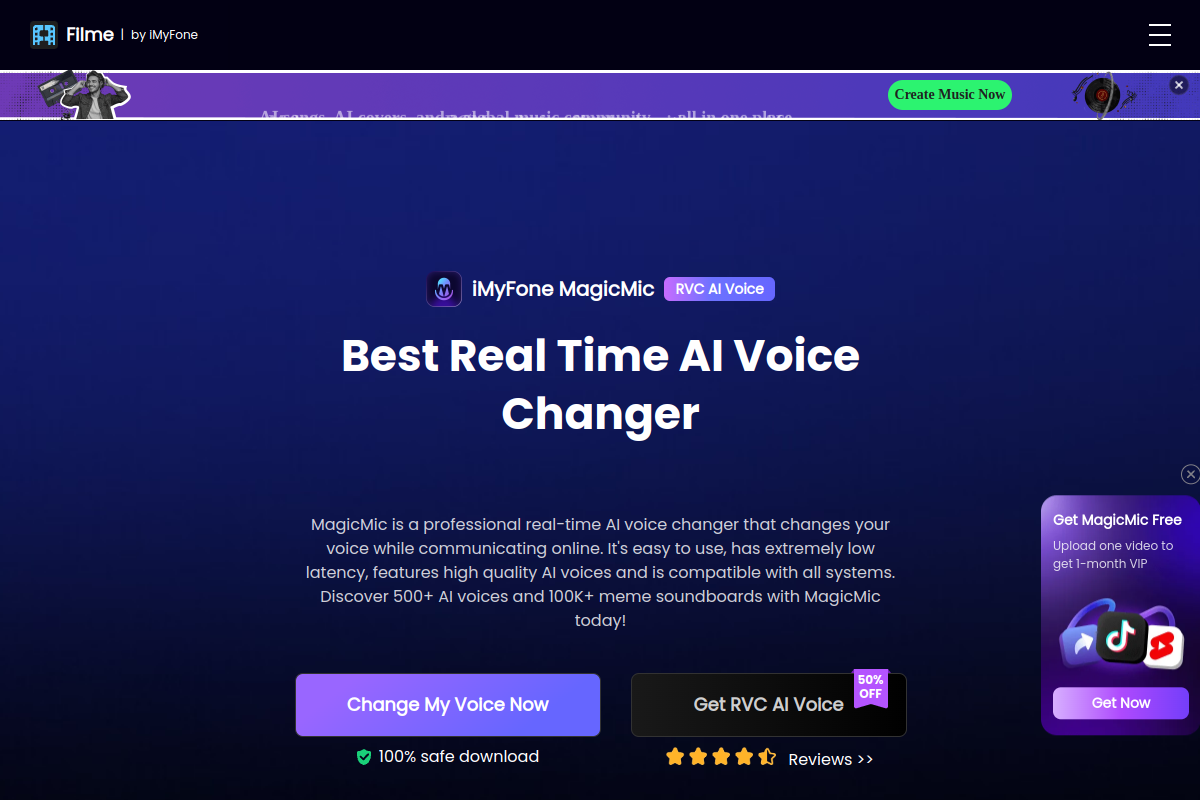
iMyFone MagicMic is an AI voice changer for real-time microphone voice conversion, soundboard playback, and recorded audio changes. It is designed for gamers, streamers, callers, and other users who want to modify voice or trigger sound effects across supported desktop applications.
iMyFone MagicMic is an AI voice changer for modifying microphone input, recorded speech, and audio files. Its main desktop workflow applies voice filters while a user speaks, with additional tools for soundboard playback, custom voice presets, voice training, and converted-audio downloads.
The product is aimed at people using voice chat, games, livestreams, and other applications that allow microphone input selection. The site lists more than 500 AI voice filters and more than 100,000 sound effects or meme soundboards. A browser trial also supports MP3 and WAV uploads under 5 MB and short recordings, while real-time voice changing is supported on the desktop version.
MagicMic requires the user to select an input microphone and output headphones through its Audio Assistant. Its technical specifications list Windows and macOS desktop support, plus Android and iOS support for recording and audio voice changing.
Applies AI voice filters to microphone input while the user speaks. The site describes more than 500 voice filters, including male, female, kid, cartoon, anime, robot, and deep-voice styles.
Provides more than 100,000 sound effects and meme soundboards. Users can assign keybinds for quick playback and upload their own sound effects.
Lets users fine-tune a voice and save the customized result as a preset for later use.
Creates a voice model from uploaded single-human voice recordings through Quick Training, Advanced Training, or Voice Customization modes. The guide warns that this feature requires substantial computer performance.
The desktop Record Mode supports recording voice changes and uploading audio files for conversion, with options to play, download, or delete results. The online trial accepts MP3 and WAV files under 5 MB and short recordings.
The guide describes uploading a vocal-containing MP3, WAV, or M4A song file, selecting a voice from the stated voice library, and generating a converted AI cover.
Players can route MagicMic's changed microphone input into supported games such as PUBG, Fortnite, League of Legends, CrossFire, World of Warcraft, CS:GO, and Overwatch, provided the game exposes microphone or audio input settings.
Users can configure a microphone and headphones, then use the changed input in listed communication tools such as Discord, Skype, or Zoom when the application permits microphone selection.
Streamers can use voice filters and keybound soundboard effects during broadcasts with Twitch, XSplit, or Streamlabs, reducing the need to interrupt the live workflow to find a sound.
Users who do not need live conversion can record speech or upload supported audio files, apply a selected voice, and play or download the converted result.
Advanced users can train a voice model from single-speaker recordings, save tuned presets, or generate an AI cover from a vocal-containing MP3, WAV, or M4A file.
Yes. The desktop version applies voice filters to microphone input in real time. The product page separately identifies its browser trial as supporting audio-file uploads and recordings.
The technical page lists Windows and macOS desktop support, and gives examples including Discord, Skype, Zoom, PUBG, Fortnite, League of Legends, Twitch, XSplit, and Streamlabs. Compatibility depends on whether the target application allows the microphone input device to be selected or modified.
Android 7.0 or later and iOS 12.0 or later are listed. The source specifies that Android and iOS support recording and audio voice changing, rather than desktop-style real-time voice changing.
The online trial accepts MP3 and WAV uploads under 5 MB. The AI cover workflow supports MP3, WAV, and M4A files, and the guide describes uploading a vocal-containing song file.
Open Settings, choose Open Audio Assistant, select the microphone as the input device, and select headphones as the output device. The guide also recommends checking the operating system's sound settings if a device is not detected.

voicechanger.live
Echo Live is a real-time voice changer for Windows and Apple Silicon Macs that applies AI voice conversion, audio effects, and soundboard audio to microphone input. It is designed for Discord, games, streaming, calls, and other apps that accept a microphone.

voicechanger.easeus.com
EaseUS VoiceWave is a Windows real-time AI voice changer for gaming, online chats, meetings, and live streams. It routes modified audio through a virtual microphone and also provides voice presets, sound effects, and custom voice creation.

voicemod.net
Modificador de voz e soundboard com IA em tempo real para PC e Mac

dubbingai.io
Modificador de voz e soundboard com IA em tempo real para jogos, streaming e reuniões.