
Image to HTML and CSS conversion
Convert uploaded screenshots or design images into HTML and CSS code with the goal of producing responsive output from a single image.

Serviço de IA que converte capturas de ecrã e imagens em HTML e CSS, com web, extensão Chrome e API.
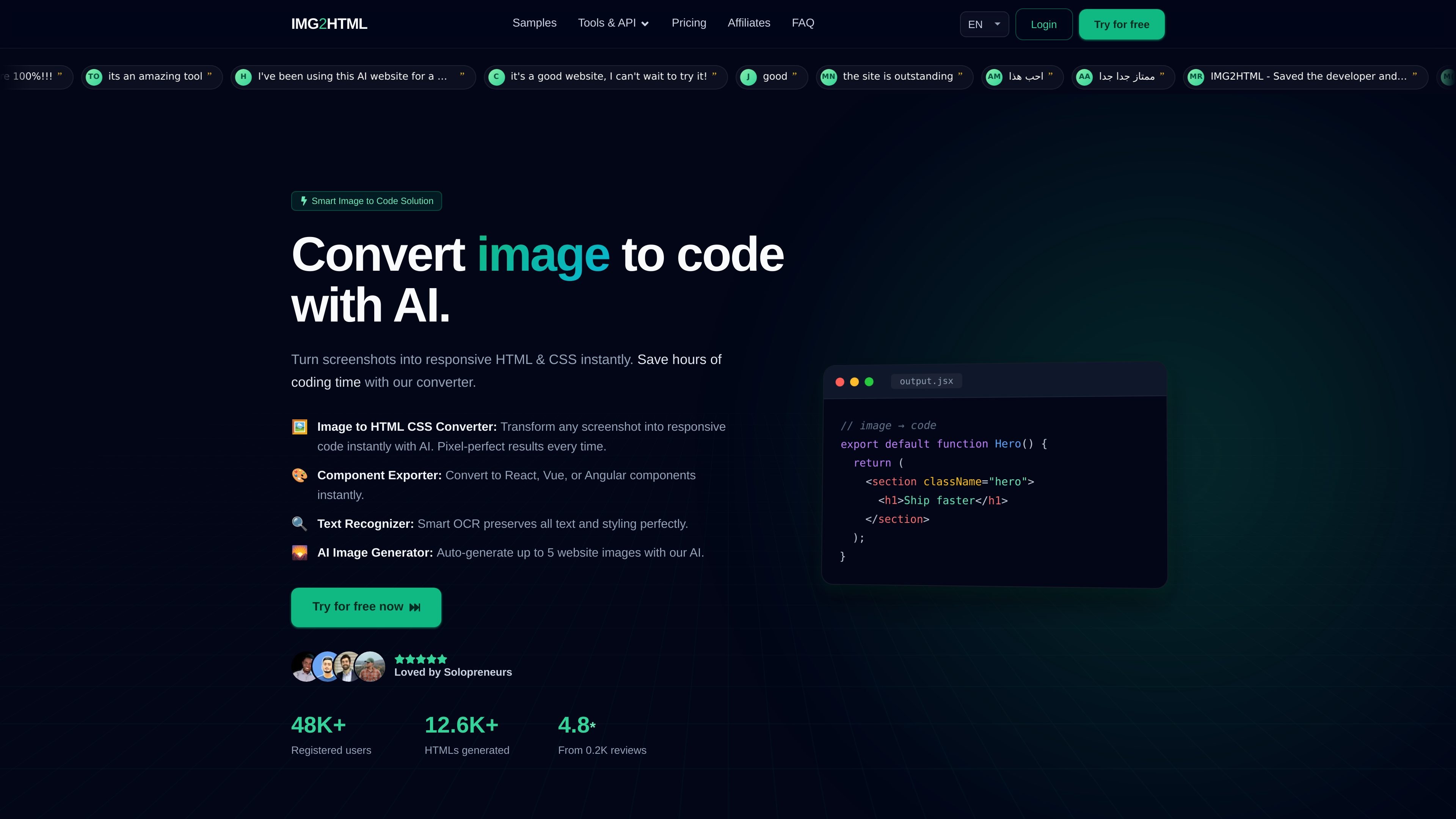
IMG2HTML is an AI image-to-code service that converts screenshots and other images into HTML and CSS. The site positions it as a way to turn a design image into responsive front-end code, with support for output aimed at React, Vue, and Angular as well as standard HTML and CSS.
The product can be used through the website, a Chrome extension, and a developer API. Pricing is credit-based, with the site stating that one image to HTML conversion equals one credit and that unused credits roll over while a subscription remains active.
Convert uploaded screenshots or design images into HTML and CSS code with the goal of producing responsive output from a single image.
Export generated output to ReactJS, VueJS, AngularJS, and other supported tech stacks listed on the pricing page.
Use the built-in AI HTML editor with unlimited access on supported plans to refine generated code after conversion.
Use the Chrome extension to work on any website and create front-end output from images in the browser.
Call the developer API to automate conversions from your own tools or workflows using email, API key, and file upload.
Extract text from images with the product's OCR-style text recognition feature and generate up to five images per credit where supported.
Upload a screenshot or design mockup to generate a responsive HTML/CSS starting point instead of coding the layout from scratch.
Export generated work into React, Vue, or Angular when a team wants a framework-friendly starting point for implementation.
Use the Chrome extension while browsing to reproduce or adapt page layouts directly in the browser.
Integrate the API into internal tooling or automation scripts to convert images without using the web interface each time.
Use the editor and text recognition features to refine copied text and adjust generated code after the initial conversion.
You can start by uploading an image on the website or trying the demo/examples pages to see the conversion flow. The site also advertises a free 3-day trial on its pricing page.
The pricing page says unused credits roll over as long as you remain subscribed.
The API documentation says a request needs your registered email, API key, and the image file sent as form data.
The site says credits are used on a 1 image to HTML = 1 credit basis, and the pricing page notes that image generation can use up to 5 images per credit.
The pricing page says you can downgrade, upgrade, or cancel at any time, and the service provides a risk-free service guarantee.
Os dados de tráfego são apenas para referência.

migma.ai
Migma é uma plataforma de criação de emails com IA que gera, edita, envia e acompanha emails de marketing e transacionais. Permite criar com prompts ou importar do Figma, de capturas de ecrã, HTML e recursos de marca do site.

uxmagic.ai
UXMagic é um gerador de UI com IA que transforma textos, esboços, capturas de tela e URLs em designs prontos para Figma, com exportação para HTML ou React e importação de sistemas Figma.