
Publish many document formats
Share Markdown, HTML, PDF, DOCX, JSON, CSV, diagrams, and images as a single link. The site also says content can be pasted or uploaded, and documents are auto-detected without choosing a format first.

ilolink permite publicar documentos Markdown, HTML, PDF, DOCX e de outros formatos como links compartilháveis que qualquer pessoa pode abrir sem fazer login. Também oferece métricas de leitura — visualizações, conclusão da leitura, mapas de calor, comentários e reações — e um conector MCP para assistentes de IA da equipe.
ilolink turns a document, file, or AI-generated page into a shareable link that readers can open without creating an account. It supports Markdown, HTML, PDF, DOCX, JSON, CSV, diagrams, and images, with the option to publish publicly, unlisted, password-protected, or on an expiry date.
Alongside publishing, ilolink provides reading analytics such as views, unique readers, read-through percentages, heatmaps, comments, and reactions. It also includes an MCP connector and team registry so assistants can publish documents and share team knowledge through the same workspace.
Share Markdown, HTML, PDF, DOCX, JSON, CSV, diagrams, and images as a single link. The site also says content can be pasted or uploaded, and documents are auto-detected without choosing a format first.
Anyone with the link can open a published document without creating an account. Publishing needs an account, but reading does not.
Track views, unique readers, read-through, heatmaps, referrers, countries, devices, comments, and reactions. Analytics are presented both on the page and in a private dashboard view.
Update a document without changing its link. The previous version is kept, which helps avoid breaking shared references or sending readers to the wrong file.
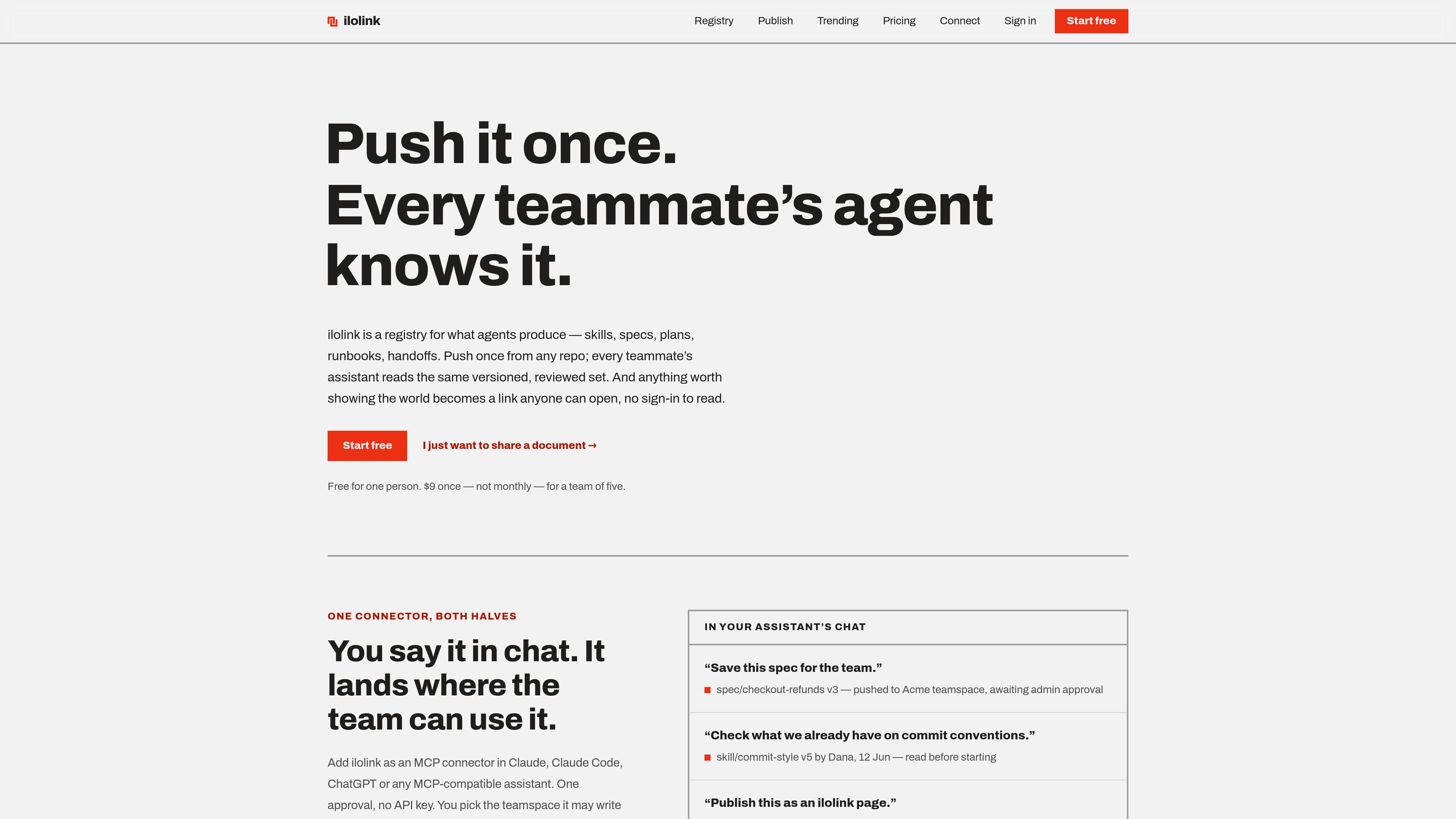
Store team artifacts such as skills, agents, specs, design docs, plans, workflows, handoffs, decisions, runbooks, and evals in one shared registry that teammates’ assistants can fetch by name.
Connect ilolink to Claude, Claude Code, ChatGPT, or another MCP-compatible assistant so it can publish documents, search published pages, and read or write team registry entries from chat.
Use ilolink when you want to send a proposal, spec, report, or handoff as a link rather than as an attachment. Readers can open it without logging in, and you can revise the page in place if the content changes.
Use the analytics when you need to know whether people opened a page, how far they got, and where they stopped. Heatmaps and comments make it easier to see which sections drew attention or confusion.
Store recurring guidance such as commit style, runbooks, or specs in the registry so assistants across the team read the same reviewed version. This is useful when you want consistent behavior across repos and sessions.
If your workflow starts in Claude, Claude Code, or ChatGPT, the MCP connector lets the assistant publish content as a live page and return the link, reducing copy-paste between the chat and the publishing surface.
Teams can use session transfers and other registry artifacts to preserve what was decided, what is still open, and what the next person should pick up. That is useful for long projects and shared operational work.
No. Anyone with the link can open a published document without signing in. Accounts are for people who publish and, in teamspaces, for invited teammates.
The site says ilolink can publish Markdown, HTML, PDF, DOCX, JSON, CSV, diagrams, and images. It also supports pasting content directly or uploading a file.
Yes. ilolink supports revising a document in place so the URL stays the same while the previous version remains available.
Teams can store shared artifacts such as skills, specs, plans, handoffs, runbooks, and other guidance in a registry that assistants can read and write through MCP. Some teams can require admin review before a member’s write becomes active.
The site states that each published document can be up to 15 MB. It also offers expiring links, but the exact expiry rules are not detailed in the provided source text.
Os dados de tráfego são apenas para referência.
| mai. | 0 |
|---|---|
| jun. | 0 |
| jul. | 0 |
As análises de tráfego ainda não estão disponíveis.
As análises de tráfego ainda não estão disponíveis.

openmarkdown.dev
OpenMarkdown é um editor Markdown local-first para macOS que mantém as notas como arquivos .md simples e permite a colaboração com agentes por meio de uma CLI, um servidor MCP e um plugin do Claude Code, sem transferir o conteúdo para um banco de dados ou workspace na nuvem.

pylar.ai
Pylar é uma camada governada de acesso a dados para agentes de IA, que expõe visualizações SQL como ferramentas MCP em vez de acesso direto ao banco.

routebase.dev
Routebase é uma plataforma de gestão do ciclo de vida de APIs que reúne design, simulação, testes, documentação, governança e monitoramento em torno de uma especificação viva. O servidor MCP integrado permite que agentes de IA trabalhem com APIs de acordo com as permissões da equipe.

www.lockinmcp.com
Bloqueador de distrações no sistema para assistentes de IA gerenciarem o foco no macOS, Linux e Windows.