
Studio editing controls
Edit text, layout, style, motion, media, and color grading through Studio’s inspector, with additional controls for specific elements.

AI-assisted video creation with web technology, Studio editing, and rendering tools.
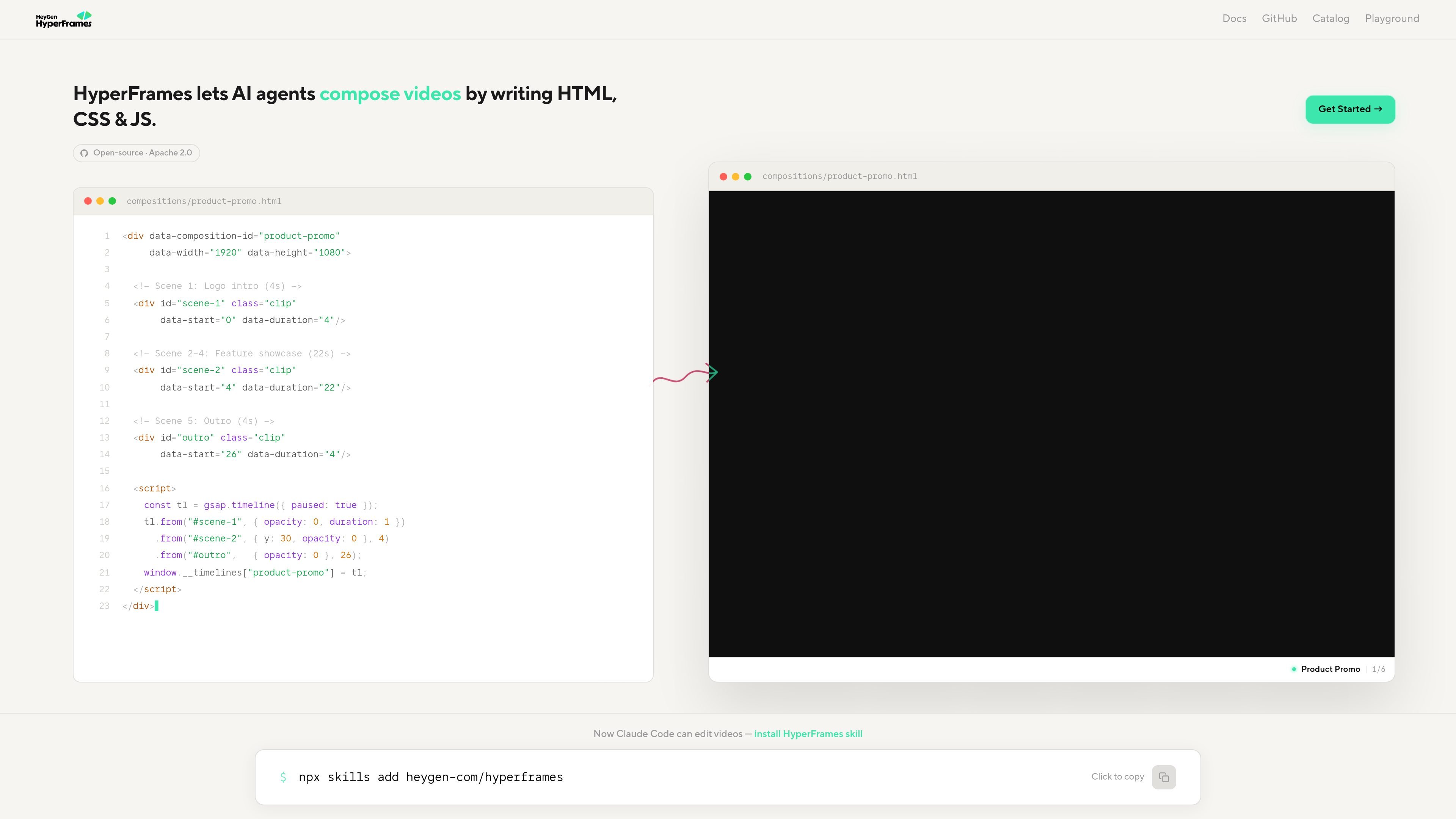
HyperFrames is a video creation system that lets AI agents build videos using ordinary web technology. Creators can start with a short request, a product URL, a script, or a brief, then continue developing the project through an agent, Studio, or the CLI.
Its documentation covers composed videos such as product promos, explainers, motion graphics, and code walkthroughs, alongside workflows for adding captions and graphic overlays to existing footage. Developer tools support automation, editing, playback, rendering, and generated compositions, giving projects a path from an initial prompt to an editable composition and rendered output.
Edit text, layout, style, motion, media, and color grading through Studio’s inspector, with additional controls for specific elements.
Studio and the render pipeline can automatically prepare preview versions of difficult video formats, including HEVC. Published projects can include prepared media, and projects can opt out of automatic proxying.
Lint and validation checks catch problems with seek order, hidden initial states, conflicting animation writers, relative values, and SVG drawing.
Review storyboards with human comments that inform the next agent pass, supported by handoff behavior and history navigation.
Prompt named components for captions, lower thirds, social overlays, code animations, charts, and maps. Guides explain how to specify timing, copy, styling, and emphasis.
Turn a product URL, launch script, or creative brief into a launch or promo video. The prompt guide also helps distinguish this workflow from a site tour.
Build a faceless explainer from an article, notes, or a topic, using composed visuals rather than captured footage.
Turn a GitHub pull request into a video explaining a feature, bug fix, refactor, or changelog, with code typing, diffing, highlighting, and scrolling.
Add readable captions or designed graphic overlays to an existing talking-head clip while leaving the underlying footage untouched.
Yes. The hosted HyperFrames MCP connector supports creating and rendering through an AI chat without installing the local CLI.
The documented design workflow accepts a Figma file or a design-tool draft, preserving its look while rebuilding the parts that need to move.
The guides distinguish beat-synced MP4 videos from navigable decks and describe motion graphics workflows for MP4 output or transparent overlays. The appropriate output depends on the chosen workflow.
Scaffolded projects can pin a HyperFrames version. The CLI supports checking a project before upgrading with `npx hyperframes@latest upgrade --project . --check`.
Os dados de tráfego são apenas para referência.

www.chushou.art
Chushou AI is an AI collaboration platform for animated short-drama creation, connecting ideation, screenwriting, storyboarding, video generation, editing, and release analysis on an infinite canvas for creators and teams.

steve.ai
AI video creation for creators and teams working with text, audio, and images

leonardo.ai
Generative AI tools for creating, editing, and upscaling images and video.

cascadeur.com
AI-assisted 3D character animation software for keyframe animation, mocap cleanup, and motion editing.