
Image-based visualization
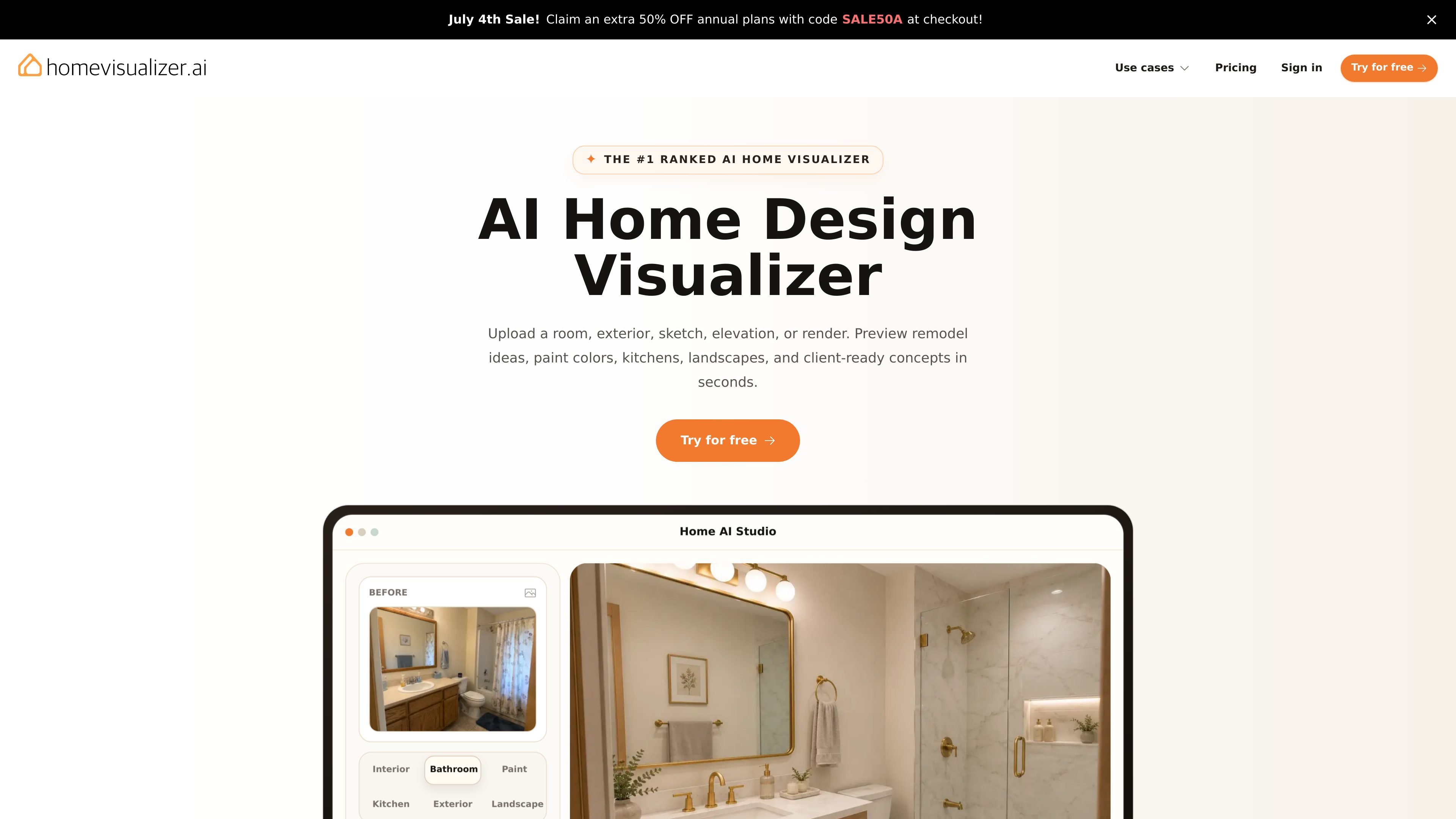
Upload room photos, exterior shots, sketches, elevations, or renders, then preview design changes in seconds. The product is built around turning existing project images into realistic concept visuals.

Pré-visualizações de design com IA para interiores e exteriores
Home Visualizer AI is an AI home design visualizer for turning real photos, sketches, elevations, and renders into preview images of interiors and exteriors. It supports room redesigns, paint color tests, kitchen updates, bathroom renovations, exterior curb appeal ideas, and landscape concepts from a single workflow.
The product is positioned for homeowners and design professionals who want to compare options before buying furniture, choosing finishes, or starting a remodel. Its main value is fast, realistic concept visualization without manual 3D modeling, measured floor plans, or complex setup.
Upload room photos, exterior shots, sketches, elevations, or renders, then preview design changes in seconds. The product is built around turning existing project images into realistic concept visuals.
Choose Auto, Custom, or Style Fusion depending on how much direction you want to give the AI. You can either let the system decide, control the prompt yourself, or work from curated references.
Preview interiors, kitchens, bathrooms, exteriors, landscapes, and concept visualizations in one product. The pages show separate workflows for room redesign, paint color previews, kitchen updates, exterior curb appeal, and outdoor planning.
Upload a room photo and compare styles before committing to a palette, material set, or remodel direction. The site also shows fused previews that combine a room photo with design inspiration or product references.
Use the paint visualizer to test real colors from major brands on walls, trim, doors, shutters, siding, and other surfaces. The product highlights surface detection and photorealistic previews for both interiors and exteriors.
Adjust specific parts of a room or exterior by describing targeted edits such as cabinet color, shelving material, or accent finishes. The product emphasizes preserving the rest of the scene while previewing directed changes.
Upload a room photo to preview furniture, lighting, decor, finishes, and layout direction before buying anything or starting a renovation. This is useful for living rooms, bedrooms, dining rooms, offices, and staging-ready spaces.
Test real paint colors on walls, trim, doors, shutters, or siding using a photo of an interior or exterior surface. This helps homeowners and painters narrow color choices before purchasing samples or starting work.
Preview cabinet colors, countertop materials, backsplash ideas, and finish combinations before a kitchen remodel. The product supports visualizing material choices in context rather than in isolation.
Show curb-appeal changes on front-of-house photos, including siding, trim, entryways, facades, and architectural details. This gives a quick visual for exterior refreshes without drafting a full model.
Turn sketches, elevations, or low-fidelity renders into polished concept images for presentations or early-stage planning. This is a practical fit for clients who need a clearer visual before detailed design work begins.
Yes. The pricing page says you can cancel anytime from the billing portal or by emailing support, and access continues through the end of the current billing period.
The pricing page says the Starter plan is intended for personal home planning, while Pro, Ultra, and Business include commercial use for client presentations and marketing materials.
The product supports uploads such as room photos, exteriors, sketches, elevations, and renders. The workflow then lets you choose a design mode or specific paint, interior, or material direction before generating a preview.
The paint visualizer page says it supports colors from major brands including Sherwin-Williams, Benjamin Moore, Behr, Dunn-Edwards, PPG, and Valspar.
No. The pricing page says unused renders expire at the end of each billing cycle and reset on the renewal date.
Os dados de tráfego são apenas para referência.

paintit.ai
Paintit.ai é uma ferramenta web de design de interiores com IA para redesenhar ambientes, exteriores e espaços comerciais a partir de fotos, predefinições ou prompts.

arcadium3d.com
Arcadium 3D é uma ferramenta web de design residencial 3D para criar plantas, layouts de cômodos e conceitos de interiores, com visualizações por AI e compartilhamento via URL.

archi.ai
Design de interiores e exteriores com IA a partir de fotos

foyr.com
Foyr Neo é uma plataforma em nuvem para design de interiores e planejamento residencial, com plantas, layouts 3D, renders, apresentações, ferramentas de IA e teste de 14 dias.

architectgpt.io
Ferramenta de design com IA para criar renders fotorrealistas e tours virtuais

planner5d.com
Design de casas e plantas com layouts 2D e visualizações 3D