
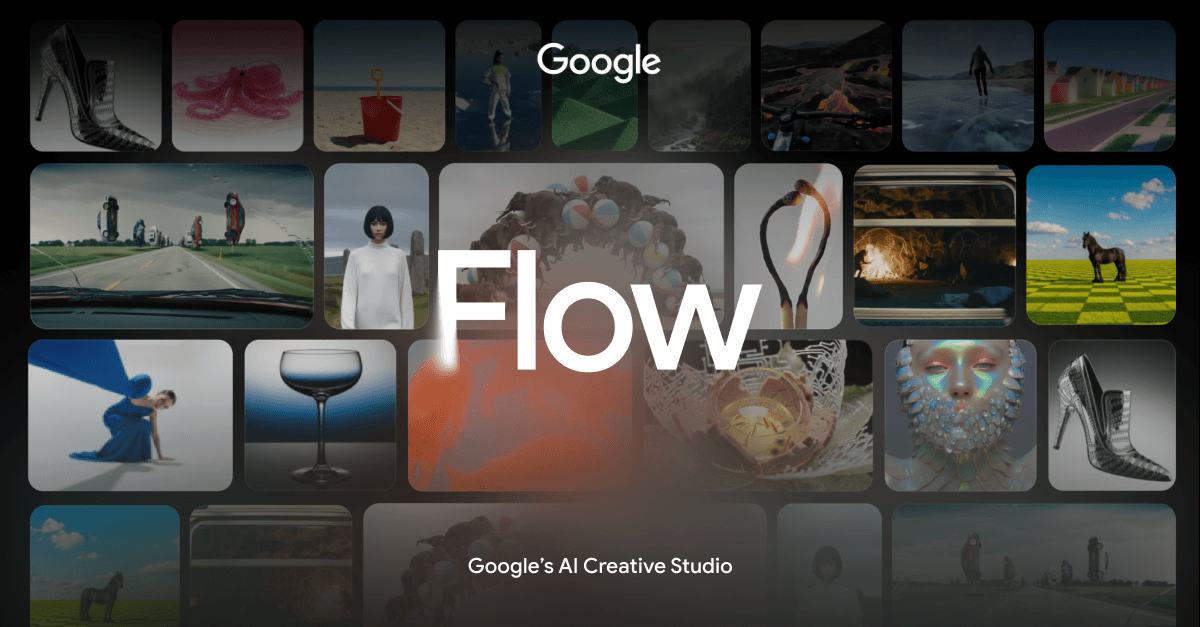
Multi-model image and video creation
Use Gemini Omni for creating and editing videos from real or generated references, Nano Banana for image generation and precise editing, and Veo 3.1 for video with expanded creative controls and native audio.

Google Flow is an AI creative studio for generating and refining images and videos with Google’s generative models. It also lets creators build, share, and remix custom tools for specific creative workflows.
Google Flow is an AI creative studio for planning, generating, and refining image and video projects. It combines Google’s Gemini Omni, Nano Banana, and Veo 3.1 models with a project canvas, natural-language editing, and an in-product creative agent.
Users can work from text, image, and video inputs, including real or generated references. Flow also provides a natural-language tool-building workflow for creating, sharing, and remixing utilities tailored to creative tasks. The site notes that features may vary by Google AI subscription tier, platform, and region.
Use Gemini Omni for creating and editing videos from real or generated references, Nano Banana for image generation and precise editing, and Veo 3.1 for video with expanded creative controls and native audio.
Describe iterative edits in natural language, adjust individual assets with professional controls, and scale changes across an entire project.
Combine text, image, and video inputs in an adaptable canvas for creating high-fidelity images and videos with Google’s generative models.
The Flow agent is described as an intelligent creative partner that uses Gemini’s capabilities and an understanding of the project to help users explore and iterate on ideas.
Build tools with natural language for workflows such as video effects, hand-drawn animations, and layering, then share or remix those tools directly in Flow.
The site lists tools including Type Overlays, Video Resizer, Image Editor, Storyboard Studio, Shader Effects, Mockup, Ribbit, Converge, Character X-ray, pixelBento, Grid Architect, and Scout360.
Start with an idea and combine text, images, and video references to explore visual directions on Flow’s canvas. The project-aware agent can help with iteration during the concept stage.
Use the listed Storyboard Studio tool to write a script, create a cast, and visualize a storyboard before producing more developed visual assets.
Use natural-language instructions and asset-level controls to revise images and videos, including changes that need to be applied consistently across a project.
Use Video Resizer to resize videos into different aspect ratios, or use Image Editor to transform objects, add text, and adjust image sizing with layers.
Describe a task in natural language, build a custom tool for it, and share or remix the result within Flow. The site gives examples such as effects, overlays, animation, and compositing workflows.
The site describes image and video creation, including high-fidelity outputs made from text, image, and video inputs. Gemini Omni, Nano Banana, and Veo 3.1 support different image and video generation or editing workflows.
Yes. Gemini Omni can create and edit videos from real or generated references, Nano Banana supports image generation and precise editing, and Flow provides natural-language and professional controls for iterative project refinement.
Yes. Flow supports creating tools with natural language for specific creative workflows. Tools can be shared and remixed directly in Flow, and the site lists examples such as overlays, storyboard creation, image editing, resizing, and visual effects.
The site specifically describes Veo 3.1 as supporting native audio. It does not provide further details about audio formats, controls, or export settings.
No availability guarantee is given. The site states that features may vary by Google AI subscription tier, platform, including web versus mobile, and region. The supplied pages do not specify plan names, quotas, or prices.

openvideomaker.com
OpenVideoMaker is an online workspace for generating AI images and videos with multiple models, prompts, reference media, and iterative creative tools. It supports workflows for short-form storytelling, social content, and product advertising.

picvo.ai
Picvo AI is a multimodal creative workspace for generating videos, images, music, and voiceovers from text and uploaded media. It brings multiple AI models into one credit-based platform for creators, marketers, filmmakers, and other teams producing media assets.

zeemo.ai
AI studio for creators making videos, images, voiceovers, music, and captions.

renderforest.com
An AI creative platform for making videos, images, designs, websites, and voiceovers.

clipfly.ai
An online AI platform for generating videos, images, and music, with media editing tools.

uwear.ai
AI product photos and videos for clothing brands, generated from existing garment images.