
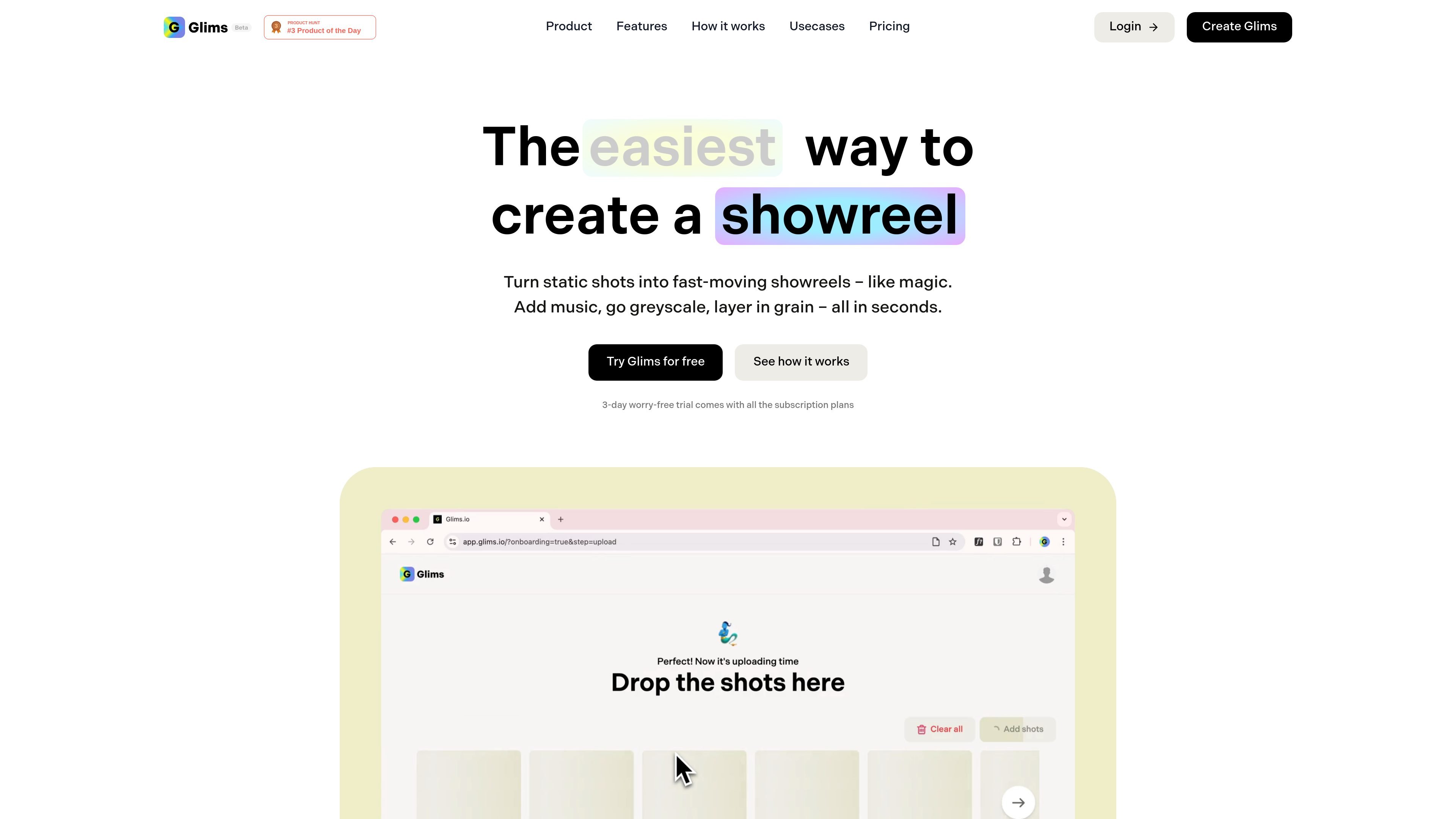
Static shots to showreels
Turn static shots into fast-moving showreels, montages, and portfolios, with a workflow aimed at getting from source material to finished output quickly.

Glims transforma imagens, clipes e criações do Figma em showreels, GIFs e vídeos no navegador.
Glims is a browser-based tool for turning static shots, photos, short clips, and Figma creatives into showreels, montages, GIFs, and short videos. The site positions it as a fast way to make work feel more animated without using a full video editor.
Its core job is simple: take creative assets and turn them into a more dynamic presentation with a small set of controls, including speed, aspect ratio, music, grayscale, and grain. The site also notes that processing happens locally in the browser, and that Figma sites currently support GIFs rather than direct video embeds.
Turn static shots into fast-moving showreels, montages, and portfolios, with a workflow aimed at getting from source material to finished output quickly.
Convert video to GIF and GIF back to video, while adjusting speed and aspect ratio for the format you need.
Add custom music to a video to shape the pacing and presentation of a reel or montage.
Apply simple visual treatments such as grayscale and grain to give the output a more stylized look.
Combine short video clips into one sequence, which supports short-form reels and mixed-media edits.
Process everything locally in the browser rather than on cloud servers, according to the site.
Create quick showreels from static shots, photos, or short clips when you want to present a project in motion without building a full edit from scratch.
Turn everyday photos or short clips into a more polished sequence for sharing personal highlights or moments.
Make static promos feel more active by combining clips, adjusting pacing, and adding music or simple visual treatments.
Animate creative assets from Figma, with the site noting that Figma sites currently support GIF output and may need embedding for video.
Use the tool for any creative asset that fits the browser workflow, especially when the goal is a quick animated presentation rather than complex editing.
Glims turns static shots, photos, short clips, and Figma creatives into showreels, montages, GIFs, and short videos. It is designed for quick output rather than a complex editing workflow.
The source describes Glims as working in the browser, with all video processing done locally and no cloud servers involved. That makes it a browser-based tool with privacy-focused local processing.
The site says you can try Glims for free and that a 3-day worry-free trial comes with all subscription plans. The pricing page included in the source does not list plan names or limits.
The site says Figma sites only support GIFs for now, so videos need embedding. Glims supports converting video to GIF and adjusting speed and aspect ratio for that workflow.
The site highlights showreels, montages, portfolios, social ads, personal moments, and other creative uses. It does not provide detailed team-collaboration features or export constraints beyond the Figma GIF note.
Os dados de tráfego são apenas para referência.