
Screen-based focus switching
A brief, sustained turn toward another display moves keyboard focus there and brings forward the last window used on that screen. It supports side-by-side, stacked, and laptop-plus-monitor arrangements.

Glance Switch é um app de barra de menus para macOS que usa a câmera do Mac e o rastreamento de cabeça e olhos no dispositivo para mover o foco do teclado para a tela, janela ou painel dividido compatível que você está olhando.
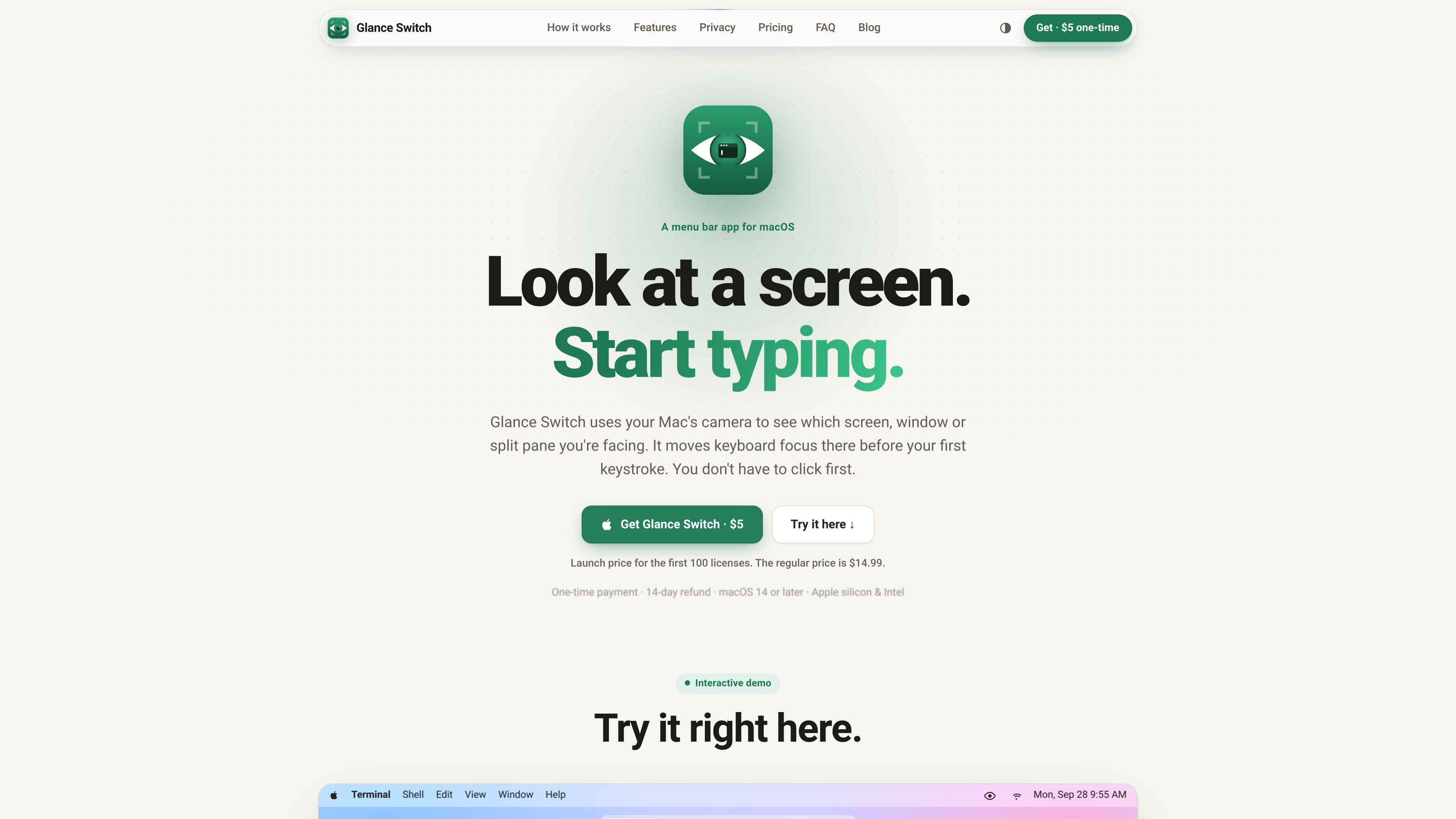
Glance Switch is a menu bar app for macOS that changes keyboard focus based on where you are looking. It uses the selected Mac camera and Apple’s Vision framework to estimate head and eye direction, then associates that direction with a display, window, or supported split pane. After a short settling delay, the intended destination becomes ready for typing without a preliminary click.
The app is aimed at workflows where attention moves frequently between screens or panes, such as coding, terminal work, and multi-monitor setups. It remembers the last window used on each screen, can bring the pointer to the selected display, and includes safeguards intended to prevent quick glances or active typing from moving focus unexpectedly.
A brief, sustained turn toward another display moves keyboard focus there and brings forward the last window used on that screen. It supports side-by-side, stacked, and laptop-plus-monitor arrangements.
On the same display, Glance Switch can focus the window or pane being viewed. Pane-level behavior is available for listed terminals, editors, and IDEs; browsers, chat, and documents are handled as whole windows.
A configurable delay helps ignore quick glances. Focus does not move while typing, and mouse or trackpad activity keeps control of focus during use and for a short period afterward.
A nine-point calibration teaches the app how each display appears from the user’s seat. Everyday clicks can improve its mapping, while recalibration is available when the screens, laptop, or seating position changes.
Camera frames are processed in memory on the Mac through Apple’s Vision framework, discarded immediately, and not recorded, saved to disk, or uploaded. The app supports a selected built-in or external camera.
Settings include switching and pane delays, head-turn sensitivity, a gaze dot, and a system-wide pause/resume shortcut. Tracking pauses when the Mac locks or sleeps.
Keep an editor on one display, a terminal on another, and supporting material elsewhere. Looking toward the destination display can restore its last-used window before typing.
Work with server output, Git commands, and build logs in separate panes. Glance Switch can focus the pane being read in supported terminal applications after a configurable delay.
Use pane- or window-level focus even without multiple monitors, reducing the need to click between an editor, terminal, and other development windows.
Move between documentation, chat, and work windows as whole-window destinations while preserving the app’s safeguards against focus changes during active typing.
Recalibrate after moving a laptop or monitor, with automatic compensation for changes in viewing distance during normal use.
Yes. It uses the Mac’s built-in camera or a selected external camera to estimate head and eye direction. The camera should face the user directly; the site notes that the built-in camera works best when the laptop is in front of you.
The app provides a calibration flow in which you look at nine positions on each screen in the way you normally sit. The site estimates about 20 seconds per screen. It can compensate for moving closer or farther away, but recommends recalibrating after moving the laptop or monitors.
The site lists iTerm2, Ghostty, Warp, kitty, WezTerm, Hyper, VS Code, Cursor, Windsurf, VSCodium, Zed, Sublime Text, Xcode, JetBrains IDEs, and Android Studio. Other applications are treated as whole windows. tmux panes remain managed with tmux controls.
According to the product site, frames are processed in memory on the Mac with Apple’s Vision framework and discarded immediately. It says that frames are not recorded, saved to disk, or uploaded, and that there is no account or analytics.
The homepage shows a $5 launch price for the first 100 licenses, a stated regular price of $14.99, a one-time payment, and a 14-day refund. The separate pricing URL supplied for the product was not available, so current availability of the launch offer should be verified at purchase.
Os dados de tráfego são apenas para referência.

toki.com
Toki é um assistente de calendário e organização de agenda com IA que transforma textos, notas de voz, capturas de tela e e-mails em eventos, lembretes e planos de tarefas, além de ajudar a coordenar reuniões. Ideal para pessoas, equipes e famílias com vários compromissos.

favenest.app
FaveNest é uma biblioteca privada para guardar e organizar links, notas, fotos e arquivos no iPhone, iPad e Mac. Sua biblioteca fica armazenada no seu iCloud e oferece busca, leitura offline e exportação. O FaveNest Pro também permite organizar com IA, opcionalmente no dispositivo ou usando sua própria chave.

www.conscioussai.com
ConscioussAI é um assistente de execução com IA para macOS, Windows, iOS e Android. Com sua permissão, ajuda a operar aplicativos, navegadores, arquivos, mensagens e fluxos de trabalho, transformando instruções e conversas em tarefas concluídas no celular e no computador.

kiwidesk.kiwicanopy.com
Um gerenciador de janelas em mosaico para Mac que organiza automaticamente as janelas abertas e oferece layouts, atalhos de aplicativos, perfis e movimentação de janelas com o mouse. Mantém a área de trabalho organizada sem redimensionar e posicionar cada janela manualmente.

browser.arunbrahma.com
Nook é um navegador minimalista para macOS que bloqueia anúncios e rastreadores, oferece modos de leitura e concentração e mantém os dados de navegação armazenados localmente por padrão. Foi criado para uma leitura mais tranquila, sem extensões, contas ou sincronização.

vitalsmac.com
Vitals é um monitor de atividade para macOS que agrupa processos auxiliares sob os respectivos apps, acompanha o uso de CPU, memória, disco, rede, GPU e bateria e mantém um histórico por app.