
Writing controls
Adjust writing styles, tone, creativity, and response length. Language translation is listed for Word PRO, Word Ultimate, Outlook, Excel, PowerPoint, and the specialized Word editions.

AI add-ins for writing, email, spreadsheet analysis, and presentations in Microsoft Office.
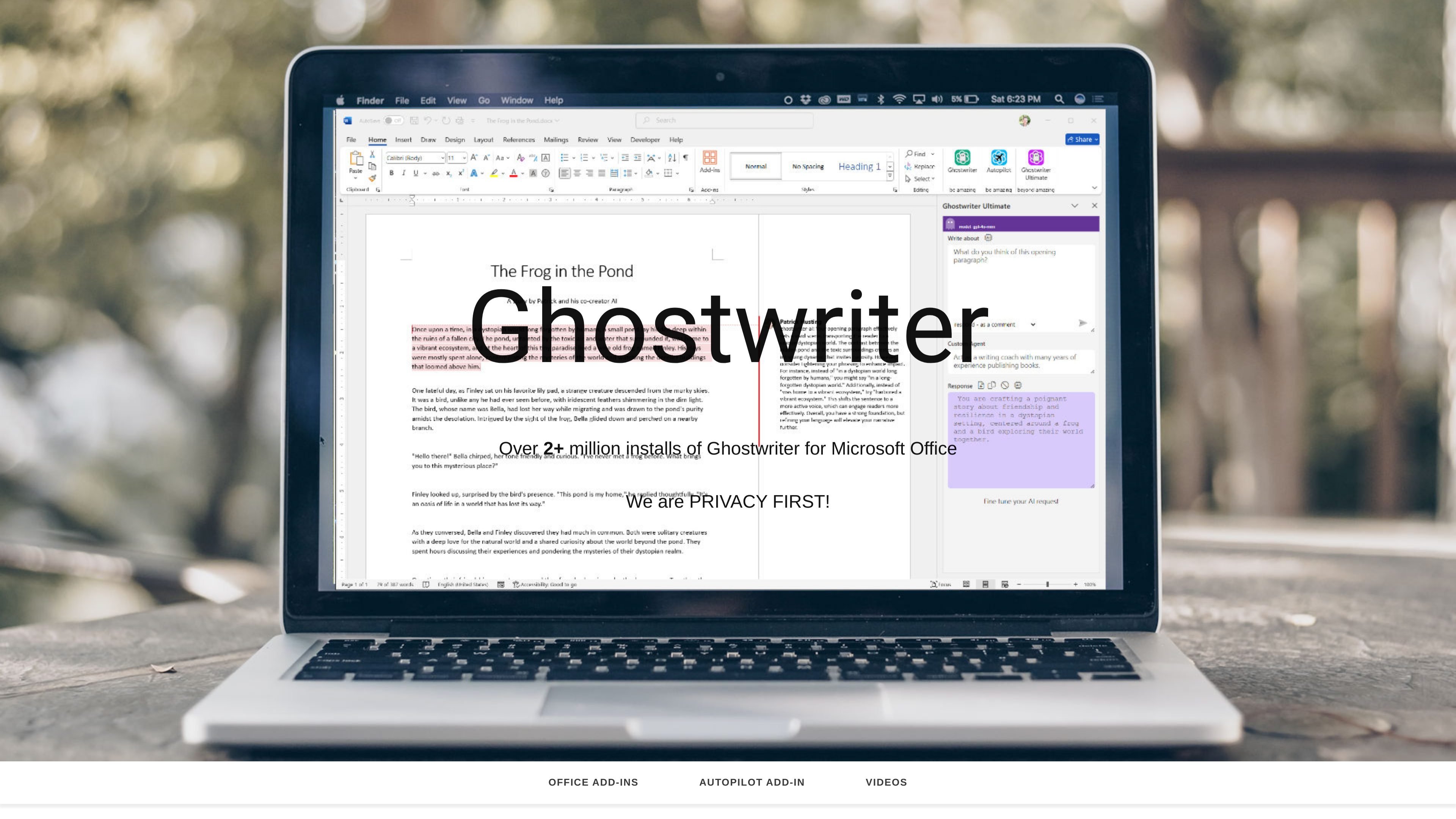
Ghostwriter is a family of AI assistants installed as Microsoft Office add-ins. It helps users brainstorm, plan, and create content within Word, Outlook, Excel, and PowerPoint. Separate editions serve general writing, email, spreadsheet, and presentation workflows, with specialized Word editions for authors and legal professionals.
The Word range includes Basic, PRO, and Ultimate editions with different prompt and editing tools. Individual add-ins and an Office Bundle are offered as one-time purchases with single-user product keys. Users can add their own API key to access models from OpenAI, Google Gemini, and xAI Grok.
Adjust writing styles, tone, creativity, and response length. Language translation is listed for Word PRO, Word Ultimate, Outlook, Excel, PowerPoint, and the specialized Word editions.
Quick Action prompts and role/persona presets are available in supported editions. Word PRO lists 50 agents/personas, while Word Ultimate lists 100; these are writing-role options, not a promise of autonomous workers.
Word Ultimate includes an interactive interface, reasoning models, an AI Prompt Writer, and inline editing.
Select a table in Excel and ask Ghostwriter to analyze it. The Excel edition also supports generating sample data.
The PowerPoint edition generates concise facts and bullet points for presentations, with controls for style, tone, and response length.
Author Edition provides publishing roles, writing project types, more than 50 genres, and more than 50 writing styles within a dedicated Word add-in.
Students can use Word Basic to brainstorm and develop coursework drafts, adjusting the style and length of the generated text.
People handling frequent correspondence can use the Outlook edition to create emails and prepare replies within their email workflow.
Aspiring authors can use Author Edition to explore writing projects and develop a manuscript with genre and publishing-role settings.
Legal professionals can use Legal Edition for drafting documents, researching case law, and summarizing complex information. It includes attorney roles, legal document types, and Ghostwriter for Outlook.
In Microsoft Office, select Get Add-ins from the ribbon, search for Ghostwriter, and click Add. Purchased editions use a product key; the website says keys should arrive about an hour after purchase.
The individual editions list Office 2021, Microsoft 365, and Office 365, along with Windows, Mac, web, and iPad support.
One-time prices are $50 USD each for Word Basic, Outlook, Excel, and PowerPoint; $100 for Word PRO and Author Edition; $150 for Word Ultimate; and $200 for the Office Bundle.
The bundle includes Excel, Outlook, PowerPoint, and Word PRO editions. It is listed with a single-user product key, as are the individual editions.
Use the relevant Microsoft Office application and provide your own supported model-provider API key. Ghostwriter’s one-time purchase is the single-user add-in license; arrange model-provider access separately.
Yes. Check drafts, email replies, presentation facts, and spreadsheet analysis against your sources. For Legal Edition, a qualified professional should verify legal content and case citations before relying on a draft. Generated text is a starting point, not a guarantee of legal or factual accuracy.
Os dados de tráfego são apenas para referência.
