
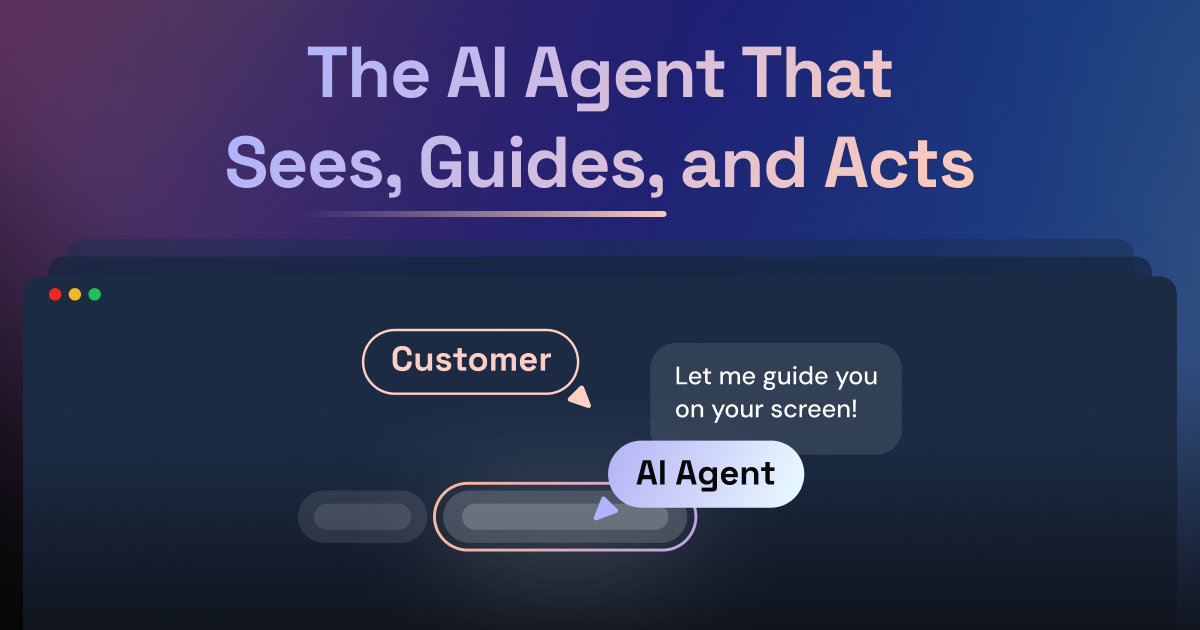
One-click cobrowsing from the helpdesk
Start a cobrowsing session in one click from a helpdesk ticket, then view the customer's screen live and interact with it in real time.

Cobrowsing e reprodução de sessões para equipes de suporte
Fullview is a cobrowsing and session replay platform for customer support teams. It combines live screen collaboration with automatic session recording so agents can understand what a customer saw, what they did, and where an issue appeared without asking for screenshots or repeated explanations.
The product is designed to fit inside existing support workflows. Agents can launch a cobrowsing session from a helpdesk ticket, review prior sessions with visual and technical context, and use those records to diagnose problems, escalate clearly, and move between replay and live help in one place.
Start a cobrowsing session in one click from a helpdesk ticket, then view the customer's screen live and interact with it in real time.
Every user session is recorded automatically so agents can review what happened before the ticket arrived and see where the customer got stuck.
Console logs, JavaScript errors, network errors, and failed API calls appear alongside the visual replay or live cobrowsing session.
Mask sensitive fields, restrict which pages are recorded, customize agent permissions, and control session access.
Connect directly with Zendesk, Intercom, Salesforce, and HubSpot to work from the ticket sidebar.
See session replays first, then escalate to cobrowsing when live help is needed, all in the same platform.
Support agents can open a live cobrowsing session from a ticket, watch the customer's screen, and guide them through steps without scheduling a call or asking the customer to share anything extra.
When a ticket arrives, teams can review the recorded session first to see the clicks, scrolls, errors, and console data that happened before the customer reached out.
Support and engineering teams can use the visual replay plus console and network data to isolate JavaScript errors, failed API calls, and other technical issues.
Agents can respond more precisely when customers are stuck on forms, settings, or navigation, because they can take control during a cobrowsing session and walk through the product together.
Teams can keep work inside their helpdesk by launching and linking sessions from Zendesk, Intercom, Salesforce, or HubSpot ticket sidebars.
Fullview provides cobrowsing, automatic session replays, console data access, and helpdesk integrations with Zendesk, Intercom, Salesforce, and HubSpot. Privacy controls and data masking are included at every tier.
Most teams are up and running within a day. The setup described on the site is to add a lightweight script to your web application, connect your helpdesk, and start cobrowsing and viewing replays.
Yes. Fullview integrates directly with Zendesk, Intercom, Salesforce, and HubSpot, and agents can start sessions from the ticket sidebar without leaving the helpdesk.
Fullview is SOC 2 and GDPR compliant, uses AWS hosting with EU or US region options, and supports masking sensitive fields, customizable agent permissions, and encrypted session data.
Pricing is based on team size and monthly session volume. The pricing page says both cobrowsing and session replays are included, and enterprise plans include custom SLAs, dedicated support, and advanced security features.
Os dados de tráfego são apenas para referência.

justcall.io
Plataforma de telefone e SMS com IA para equipes de vendas e suporte

gleap.io
Plataforma de suporte com IA e desenvolvimento autônomo para equipes de software

karumi.ai
Karumi AI é uma plataforma agentic de demonstrações que participa de videochamadas ao vivo para oferecer demos personalizadas, responder perguntas e encaminhar acompanhamentos ao CRM. Criada para equipes de vendas, suporte e treinamento que precisam de demos sob demanda e multilíngues.

brainfi.sh
Plataforma de agentes de suporte com IA para equipes B2B em chat, email, Slack, Teams e helpdesk

auralis.ai
Suporte de IA empresarial para atendimento, ITSM, ERP e equipes de campo

hypertype.ai
Agente de IA para equipes de suporte industrial, reduzindo tarefas repetitivas