
AI meeting notes
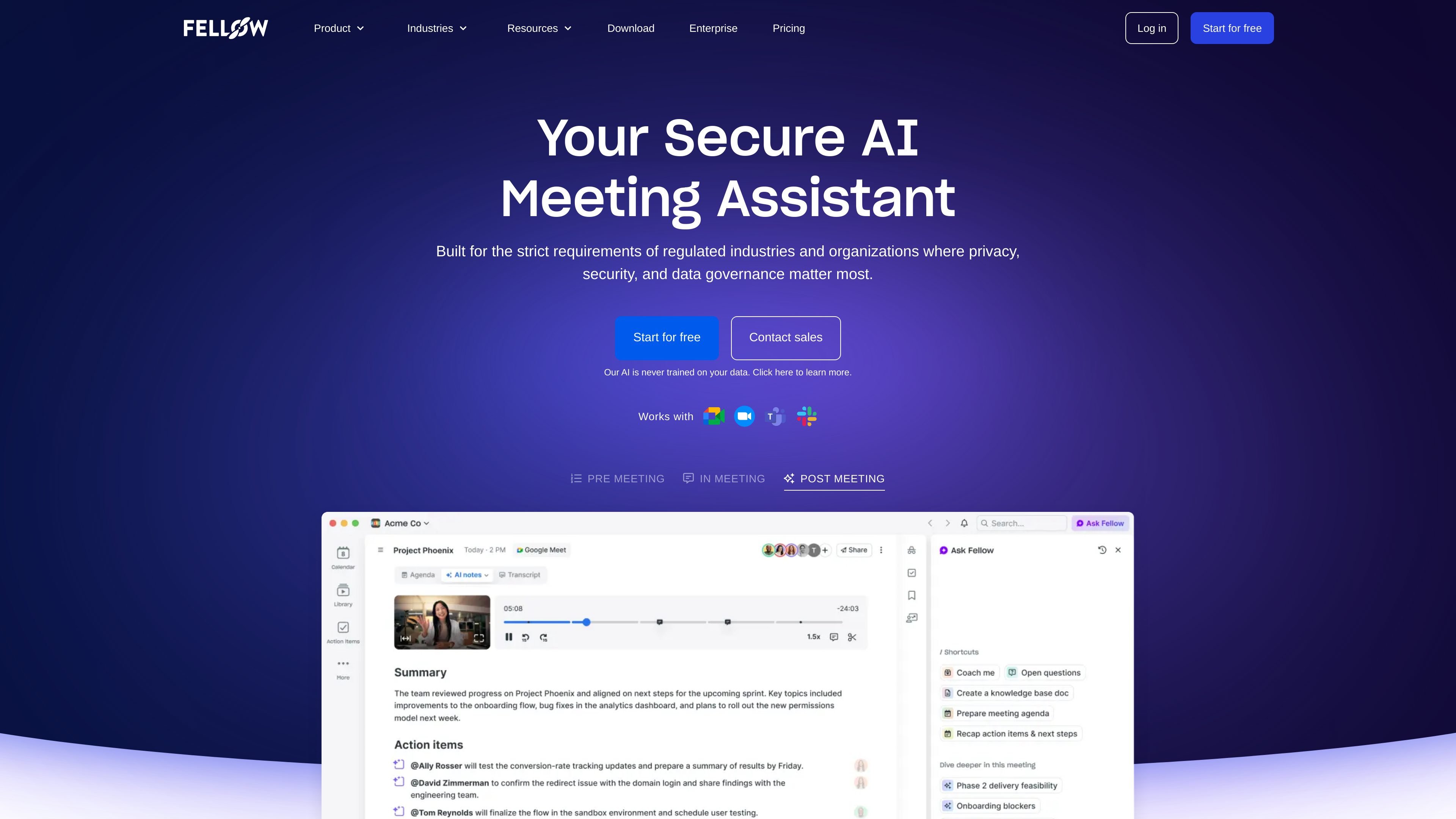
Capture meeting notes, summaries, transcription, and action items automatically so teams can focus on the conversation rather than manual note-taking.

Fellow é um assistente de reuniões com IA que grava, transcreve, resume e organiza reuniões de equipes. Ele oferece controles de privacidade, armazenamento centralizado, atualizações de CRM e geração de acompanhamentos.
Fellow is an AI meeting assistant and notetaker for teams that want recordings, transcriptions, summaries, action items, and searchable meeting insights in one workspace. It works with common meeting platforms and also supports botless recording, centralized storage, and controls for who can record or view content.
The product positions privacy and governance at the center of the workflow. The site says Fellow never trains its AI on your data, and its privacy controls include recording policies, disclosure emails, pause and resume recording, and transcript redaction. Pricing is available through Free, Team, Business, and Enterprise plans, with higher tiers adding broader workspace and admin capabilities.
Capture meeting notes, summaries, transcription, and action items automatically so teams can focus on the conversation rather than manual note-taking.
Ask Fellow questions about meetings you can access and use the answers to generate documents, follow-up emails, memos, or CRM updates.
Keep recordings and recaps in a centralized library while controlling who can access them with privacy and sharing settings.
Sync meeting insights to Salesforce and HubSpot, with field suggestions based on what was discussed so CRM records stay current.
Set recording rules, send disclosure emails, pause and resume recordings, and redact sensitive content from transcripts and outputs.
Review meeting activity across the organization with analytics that track meetings for the whole workspace and individual teams.
Use Fellow to capture meeting notes, summaries, and action items automatically during recurring team meetings so people can stay engaged in the discussion.
Use recording rules, disclosure emails, pause/resume, and redaction when meetings contain sensitive information or need tighter governance.
Keep meeting recaps, recordings, and access permissions in one place when a team wants centralized visibility without opening everything to everyone.
Sync meeting insights into Salesforce or HubSpot and use suggested fields to reduce manual CRM updates after sales conversations.
Ask Fellow questions about meetings you have access to, then turn the answers into documents, memos, or follow-up emails for faster execution.
Fellow records meetings with AI notes, transcription, summaries, and action items. The source pages also describe Ask Fellow, which lets you query meetings you have access to and turn those insights into documents, follow-ups, memos, or CRM updates.
The pricing page shows a Free plan, a Team plan, a Business plan, and an Enterprise plan. Free includes limited AI notes and recordings, while paid plans add higher or unlimited usage and more workspace controls.
Fellow is designed to work with Zoom, Google Meet, Microsoft Teams, Slack huddles, and Webex, with botless recording called out on the product site. The pricing page also lists Google Meet, Zoom, MS Teams, and Slack integrations, plus additional integrations on higher plans.
The source describes privacy controls such as recording rules and policies, recording disclosure emails, pause and resume recording, and transcript redaction. It also states that Fellow never trains its AI on your data.
The pricing page shows that some capabilities depend on plan level, such as meeting automations, project management integrations, advanced CRM integration, workspace analytics, and advanced recording permissions. Enterprise is the highest listed tier and adds org-wide controls and security review-related features.
Os dados de tráfego são apenas para referência.

claap.io
Claap grava e transcreve chamadas de vendas, transformando conversas em atualizações de CRM, follow-ups e insights para coaching.

getfuzzy.ai
Fuzzy AI é uma plataforma de social selling no LinkedIn e AI SDR que ajuda as equipes a transformar o engajamento em reuniões agendadas. Ela oferece suporte a pesquisa, prospecção personalizada, conteúdo e follow-up, com revisão das mensagens antes do envio.

spiky.ai
Coaching de vendas e inteligência de reuniões para equipes de receita

caret.so
Caret é um assistente de reuniões com AI que fornece respostas em tempo real durante as chamadas, ajuda você a se preparar com o contexto do calendário, e-mail e CRM e automatiza o trabalho de acompanhamento após as reuniões.

www.clarify.ai
CRM com IA que automatiza revisões do pipeline, roteamento de leads, acompanhamentos e atualizações de dados.

karumi.ai
Karumi AI é uma plataforma agentic de demonstrações que participa de videochamadas ao vivo para oferecer demos personalizadas, responder perguntas e encaminhar acompanhamentos ao CRM. Criada para equipes de vendas, suporte e treinamento que precisam de demos sob demanda e multilíngues.