
AI portrait restoration
Use an existing old or blurry face photo as input and generate a restored version with an AI model.

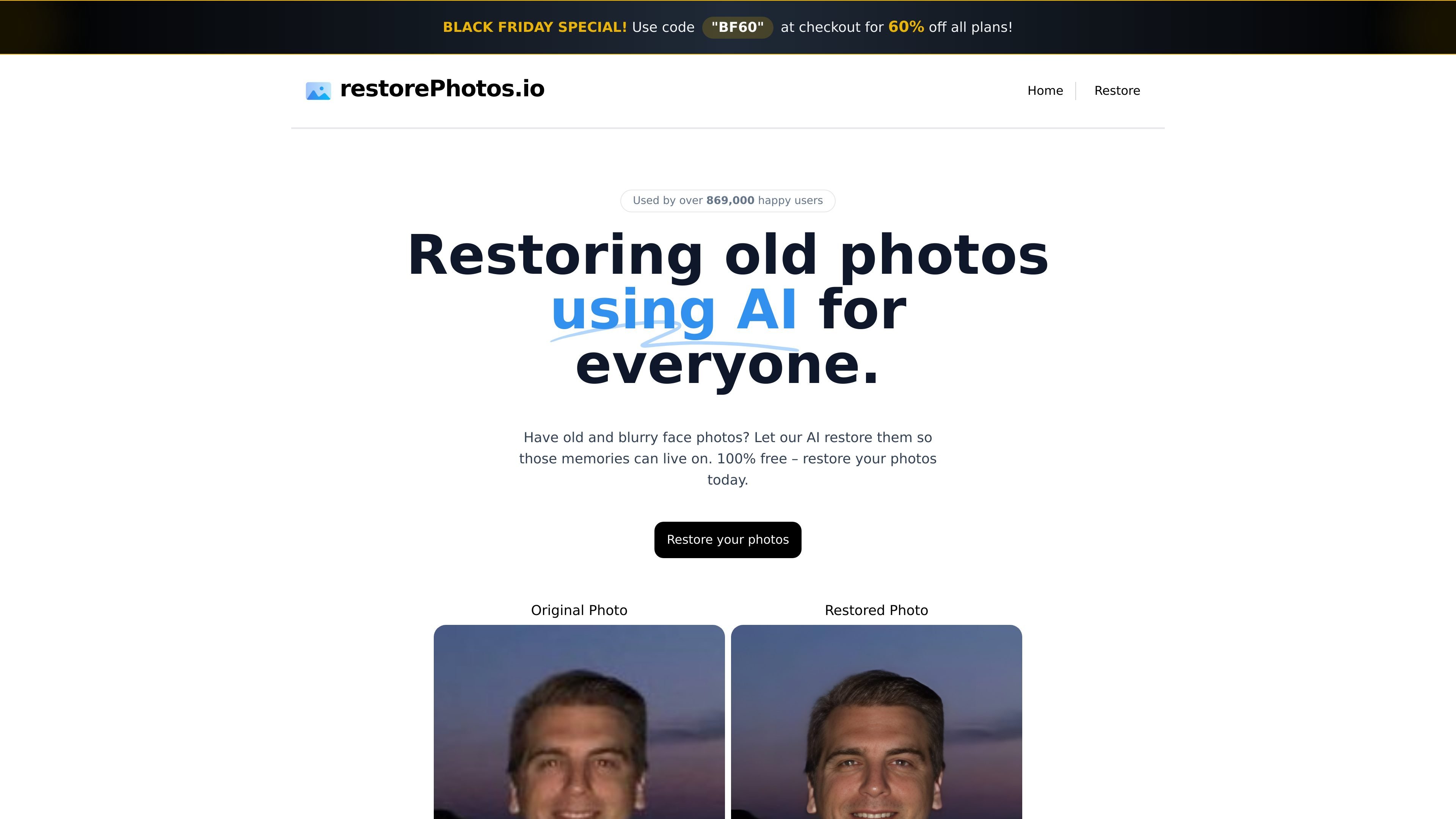
Restore old or blurry face photos with AI, then compare the result with the original.
Face Photo Restorer, available at RestorePhotos.io, is a browser-based tool for restoring old and blurry portraits with AI. Upload a face photo through the restoration workflow to produce a restored version, then inspect the result alongside the original.
The tool focuses on faces rather than a complete manual photo-editing suite. Use the result as a candidate restoration and check whether the changed facial details still look appropriate for the person in your photo.
Use an existing old or blurry face photo as input and generate a restored version with an AI model.
Use the Side by Side and Compare views in the restoration interface to inspect the original and restored photos.
Open the restoration page in a browser and follow its photo-upload flow, without setting up a desktop editor.
Prepare a candidate restoration of a personal portrait, then compare the facial details with the original.
Try restoration on a blurry portrait and inspect the changes before choosing how to use the result.
Compare both versions instead of assuming generated detail faithfully reproduces the original photograph.
The tool focuses on old and blurry face photos. Use a portrait with a face you want to restore; it is not presented as a full manual editing suite.
Open the restore page, upload your photo through the available flow and inspect the restored result. The application processes the image with an AI model and returns a restored version.
The restoration interface offers Side by Side and Compare views. Inspect facial details and compare them with the source photo before deciding whether to use the output.
Treat the result as an AI restoration and review it. A changed or sharper-looking face is not proof that every detail matches the original photograph or person.
Os dados de tráfego são apenas para referência.