
Photo culling
Tools help photographers identify preferred images from a shoot before editing, reducing time spent sorting large sets.

AI photo-editing software for photographers, with culling, retouching, batch editing, and delivery tools.
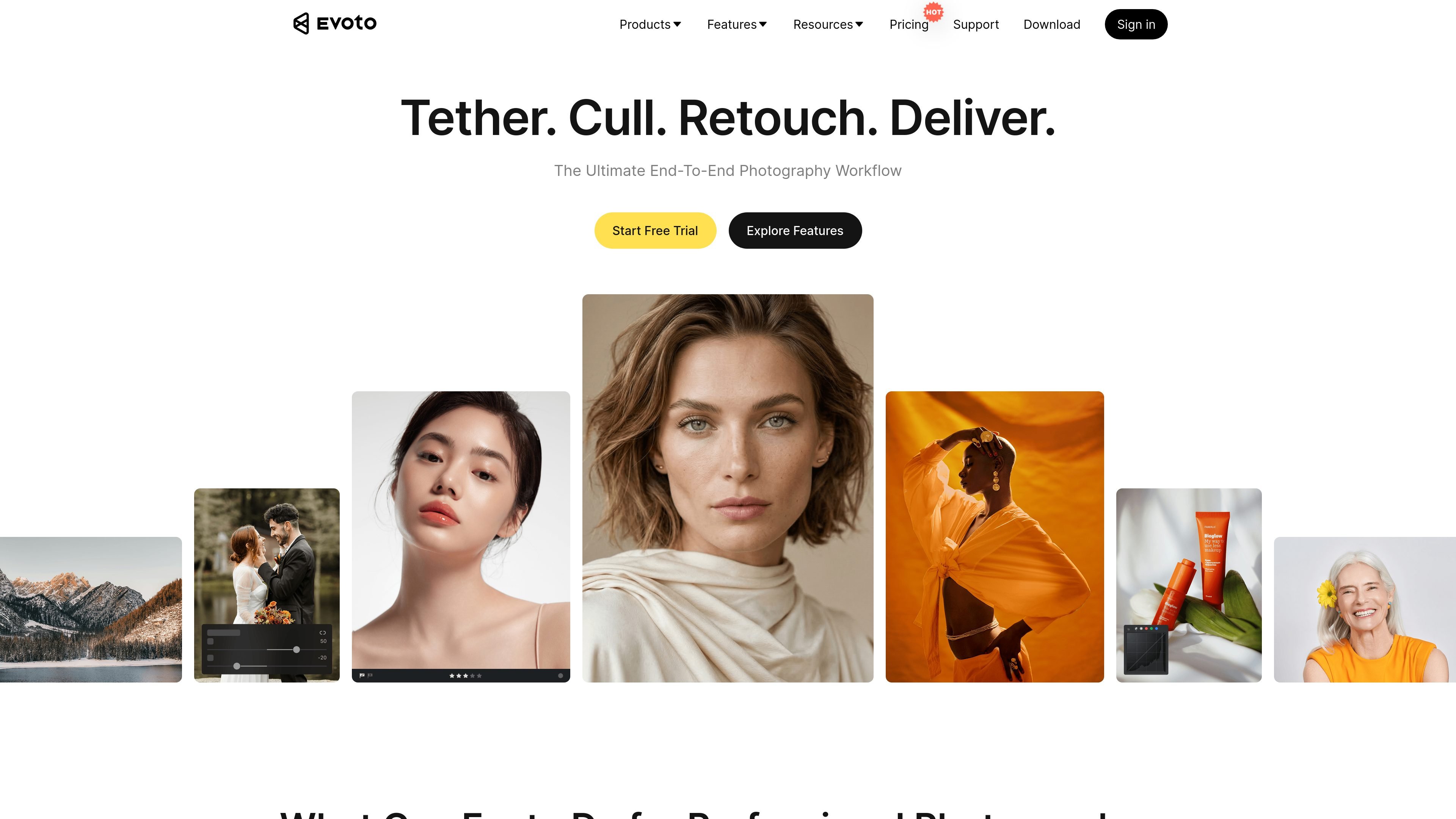
Evoto is AI photo-editing software for professional photographers. It brings photo culling, color grading, portrait retouching, background and clothing adjustments, batch processing, and gallery sharing into a connected workflow. Photo-editing options include desktop, iPad, mobile and browser-based experiences; feature access depends on the selected offering and plan. Its core purpose is to reduce repetitive post-production work while giving photographers control over image adjustments.
Tools help photographers identify preferred images from a shoot before editing, reducing time spent sorting large sets.
Retouch individual faces with skin-smoothing and blemish-removal controls. Review the result and adjust the treatment to preserve the subject’s appearance and visible skin texture.
Adjust body proportions and facial features with targeted controls, including sliders for neck, arms, waist, hips, legs, face shape, eyes, brows, nose, and lips.
Apply an edit across multiple images to maintain consistency and reduce repetitive adjustments on a set.
The workflow includes color grading and tools for adjusting image backgrounds, with AI color adjustments listed among the plan features.
Supported Evoto offerings include tethered shooting, auto import and export, and gallery sharing. Choose the app and plan that provide the capture and delivery features you need.
Cull a full event, establish a consistent color treatment, retouch portraits, and batch-apply edits across the delivered set.
Retouch individual subjects and apply repeatable adjustments across a series of portraits produced in a studio session.
Use targeted face and body adjustments, alongside background tools, to meet a project's chosen visual direction.
Process large groups of images with culling and batch editing to shorten repetitive post-production steps.
Use the iPad or mobile app offerings to work on images away from a desktop setup.
Evoto has desktop, iPad, mobile app and browser-based photo-editing options. Desktop supports macOS and Windows. Feature access depends on the specific offering and plan.
Yes. Apply an edit across multiple images for a consistent starting treatment, then review individual photos before delivery.
Annual subscriptions include credits, and pay-as-you-go credit packages are also available. Eligible new accounts can take one seven-day trial. Basic color adjustments, cropping and file management remain free; advanced AI editing and exports use credits.
For annual subscription renewals, unused credits can roll over up to five times the credits in the new package. A 30-day renewal grace period applies. Pay-as-you-go credits have a separate two-year expiry; they do not use the annual subscription rollover rule.
Most advanced features cost one credit per exported image. Some AI generative tools cost more, with the amount displayed before use. A credit-free action within a plan does not mean every advanced feature or export is free.
Os dados de tráfego são apenas para referência.

filterpixel.com
AI photo culling and editing software for event photographers working to deadlines.

polarr.com
AI-assisted photo editing, reusable filters, and selective adjustments across mobile and desktop photo tools.

photoeraser.app
AI photo editing for erasing unwanted objects, removing backgrounds and enhancing images.